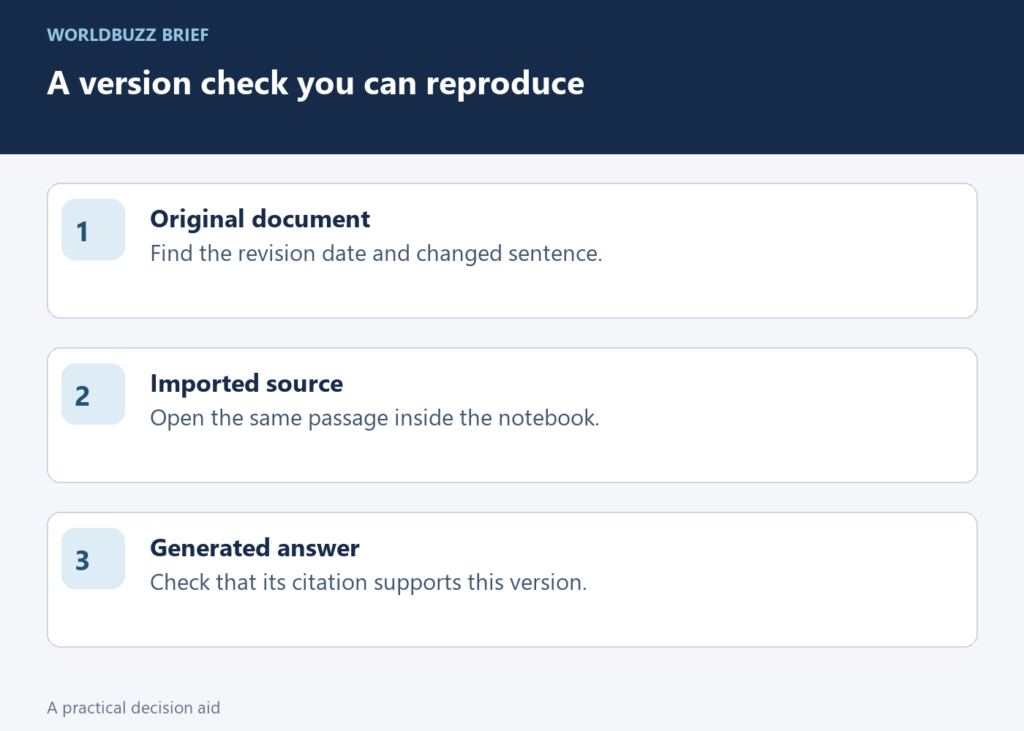
A precise-looking answer can still describe yesterday’s document. Before improving the prompt, check which version actually entered your AI notebook. The difference matters when a meeting time, application deadline or eligibility rule changes: a correct summary of the wrong file is still the wrong answer for today’s decision.
Name the change you expect the notebook to see
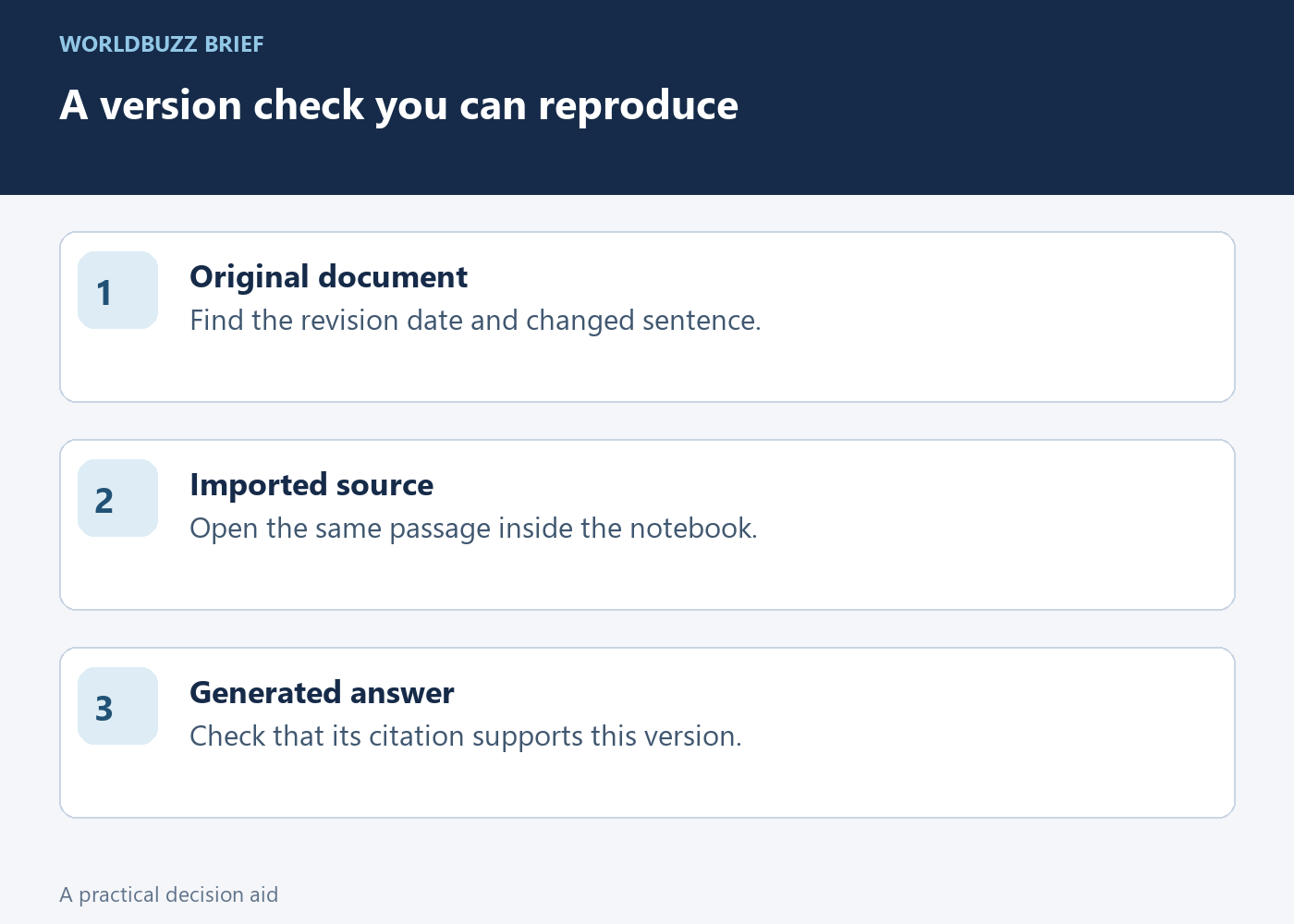
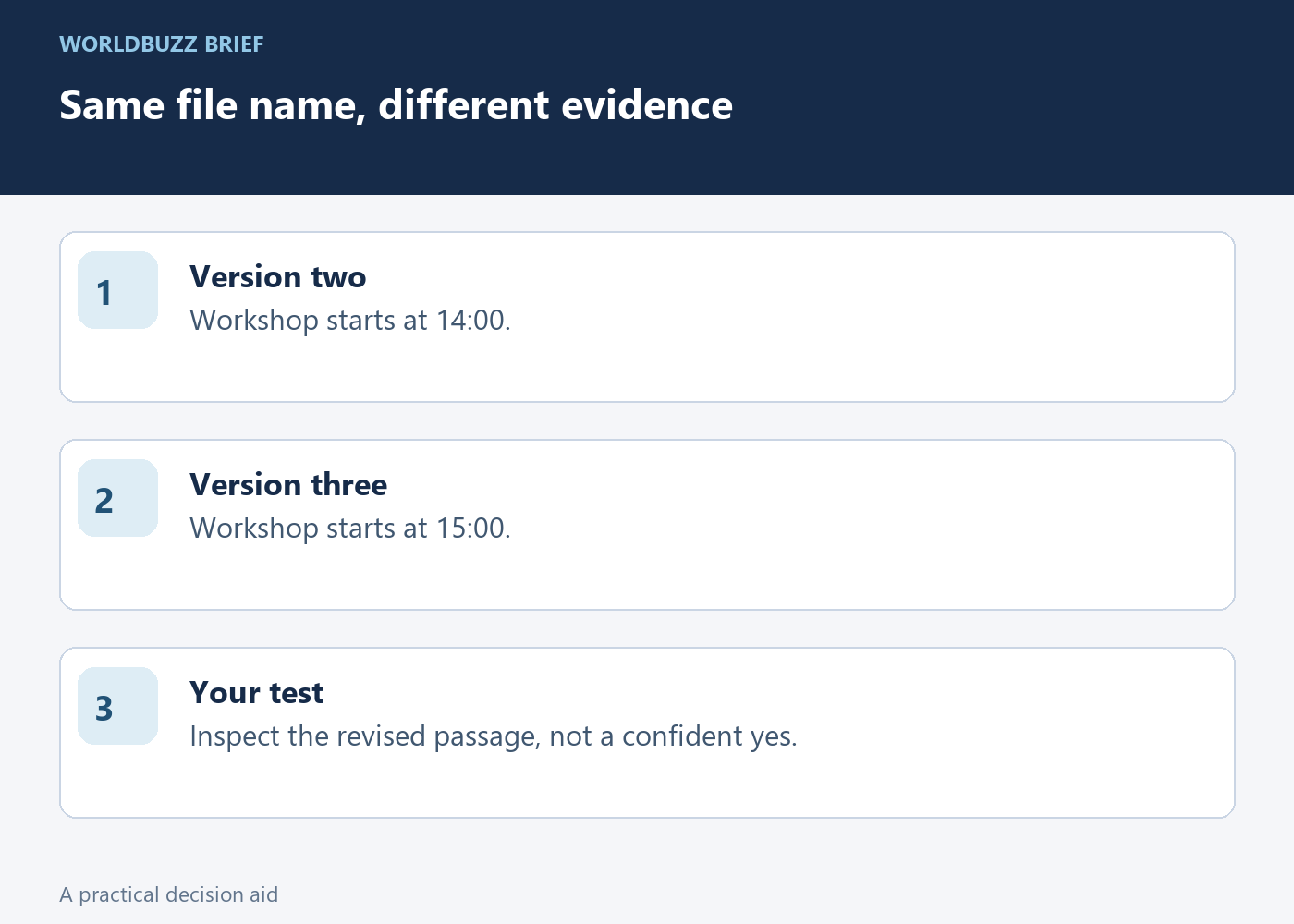
Use a small example you can inspect without sensitive data. Imagine a club schedule whose version two says the workshop starts at 14:00 and whose version three says 15:00. Keep the revision date visible inside the document, not only in its filename. Your first check is whether the notebook’s source viewer contains the revised time.
Ask a narrow question about that specific field and open the supporting passage. Do not ask the model whether it is “up to date” and treat a confident yes as evidence. The changed sentence itself is a better test. Record the source title and revision date beside the answer so another reader can reproduce what you checked.
Distinguish a file copy from a connected source
Google’s current source-import guidance distinguishes copied sources from auto-synced ones. For supported Google Drive imports, it describes updates every few minutes when the notebook is open and a manual sync option. That means the old blanket advice that every imported source stays frozen is not an adequate description of the current product.
A PDF you exported and uploaded is still a particular file. Editing the original working document elsewhere does not prove that this uploaded copy contains the change. Check the source type, then inspect the actual imported passage. If necessary, replace the outdated copy deliberately and make sure your next question is using the intended source selection.
Check what did not enter the notebook
A document can be the right version while still missing the part that carries your qualification. The same guidance says Google-file comments and footnotes are not imported, ordinary webpage imports use page text rather than embedded media, and a YouTube source imports its transcript. These boundaries change which questions the source can support.
Suppose the workshop’s changed time appears only in a comment attached to the old schedule. A summary that repeats the visible document text may not resolve that disagreement. Move the approved change into the authoritative document through your normal editing process, or supply a separate approved source. Do not ask the model to invent a reconciliation between material it has and material it never received.
Keep a compact version check with the finished answer
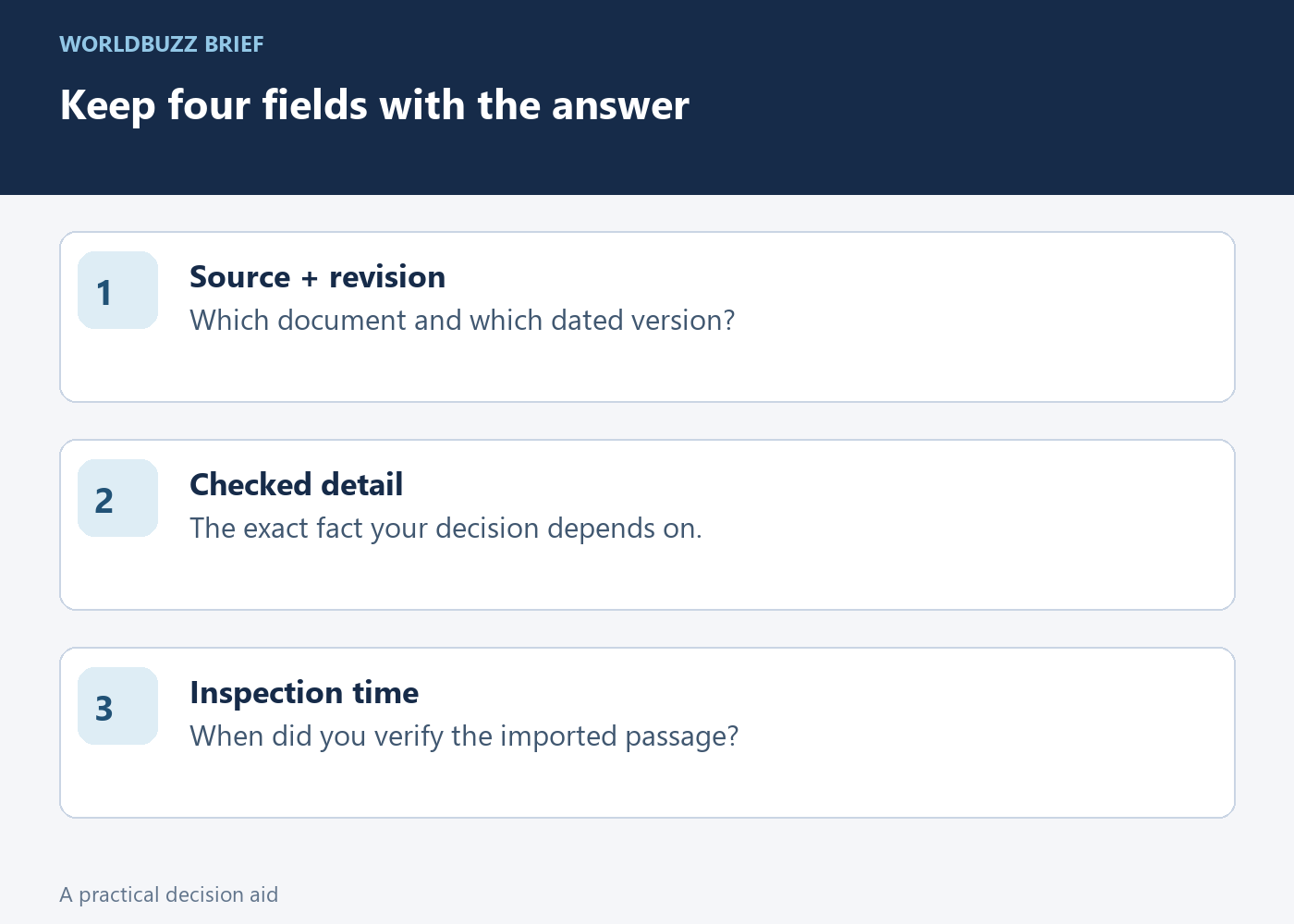
For a reusable note, save four fields: source name, revision date, the checked detail and the time you inspected it. In the fictional schedule example, that might read “Schedule v3; September 29; workshop 15:00; checked before sending invitations.” This is a record of your check, not a guarantee that nobody will edit the source afterward.
If the source changes again, repeat the narrow comparison before reusing the generated answer. You do not need to regenerate a large report to verify one revised time. The valuable habit is connecting each decision to the version that supports it, especially when an older answer remains conveniently available in the chat history.