A notification summary can help you decide which conversation to open. It is a poor place to settle a changed meeting time, an exception to a rule or a request that depends on who said it. Before acting, open the underlying message and look for the exact detail that changes your decision.
On supported iPhones, Apple Intelligence can condense long or stacked notifications. Apple’s notification-summary guide also describes separate priority-notification and Reduce Interruptions features. Summarizing a message, moving it higher in a stack and deciding whether it interrupts you are different operations.
Try a three-line reading check
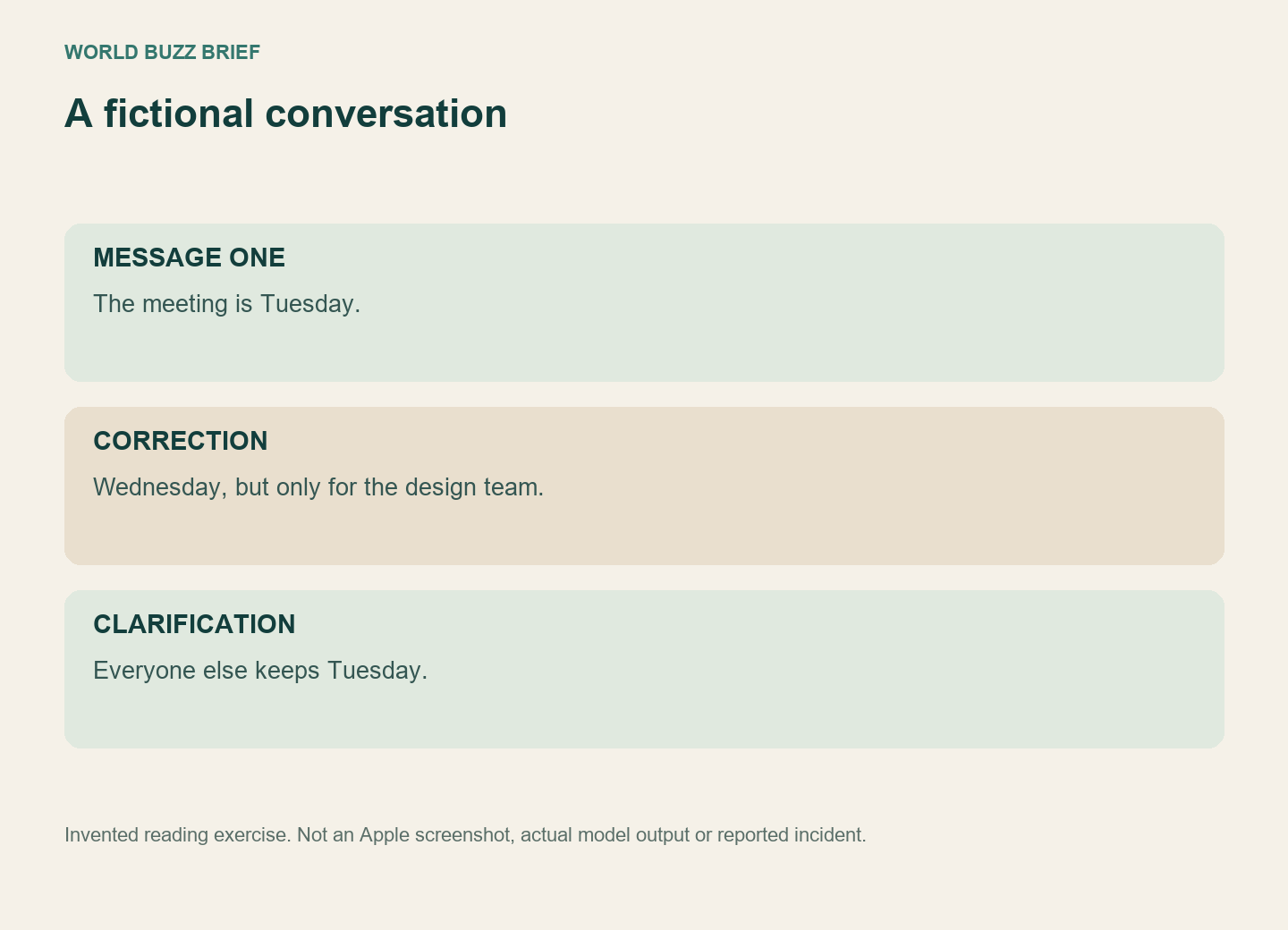
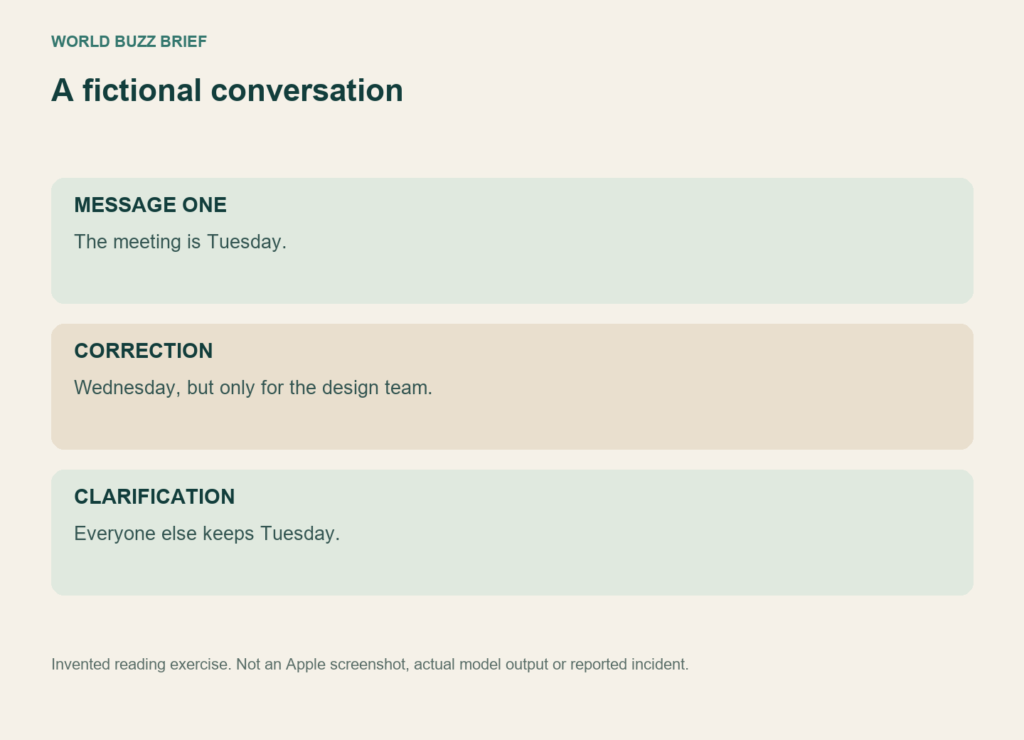
Consider this fictional exchange: “The meeting is Tuesday.” Then: “Correction: Wednesday, but only for the design team.” Finally: “Everyone else keeps Tuesday.” A short description such as “Meeting moved to Wednesday” would preserve one date while dropping the group restriction.
This is not a prediction of what a particular phone will generate. It is a test of what you need to retain when reading any condensed account. The useful answer depends on which team you belong to and which message corrected an earlier one. A summary that names a date is not necessarily enough to put that date in your calendar.
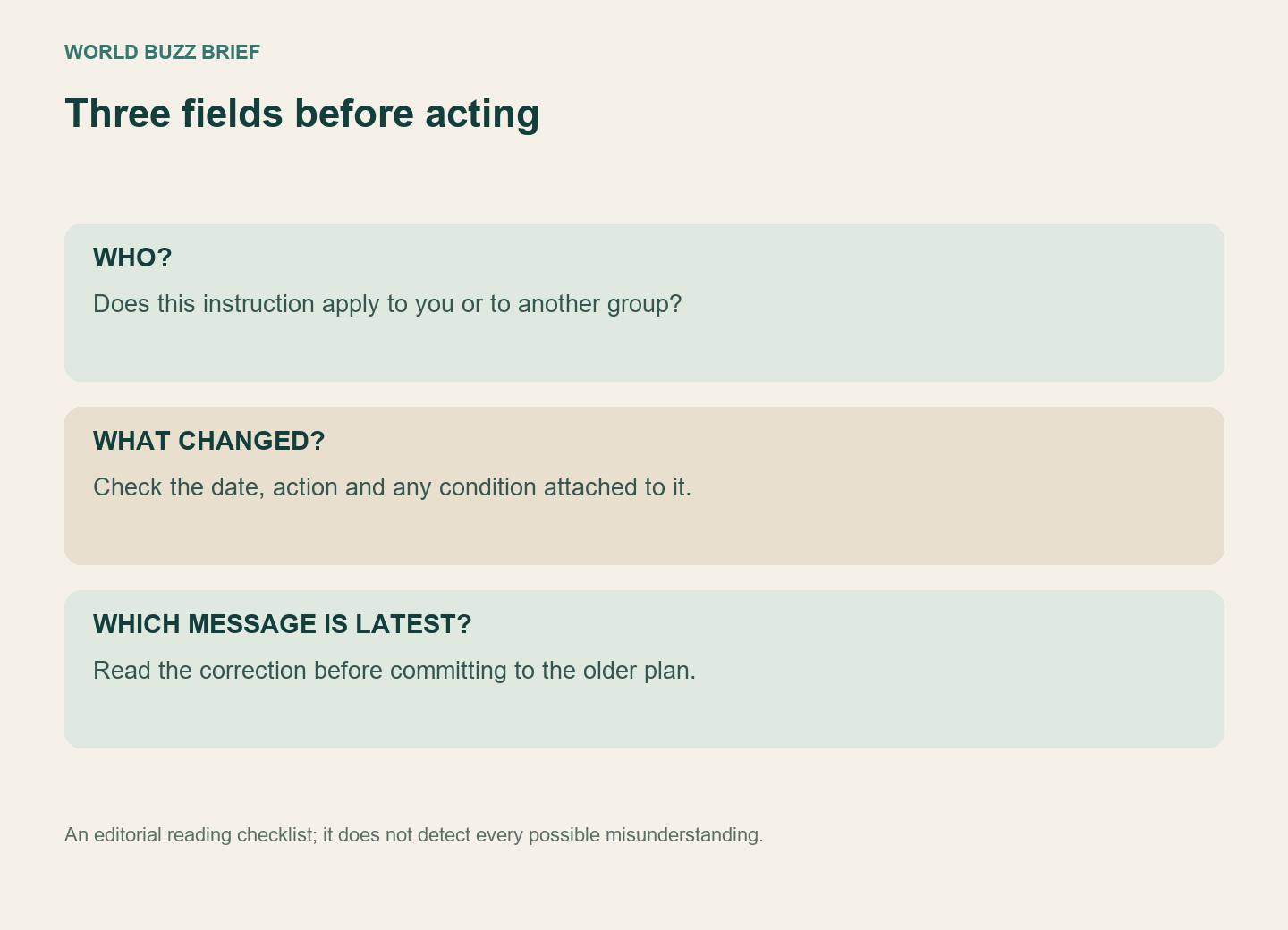
When a message changes a plan, check three fields in the original: who it applies to, what changed, and whether a later message changes it again. This is our reading checklist, rather than a product feature or a claim that those three fields detect every error.
Open the conversation before replying to its summary
Apple’s notification instructions explain how to expand a summarized notification to view the full text. For a decision that matters, continue into the source app and read the relevant conversation. That also gives you a chance to distinguish a quoted remark from the sender’s own request.
Words such as “unless,” “not,” “only” and “after confirmation” deserve particular attention. In the invented meeting example, the date is easy to notice and the exception is easy to miss. For a travel arrangement, the crucial detail might instead be that a pickup time is provisional. Make the response match the original request, not your memory of the shorter preview.
If the original remains ambiguous, ask the sender a focused question: “Does Wednesday apply to our team?” That resolves a missing condition more directly than repeatedly asking a summarizer to rephrase the same incomplete information.
Choose where the convenience is worth using
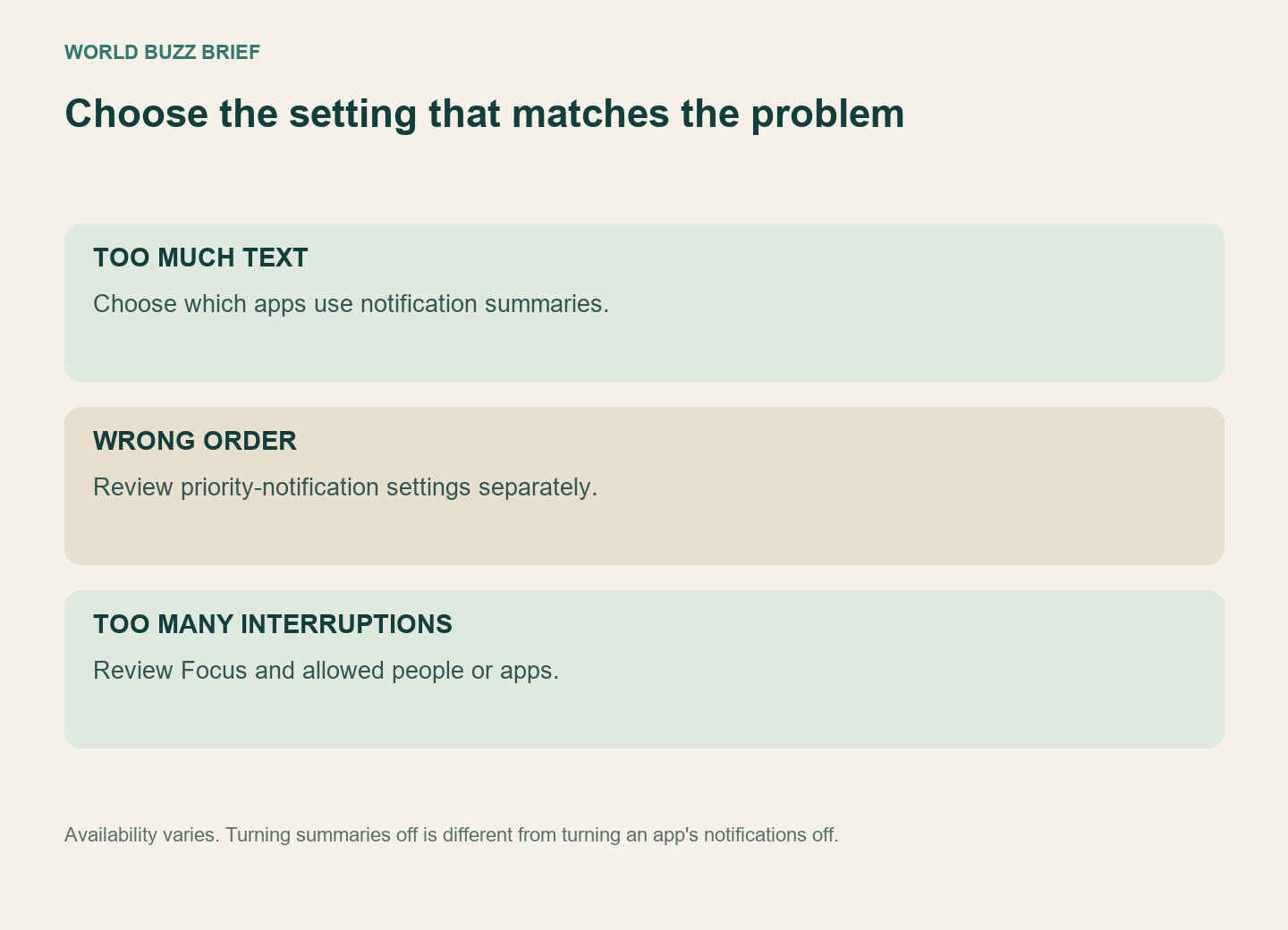
In Settings, open Notifications and then Summarize Notifications. Apple’s guide provides an overall switch and per-app choices. You can keep summaries for a busy casual chat while excluding an app whose exact wording you prefer to read. Availability depends on the device, language, region and software version; these controls are not present on every iPhone.
Turning summaries off is different from turning the app’s notifications off. Likewise, if the problem is when alerts appear, inspect priority and Focus settings separately. Decide whether you want less text, fewer interruptions or a different order before changing a setting.
A useful personal rule is to let a summary choose your next reading step. Let the original message determine the commitment you make. That keeps the convenience without asking a condensed sentence to carry every condition in the conversation.