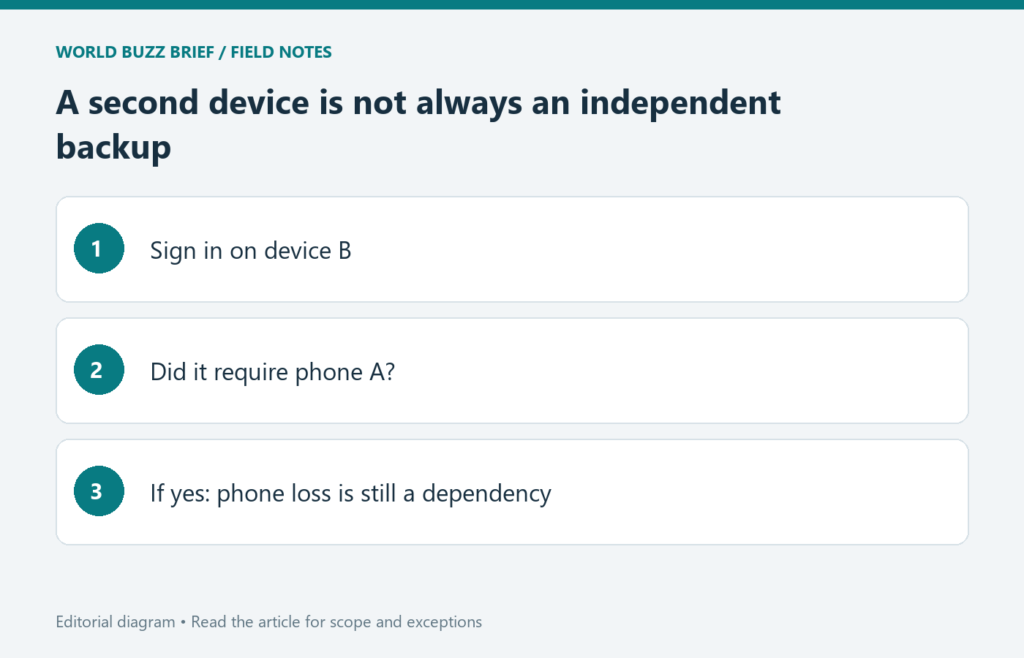
A passkey can make routine sign-in easier without automatically solving every lost-device problem. The useful question is where your passkey is available and what happens if the device you normally use disappears. Check that while you still have access, rather than discovering during recovery that your only backup depended on the same phone.
Identify whether the credential is synced or device-bound
FIDO distinguishes passkeys that can be synchronized through a credential provider from credentials bound to a particular device, including security keys. The word ‘passkey’ alone does not tell you which arrangement you have. Look at the account’s sign-in settings and the credential provider used when you created it.
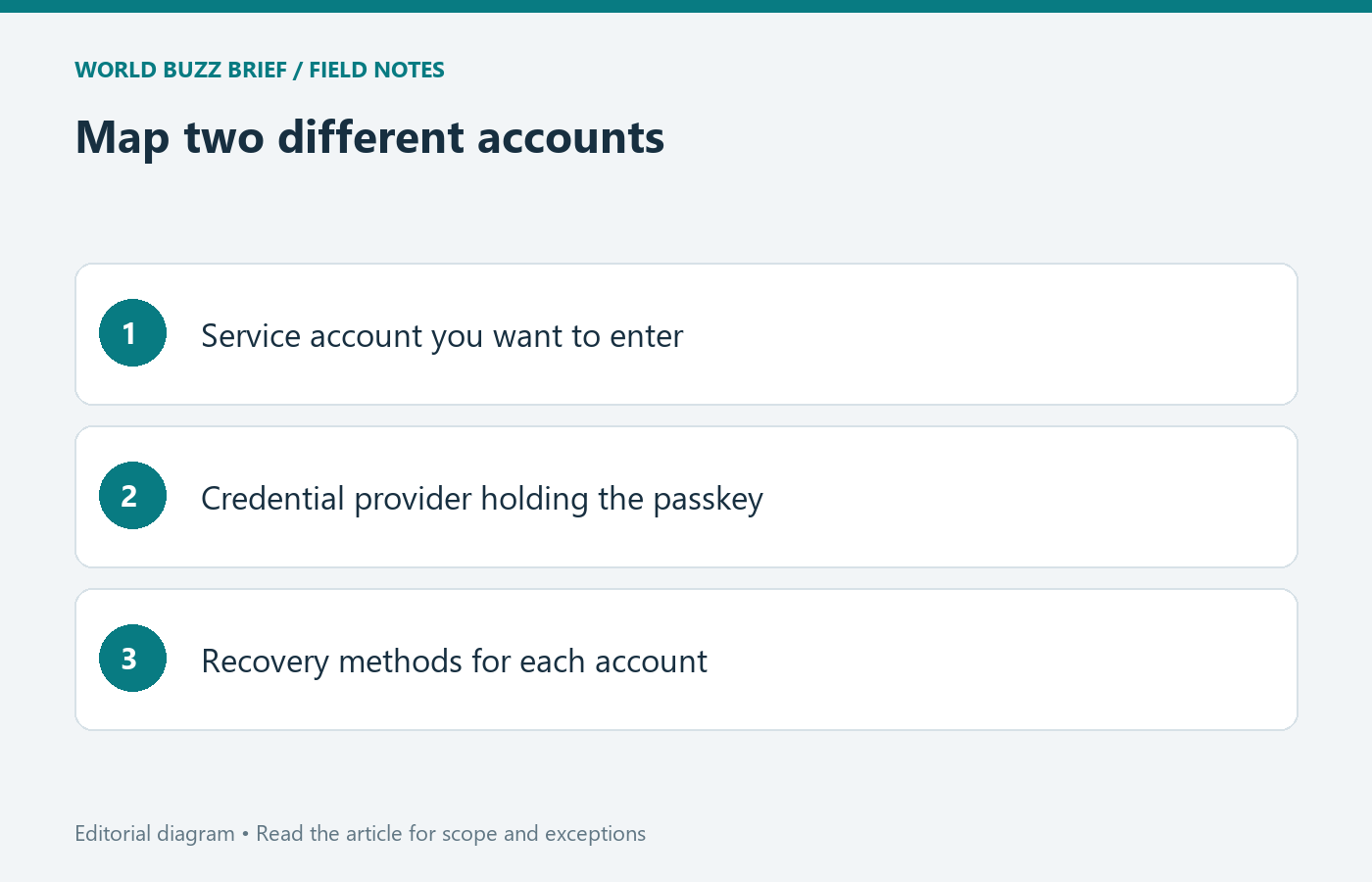
Make a small inventory: account, credential provider, devices on which you have successfully used it, and any separately registered recovery method. Do not include the credential’s secrets in a shared note. The point is to identify dependencies, especially when several accounts appear to have backups but actually rely on the same provider account.
Test another route without removing the working one
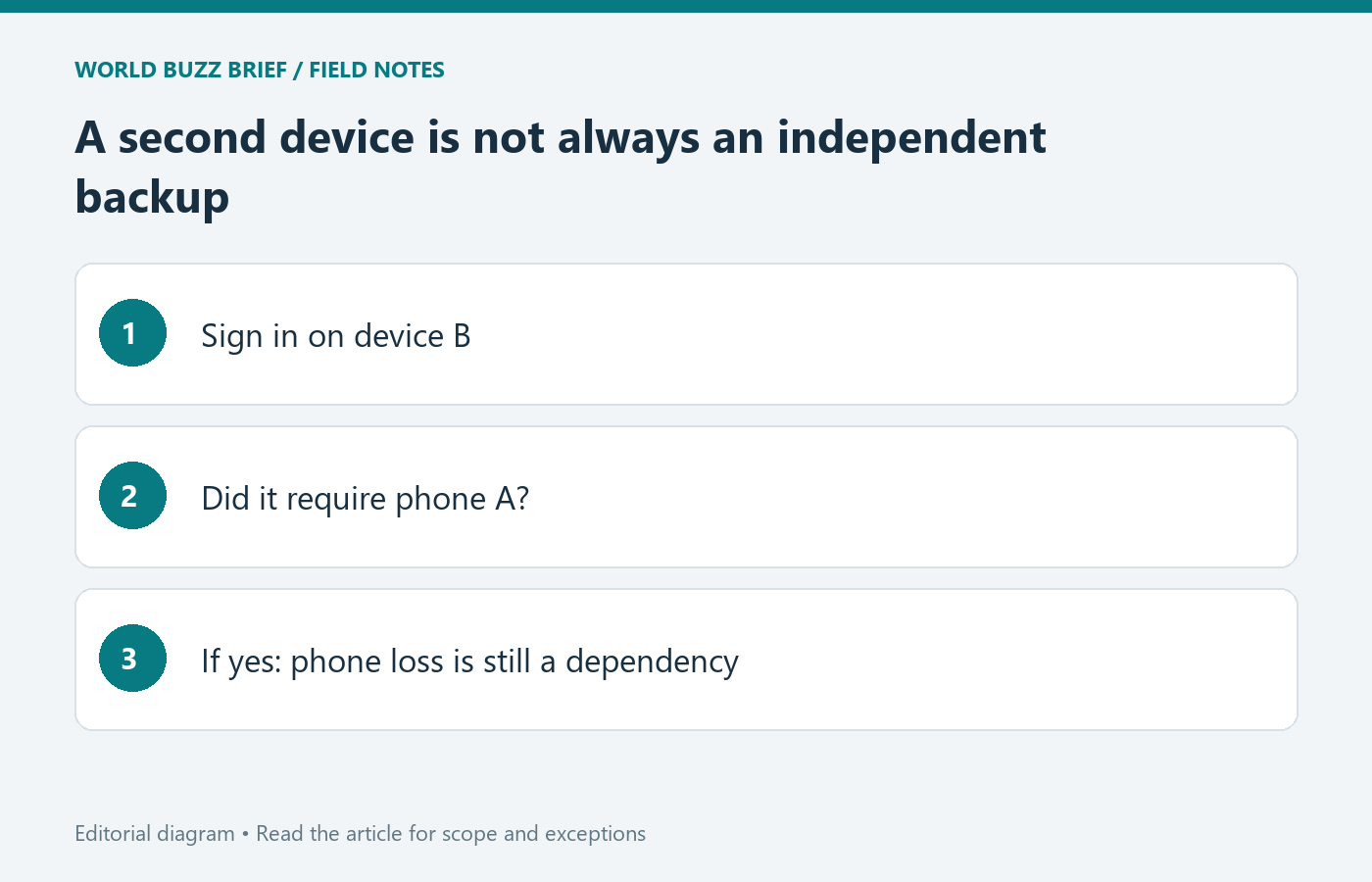
Try signing in on a second device you own using the method you expect to rely on. Keep the original session available while testing. A QR-assisted sign-in using a nearby phone is not proof that the other device now holds an independent copy of the credential; record what the test actually required.
If a service supports registering a separate security key or another recovery method, complete that registration and test it through the service’s documented flow. Merely buying a key does not attach it to your accounts. Avoid deleting the original passkey until you have verified the replacement and understand how the service handles removal.
Separate the service account from its credential provider
Apple documents passkey availability through iCloud Keychain across approved devices and provides recovery arrangements for losing device access. Google documents its own passkey removal and account-recovery procedures. Those are provider-specific instructions: do not assume a recovery contact, backup key, or recovery code behaves identically at every service.
Consider a dependency test: if you lost both your phone and access to your usual email session, which recovery step would still work? If the answer is ‘receive a message on that same phone,’ you have identified a gap worth addressing before a loss. This is a planning exercise, not a claim that a provider will accept an alternate method you have not registered.
After a loss, secure access and review the missing device
Follow the affected provider’s current recovery instructions from its official site. Once you regain access, review the missing device and its registered sign-in methods. Google’s help page describes removing a passkey associated with a lost device; check the equivalent procedure for each service you use rather than assuming a phone wipe changes every account immediately.
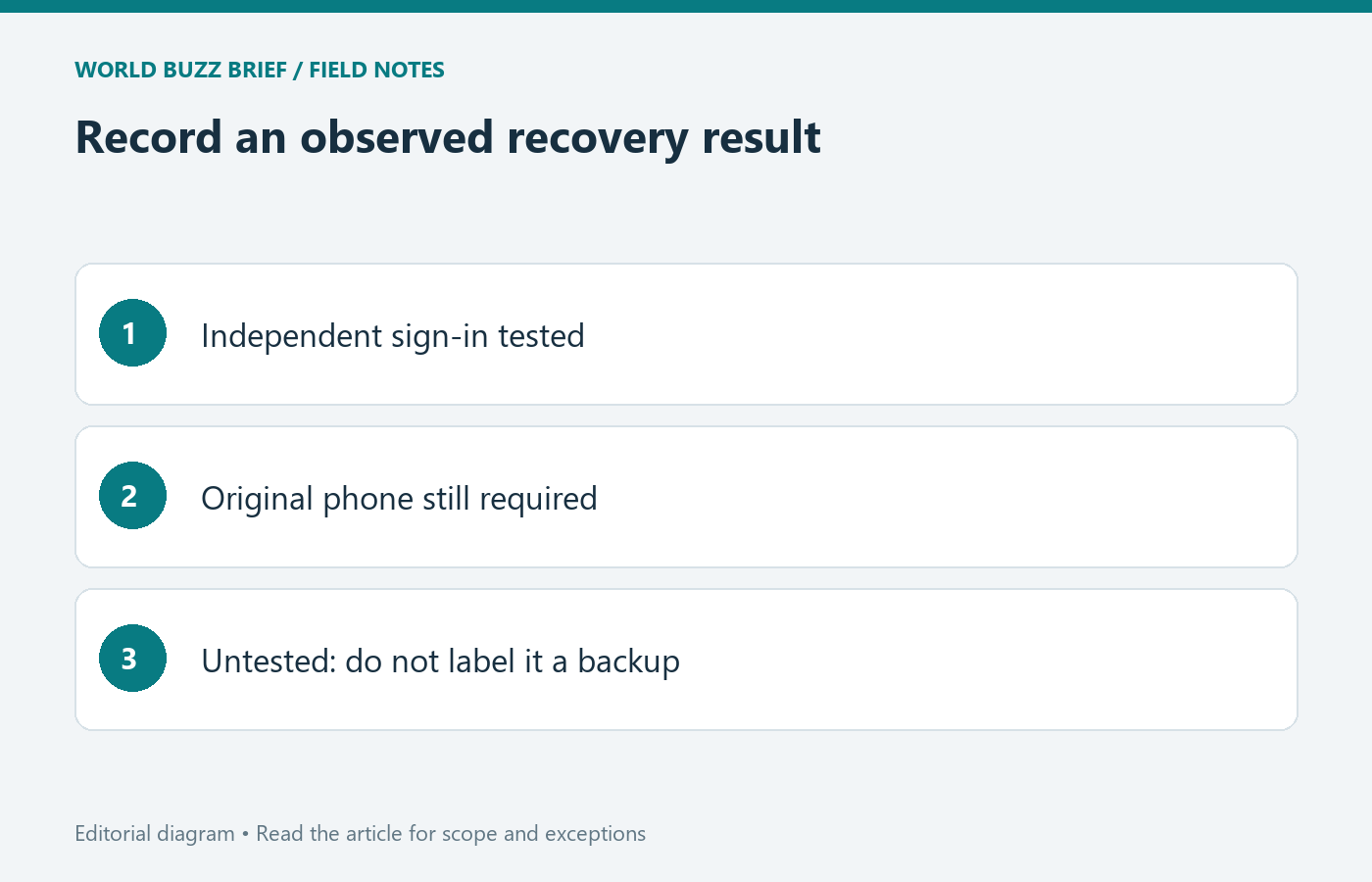
Keep the outcome of your practice test simple: ‘second device worked independently,’ ‘required the original phone,’ or ‘recovery not yet tested.’ Those statements are more useful than ‘backed up’ because they describe observable behavior. Repeat the check when changing phones or credential providers, especially before resetting the old device.