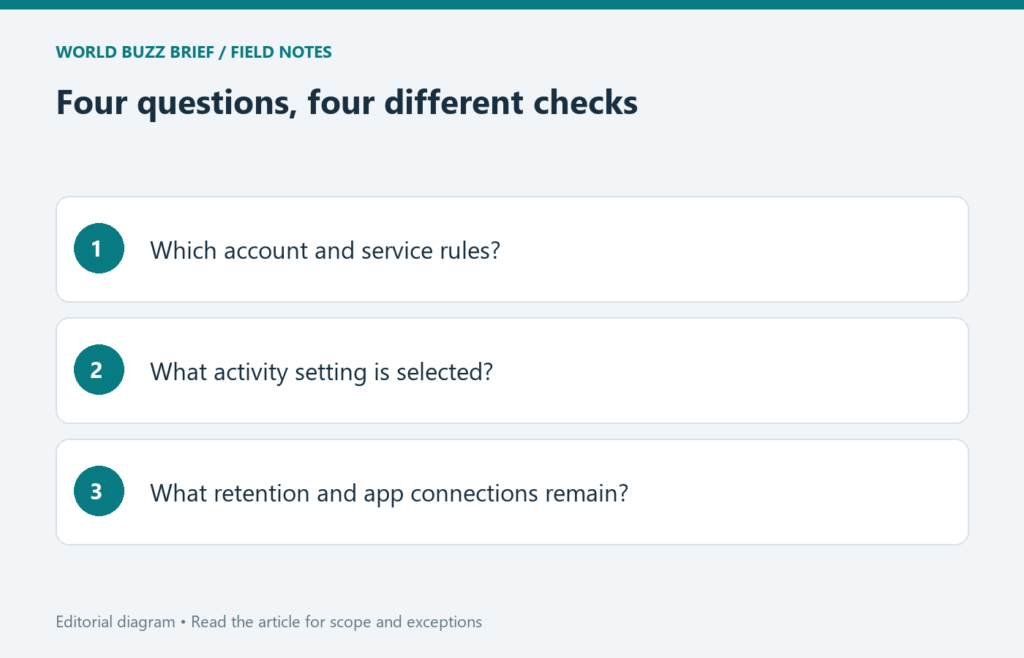
Turning off a chat-history setting is not the same as making every copy of a conversation disappear. For Gemini Apps, the useful approach is to separate four questions: what account you are using, what appears in activity history, how data may be retained or reviewed, and which other services are connected. This prevents one toggle from becoming a promise it was never meant to make.
Start with the account, not the toggle
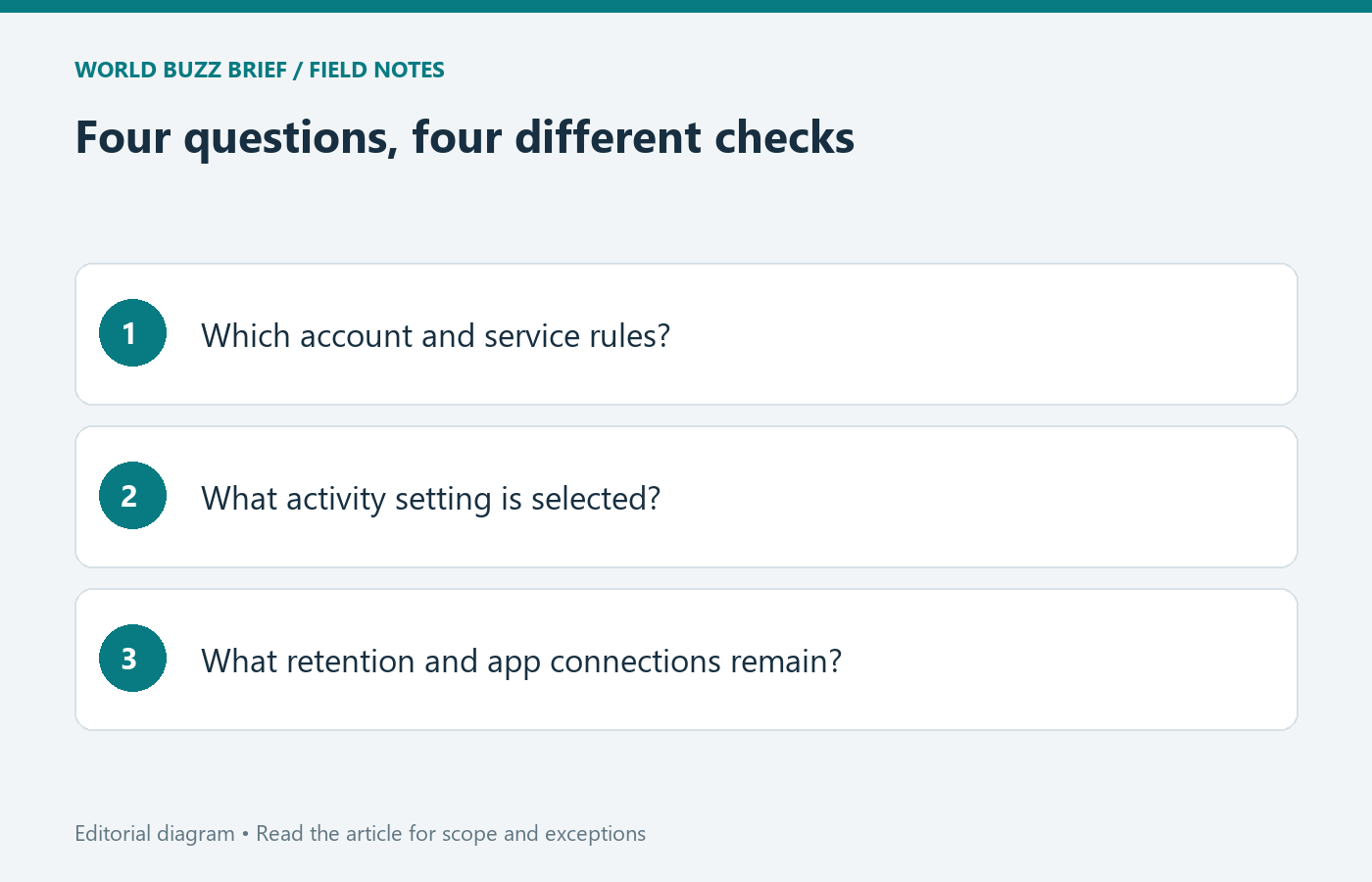
Google publishes different guidance for personal Gemini use and qualifying work or school accounts. Before interpreting a privacy statement, check the account currently selected and whether your organization provides the applicable service protections. A company email address by itself is not enough to infer the exact license or administrator policy.
For an important task, write down the applicable account type and the help page you used. If you cannot establish which rules apply, use non-sensitive example material while you clarify them. Switching between a personal and work account should be a deliberate step, not something you notice after uploading a document.
Distinguish visible history from temporary retention
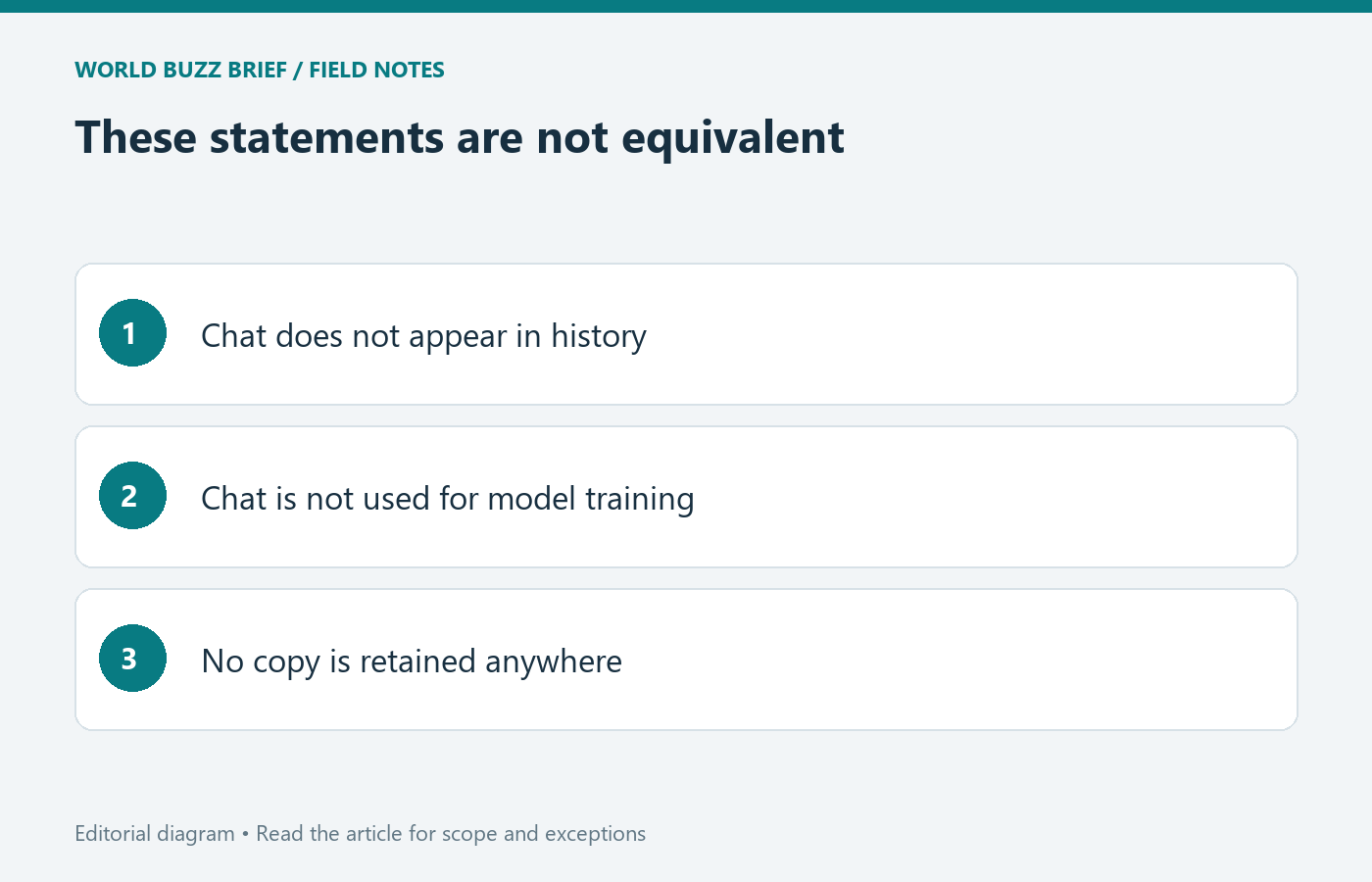
Google’s Gemini privacy hub says temporary chats and chats with Keep Activity off can be retained with the account for 72 hours to provide responses and protect the service. Temporary chats are not used to train Google’s AI models. For future chats with activity off, the training exception associated with sending feedback matters.
That means ‘not in my usual activity history’ and ‘no retention at all’ are different statements. When deciding whether to paste a document, ask whether the documented processing is acceptable for that document, rather than relying on the visual absence of a saved chat. A temporary mode can be useful without being a confidential document vault.
Read feedback and deletion as separate choices
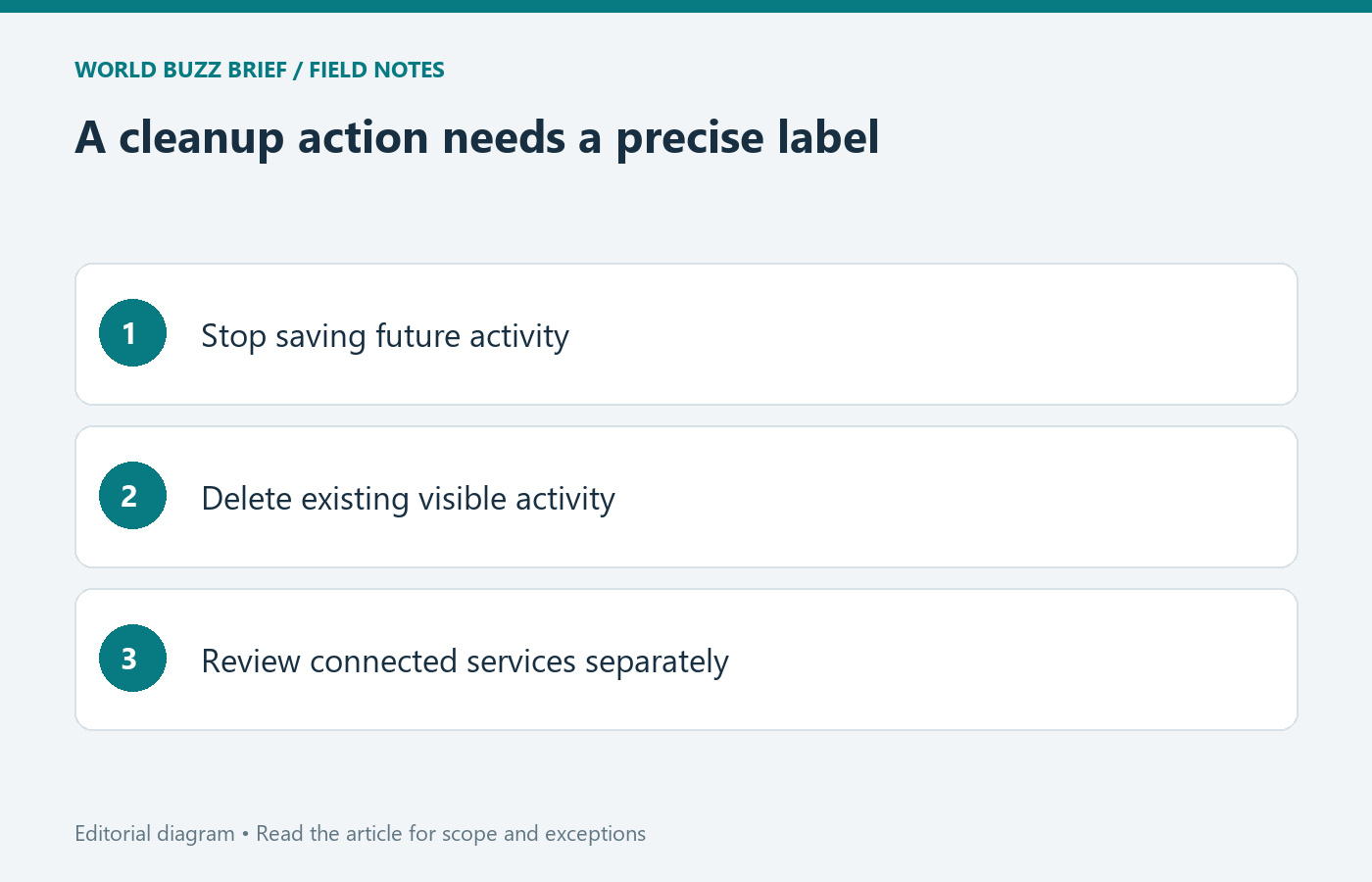
The same privacy hub explains that safety-related human review may still occur with activity off or in temporary chats. It also describes additional context included with feedback and longer retention for data already reviewed. Deleting visible activity therefore should not be described as an immediate deletion of every reviewed copy.
Before sending feedback on a sensitive exchange, inspect the explanation presented with the feedback flow and consider reproducing the issue using a harmless example instead. If your goal is cleanup, distinguish turning off future activity collection from deleting existing activity. Record which action you performed so you do not later mistake one for the other.
Check connected services on their own terms
Google notes that Gemini activity controls do not automatically delete data held by other Google services. Review Connected Apps separately, including which services a task can reach. If an assistant retrieves information from another account or service, that connection raises a different question from how long the chat itself appears in history.
A practical final check is four lines: account type confirmed; activity choice recorded; retention and feedback understood; connected services reviewed. This is a reading checklist, not a claim that every privacy risk disappears once the boxes are filled. Recheck the official documentation when a setting, account, or intended data use changes.