A document that opens perfectly for its owner may still be inaccessible to a client. The opposite mistake is more serious: making a private file accessible to anyone who receives its link. Decide the audience and the allowed action before copying the URL.
Choose people first, then choose their role
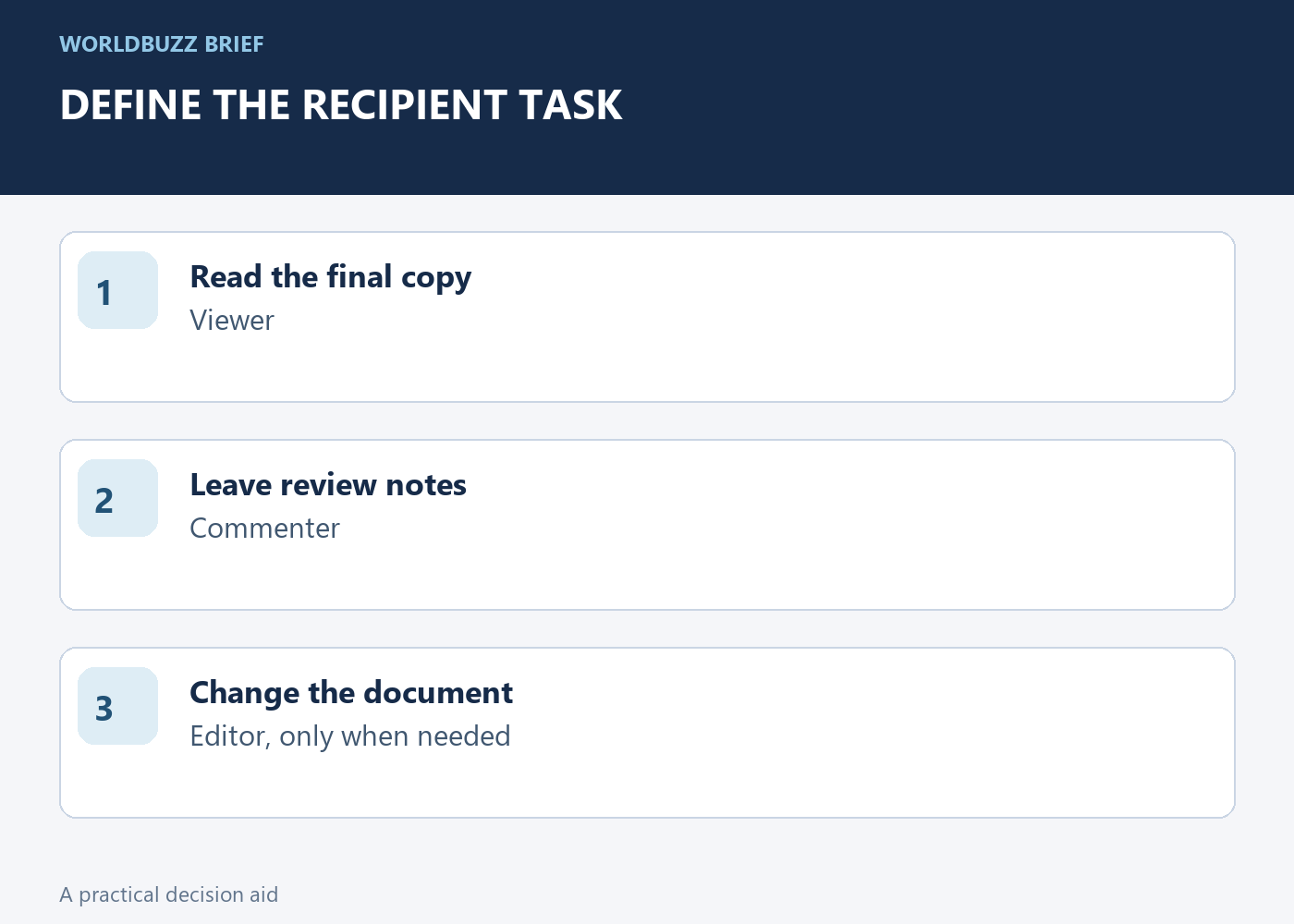
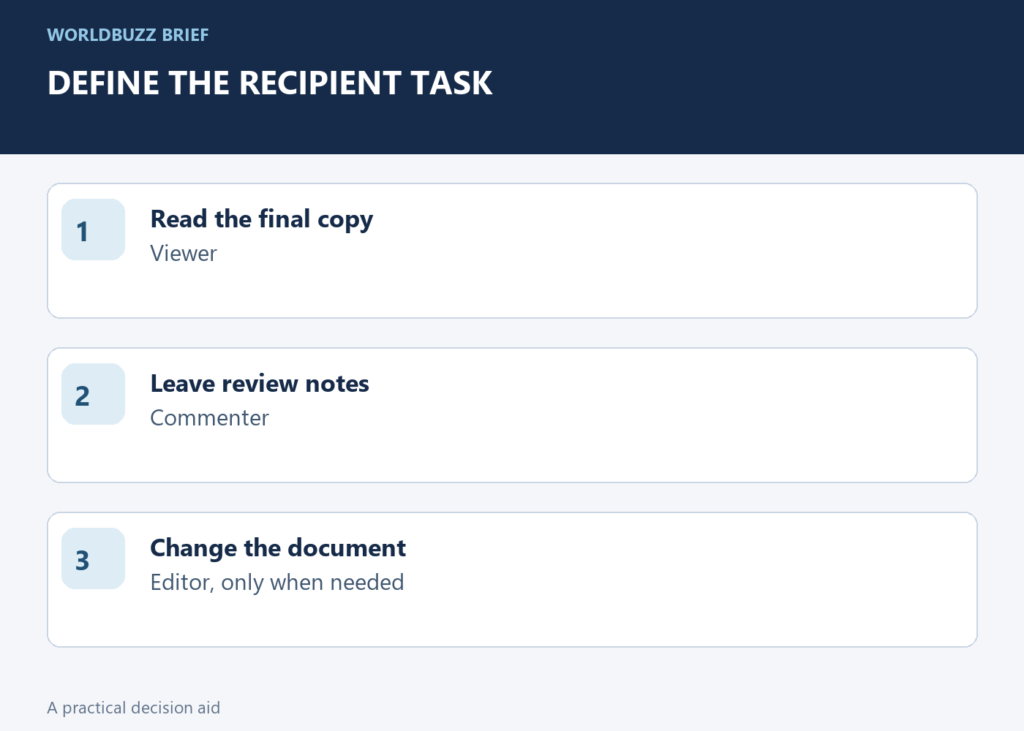
For a small private collaboration, start by adding the intended recipients rather than broadly opening link access. Google Drive distinguishes Viewer, Commenter and Editor roles. Someone reviewing a proposal may need comments without permission to rewrite the underlying file. Someone delivering a final document may need only viewing access.
Write the purpose plainly: 'Three named reviewers can comment; the client can view the final copy.' That sentence becomes a useful check against the sharing dialog. Do not grant editing simply to solve an access complaint. First confirm the recipient's account, the file selected and the role you meant to provide.
Treat a broadly accessible link as forwardable
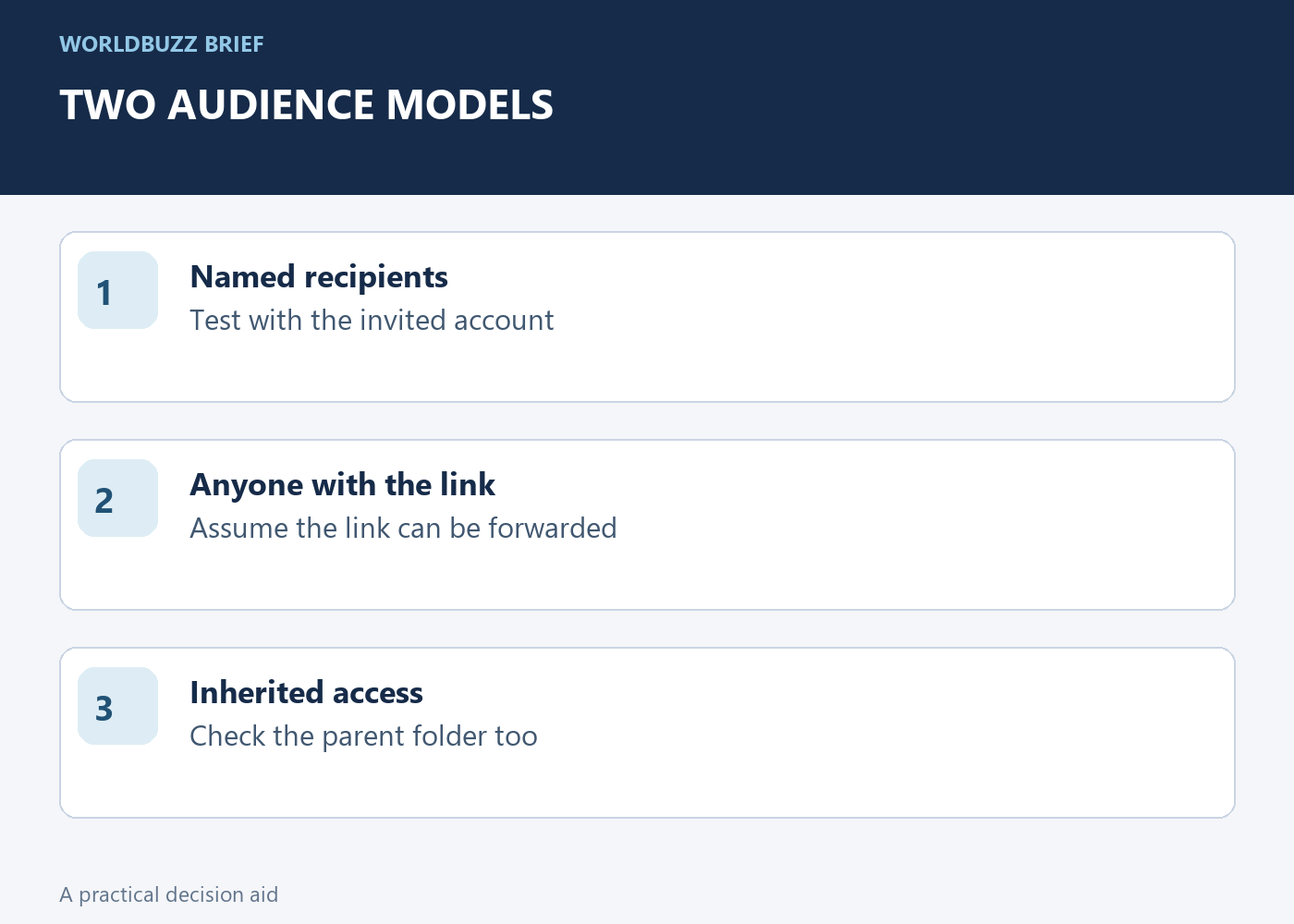
When you choose access for anyone with the link, plan for the link to travel beyond the first recipient. A difficult-to-guess URL is not the same as a named audience. This can be appropriate for a public handout, but it should be a deliberate distribution choice.
Separate the working document from the public deliverable when their audiences differ. A clean final copy can avoid exposing comments, draft material or unrelated attachments in the working folder. This is a workflow suggestion, not a claim that changing one sharing setting removes every kind of information from a file. Review the actual content before distributing it.
Check the folder as well as the file
Access inherited from a parent folder can matter. Google's sharing guidance explains that higher folder access cannot simply be reduced for an individual file through an ordinary lower file permission. Work or school administrators can also restrict external sharing. An option missing from your account may reflect those rules rather than a broken browser.
If a file needs a narrower audience, inspect its location and the people or groups with access. Use the supported limited-access arrangement where appropriate, or place the deliverable in a location with the intended permissions. Avoid changing a whole team's folder access casually just to fix one document. The smallest correct change is easier to verify and reverse.
Test from the recipient's position
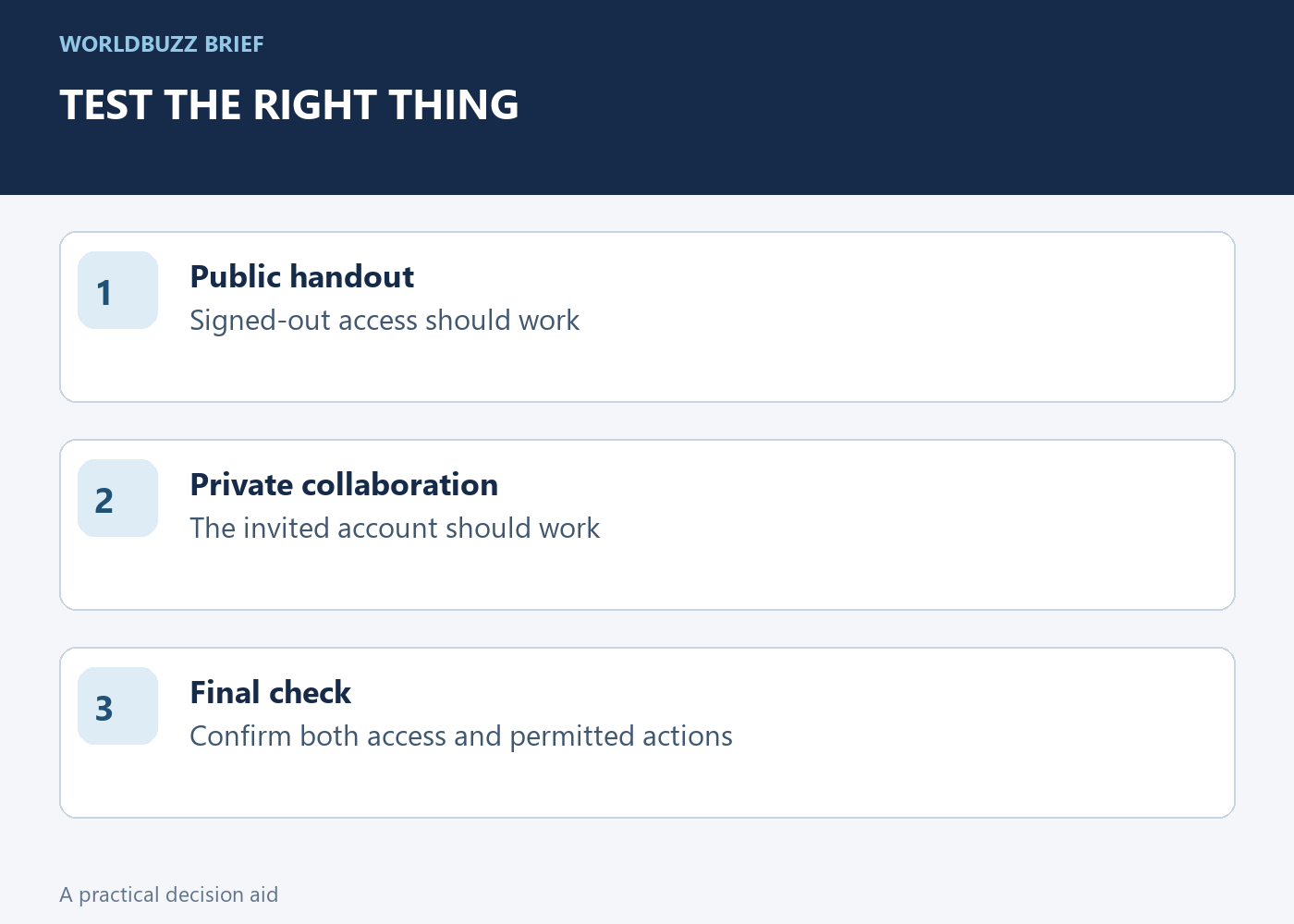
For a public link, open it in a signed-out browser window and confirm the intended file appears. For a private invitation, ask the intended recipient to test with the invited account. A signed-out failure is expected for a restricted file; it does not prove that the invitation is broken.
Check both access and capability: can the recipient view, comment or edit as intended? Then send the link with one useful sentence about what you want them to do. Keep a record of the audience for sensitive collaborations and review access when the work ends. The success condition is the right person doing the right task, not merely the owner seeing a document load.