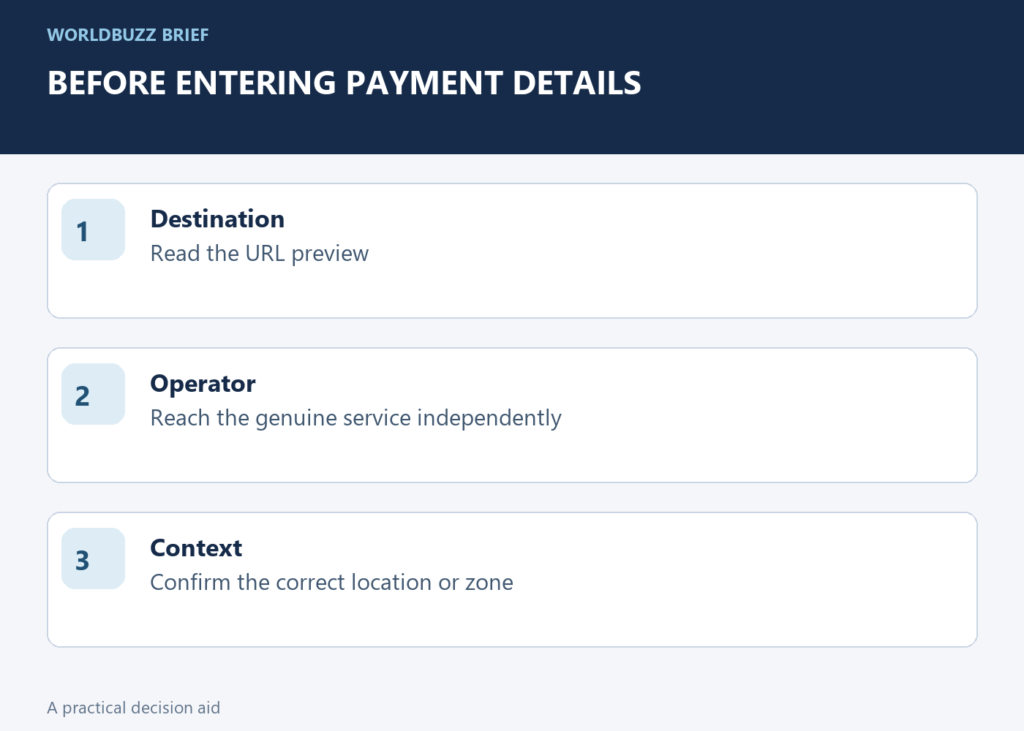
The FTC warned again in September 2026 about fake QR codes placed over legitimate parking codes. The awkward moment is familiar: you have just parked, someone is waiting, and scanning looks faster than checking. Build the check around the destination of the code, not its printed appearance.
Pause at the URL preview
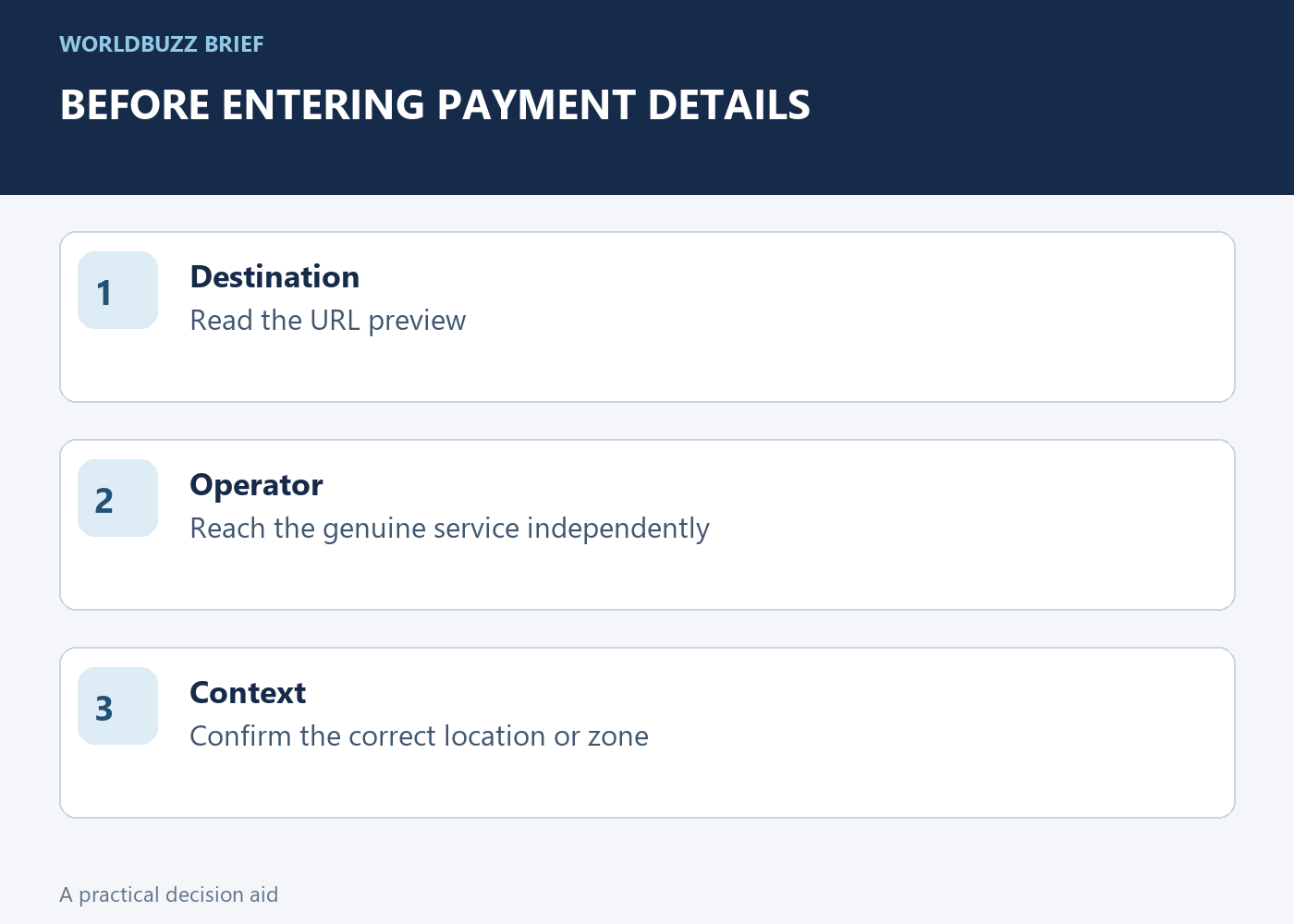
A QR code can direct you to a webpage; it does not certify who operates that page. Many scanning tools show a destination preview before opening it. Read that address and compare it with the parking operator you intended to use. A logo or convincing page design after the scan is not an independent identity check.
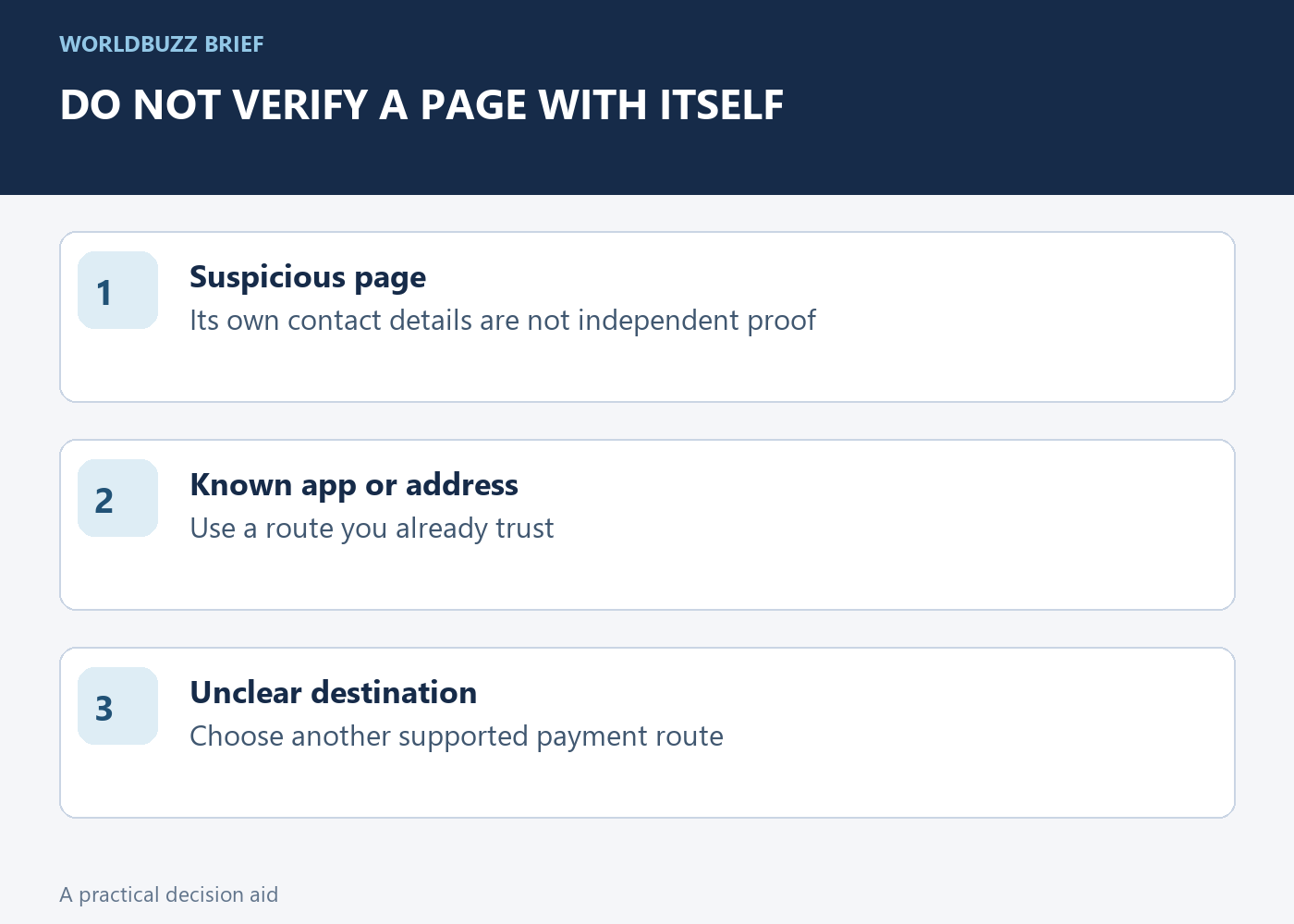
If the sticker looks layered or the destination seems unrelated, use another route. Open the operator's known app, type a verified address or consult the instructions on an official sign. Do not use contact details supplied only by the suspicious page to verify that same page. That would keep the entire check inside the untrusted route.
Do not let urgency choose the payment page
Time pressure is what makes this trap effective. Before entering details, verify that the location or parking zone shown matches where you actually parked. A technically legitimate service can still be the wrong zone or destination, so identity and context both matter.
If you cannot establish the correct route, look for another supported payment method or contact the operator through independently verified information. Keep a record of the location and any genuine error message if you need assistance. Avoid sharing full payment details in screenshots while asking for help. The objective is to complete the intended parking transaction, not merely to reach any page that accepts a card.
Respond according to what you actually entered
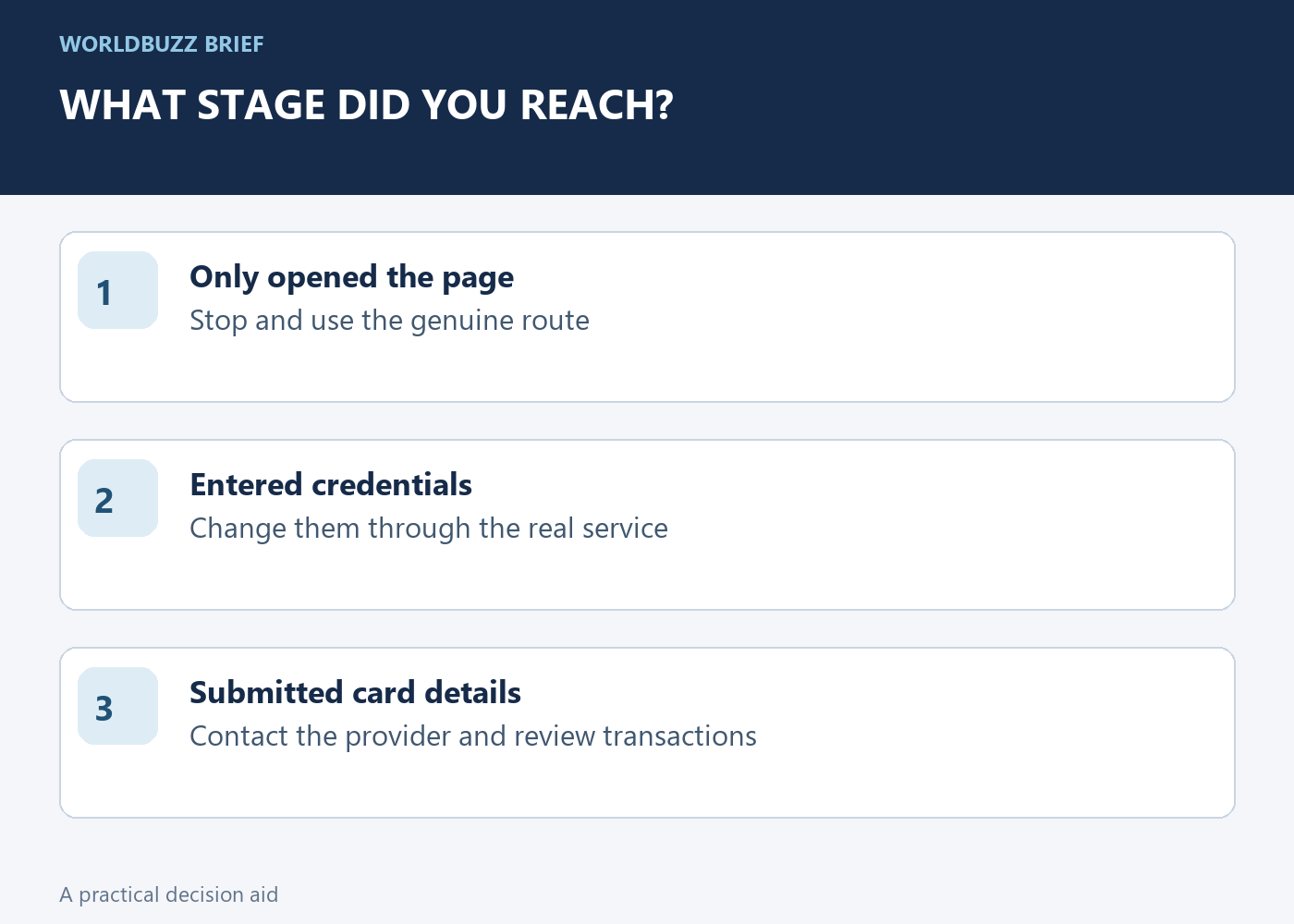
Scanning a code, opening a page, entering a password and submitting payment details are different stages. Write down which stage you reached. If you entered credentials on a suspected fake page, change them through the real service and address reused passwords. If you supplied card information, contact the card provider through its known app or official number.
The FTC also advises reviewing transactions and reporting the incident. Do not continue a conversation through the suspicious site to negotiate a refund or provide more information. Keep the evidence you can safely preserve, such as the destination address and time, without publishing personal details or the contents of a payment form.
Use the same habit beyond parking
Unexpected delivery messages, account warnings and payment requests can use the same code-to-website pattern. Ask whether you expected the request and whether you can reach the service independently. A QR code sent in a message deserves the same scrutiny as a typed link in that message.
For routine places you use often, saving the genuine app or website can reduce the pressure to improvise at a sign. Keep the device and apps updated, but do not treat updates as a substitute for checking the destination. The most reusable habit is a brief pause between scanning and entering information: identify the operator, confirm the task and then decide whether to continue.