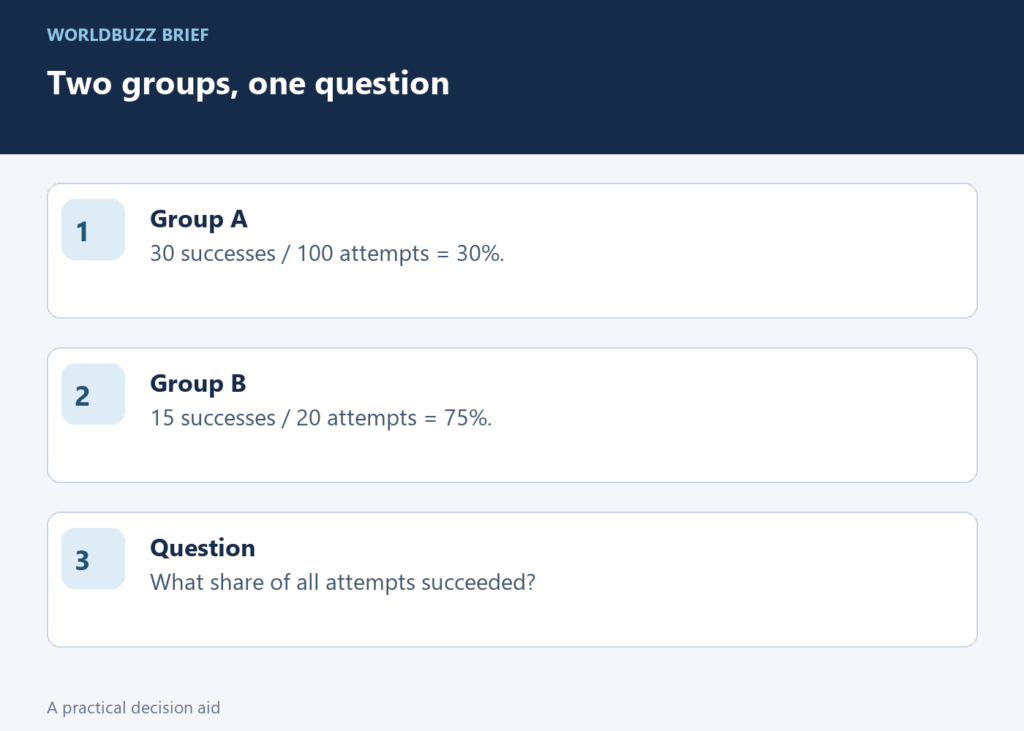
A formula can run without error and still answer the wrong question. Percentages make this especially easy: averaging two percentages looks tidy, but it can give a small group the same influence as a much larger one. Before accepting an AI-generated spreadsheet formula, decide whether you want the average group rate or the rate across all observations.
Write the question above the numbers
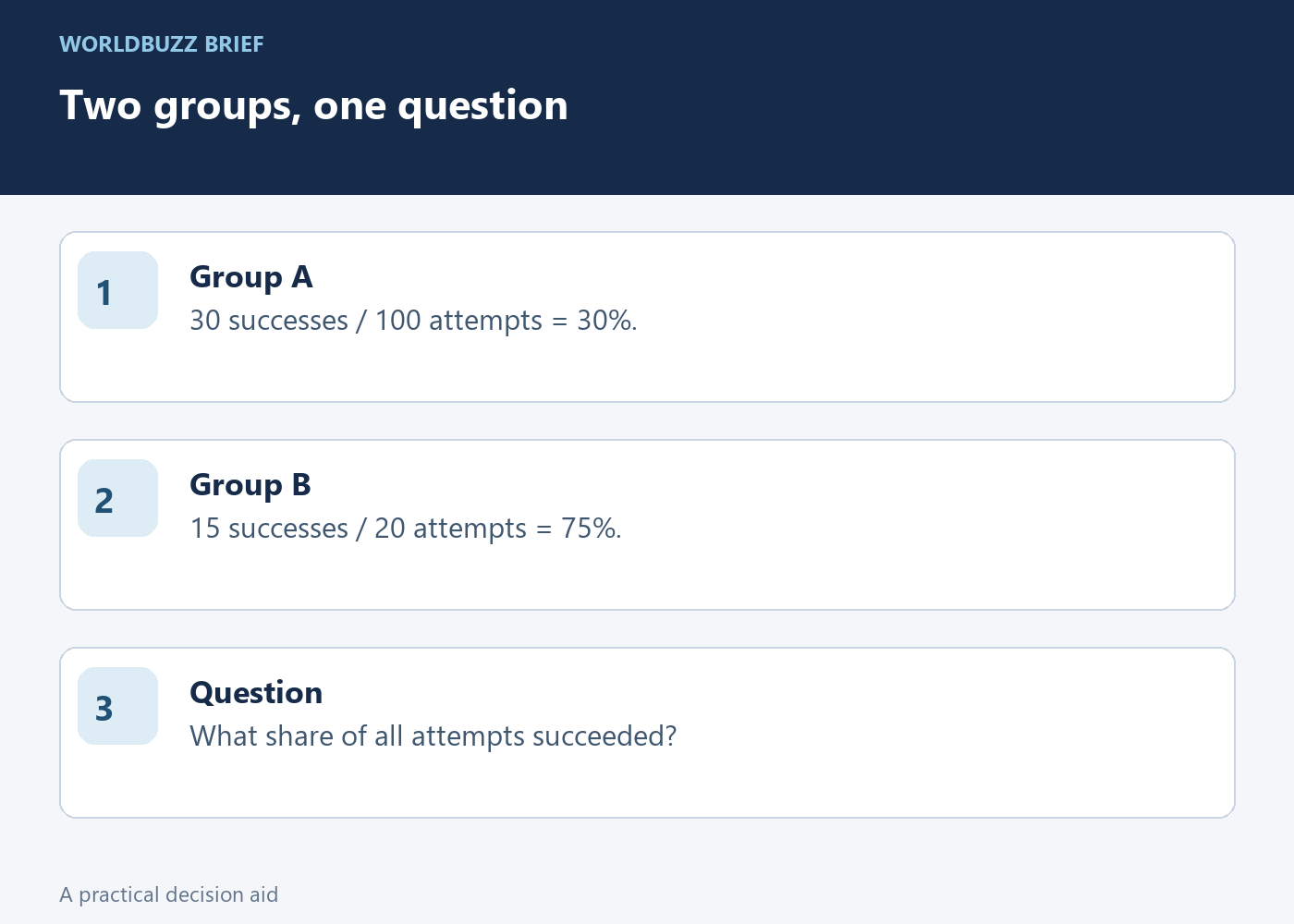
Use this invented dataset: Group A has 30 successful outcomes out of 100 attempts, and Group B has 15 out of 20. The two group rates are 30% and 75%. If your question is “What was the success rate across all attempts?”, write exactly that above the sheet before requesting a formula.
The tempting calculation is (30% + 75%) / 2 = 52.5%. That is the simple average of the two group percentages. It gives each group equal weight, although Group A contains five times as many attempts. The calculation is not meaningless; it is a different measure from the combined-attempt rate you asked for.
Keep the numerator and denominator in separate columns
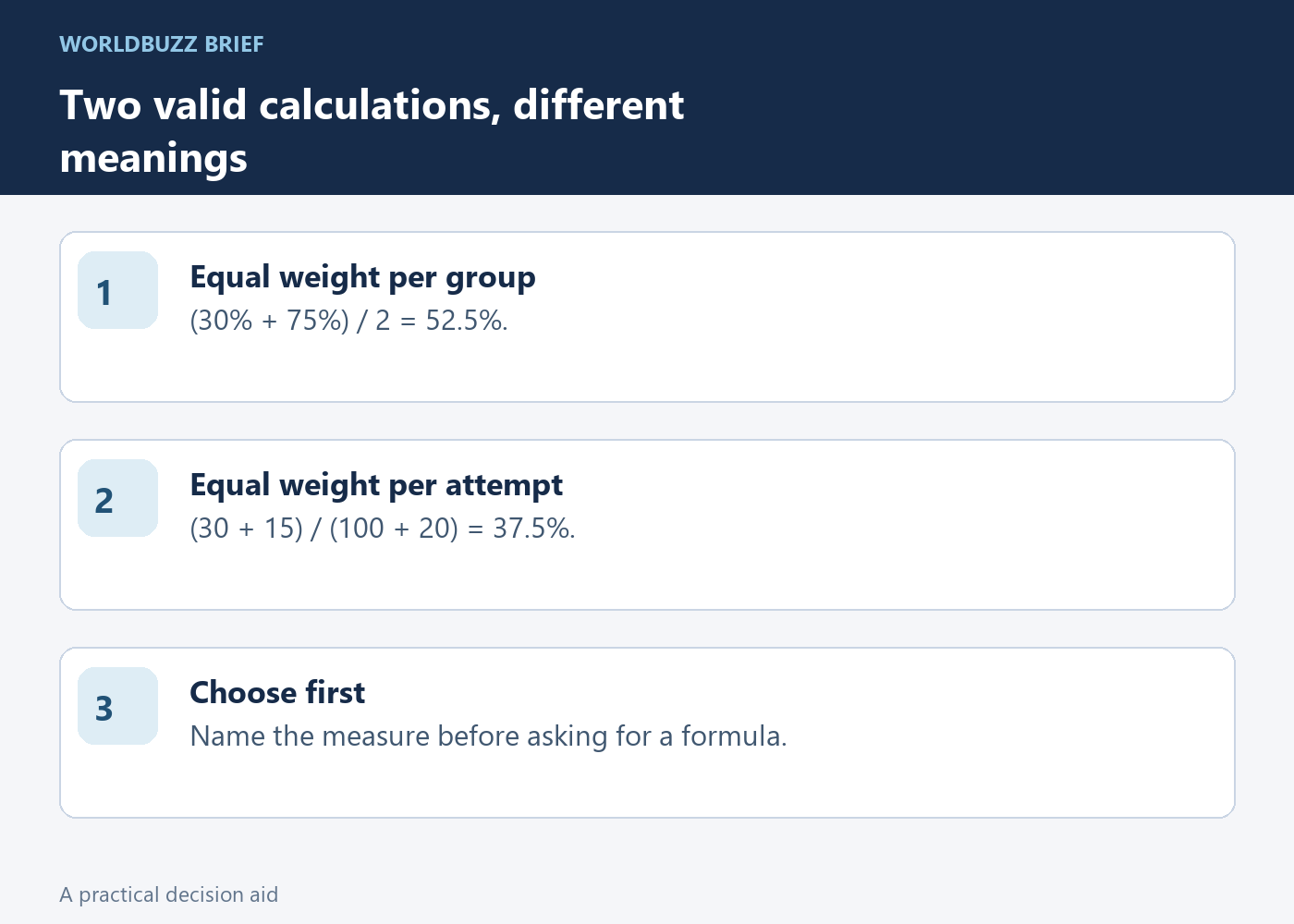
Put the successful outcomes in B2:B3 and the attempt counts in C2:C3. The combined rate is SUM(B2:B3)/SUM(C2:C3): 45 divided by 120, or 37.5%. Format the result as a percentage. Google Sheets’ SUM function adds the values in the specified range; the structure of your formula determines which quantities are being compared.
Do not enter 30 and 75 in a “successes” column and then divide them by the total attempts. Those values are percentages, not counts. Label the columns with units so an assistant, a colleague and your future self can distinguish 30 successes from 30 percent without relying on the surrounding conversation.
Test the formula with an uneven case
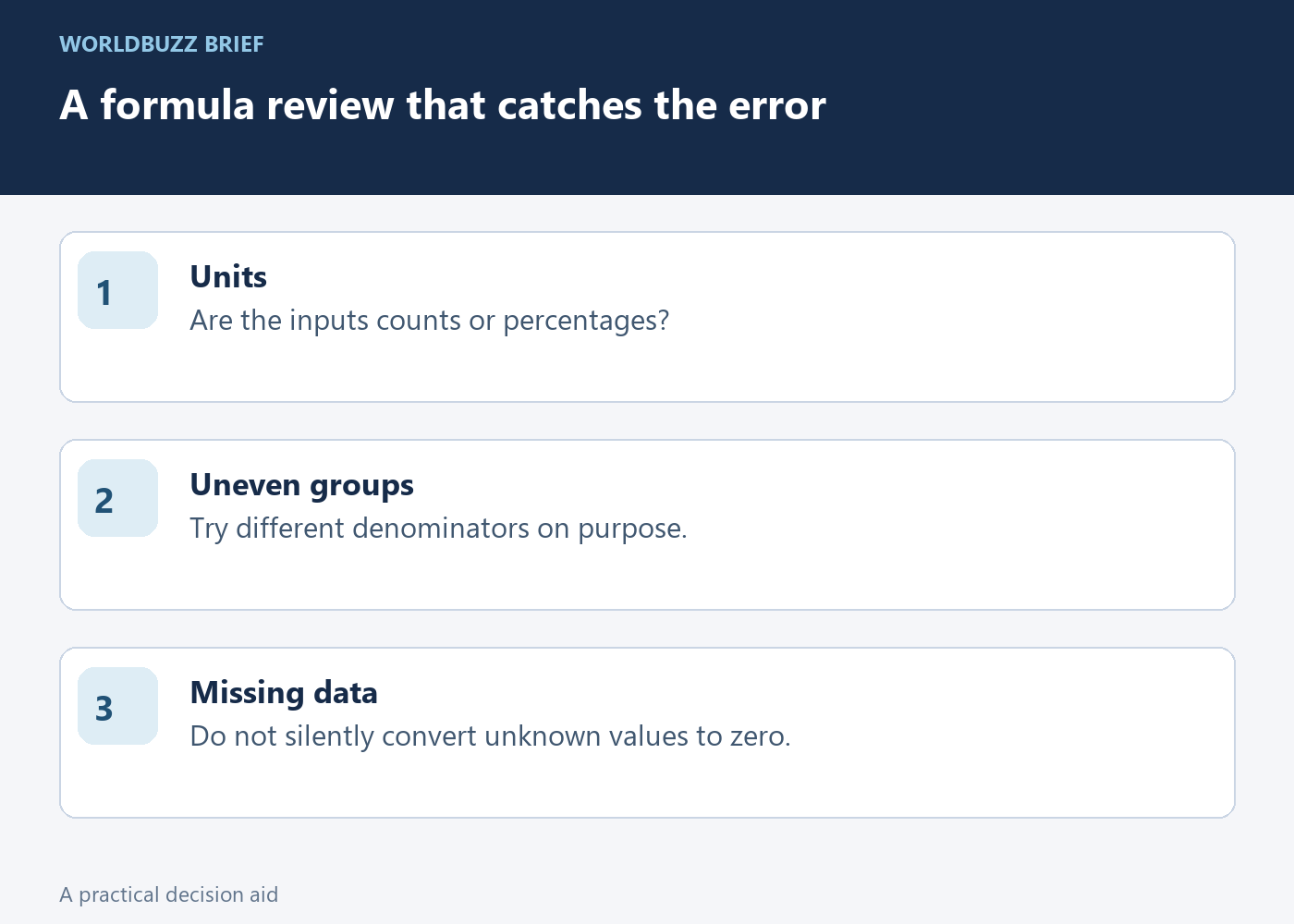
An even-sized example can hide the mistake because averaging group rates happens to produce the same result when their denominators match. The deliberately uneven 100-versus-20 example exposes it. A useful formula test changes the group sizes while keeping the labels and the question clear, then checks the result by hand.
Also test an empty or zero-attempt row. Decide whether it means no observations, missing data or an excluded group before adding an error-hiding wrapper. Replacing every error with zero can silently turn “we do not know” into “no successes.” The appropriate handling depends on what the row represents, not on making the sheet look clean.
Ask for an explanation you can audit
A stronger request to an AI assistant is: “Calculate the rate across all attempts, retain the underlying counts, and explain why each group has this weight.” Ask it to show the numerator and denominator of the final result. Those two numbers make a mistaken average much easier to detect than a polished percentage alone.
Keep both measures if your report genuinely needs them, but label them differently: average of group rates, and combined rate across attempts. Neither label should be shortened to “overall” without clarification. The quality improvement comes from choosing and naming the measure correctly; a more complicated formula cannot compensate for an ambiguous question.