A model scores 60 on one screenshot and 47 on another. Before deciding that it became worse, check what the columns measure. One may show raw accuracy, another a score adjusted for random guessing, and a third an average of different tasks.
The first useful step is to open the leaderboard’s methodology. A cropped ranking without its benchmark name, scale and evaluation settings is incomplete evidence for a buying or deployment decision.
The same answers can produce two different numbers
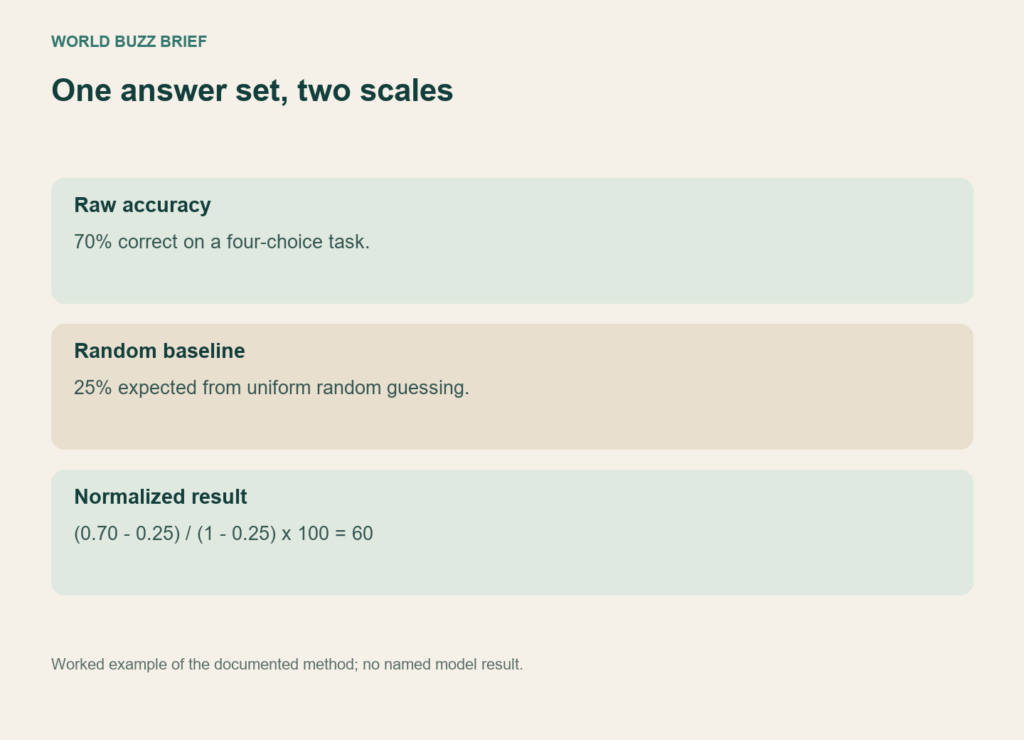
Hugging Face’s Open LLM Leaderboard normalization guide explains how scores are adjusted relative to a random baseline. Here is our worked example using that method: on a four-choice task, 70% raw accuracy becomes 60 on the normalized scale, because (0.70 − 0.25) ÷ (1 − 0.25) × 100 = 60.
The model did not answer fewer questions correctly when the number changed. The scale changed. This particular transformation also does not mean that every leaderboard normalizes the same way. Read the method for the table you are looking at, and compare like with like.
A task name is part of the result
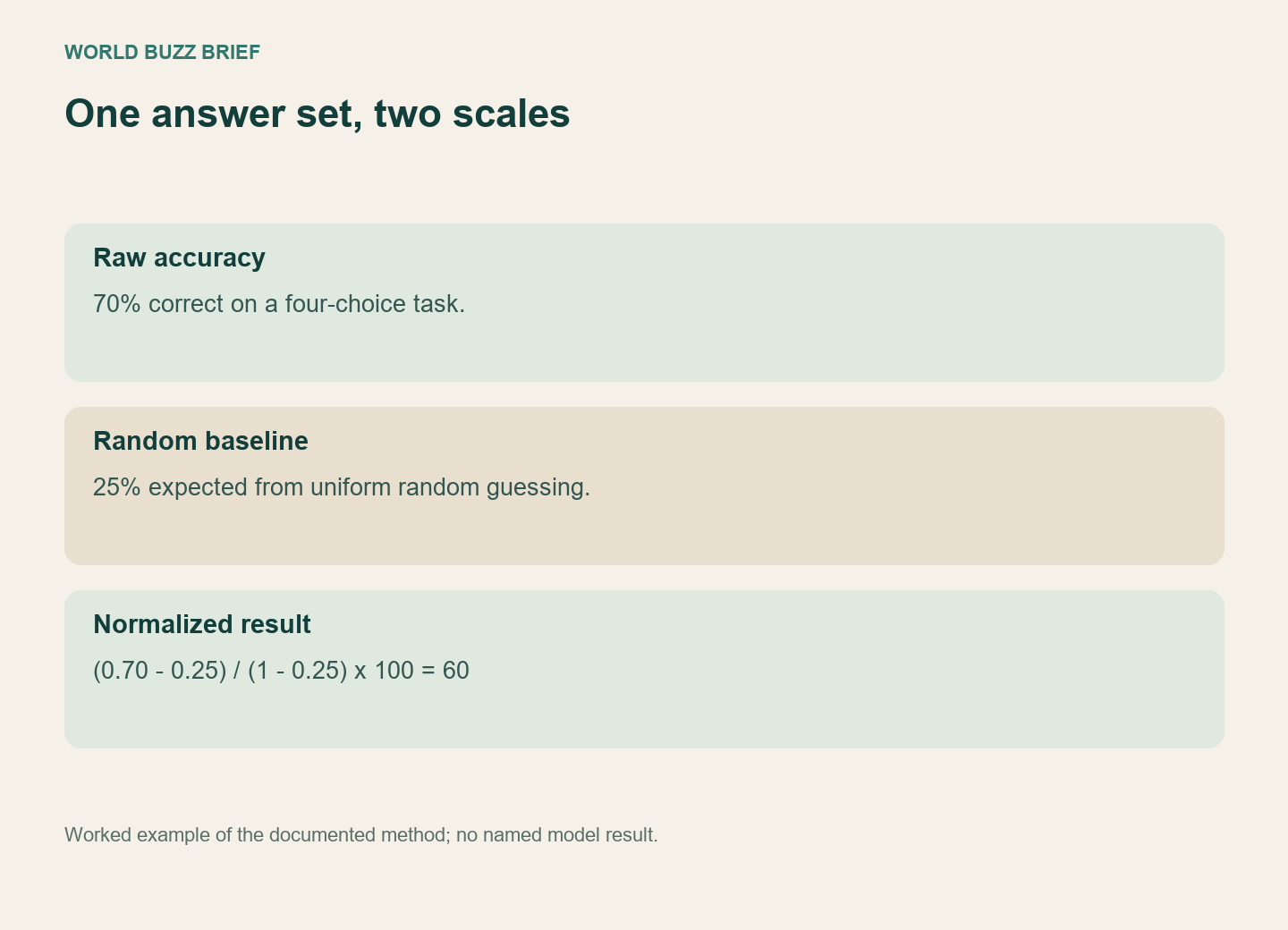
The leaderboard’s evaluation description distinguishes tasks such as instruction following, mathematics and multiple-choice knowledge. It also distinguishes MMLU-Pro from the older MMLU. Similar-looking benchmark names should not be treated as interchangeable exams.
An average can hide the weakness that matters to you. If you need a model to follow a strict output format, inspect that behaviour directly. If you need it to extract facts from your documents, a broad knowledge score is only a reason to investigate further. It does not demonstrate performance on the files you use.
Find who ran the test and what they ran
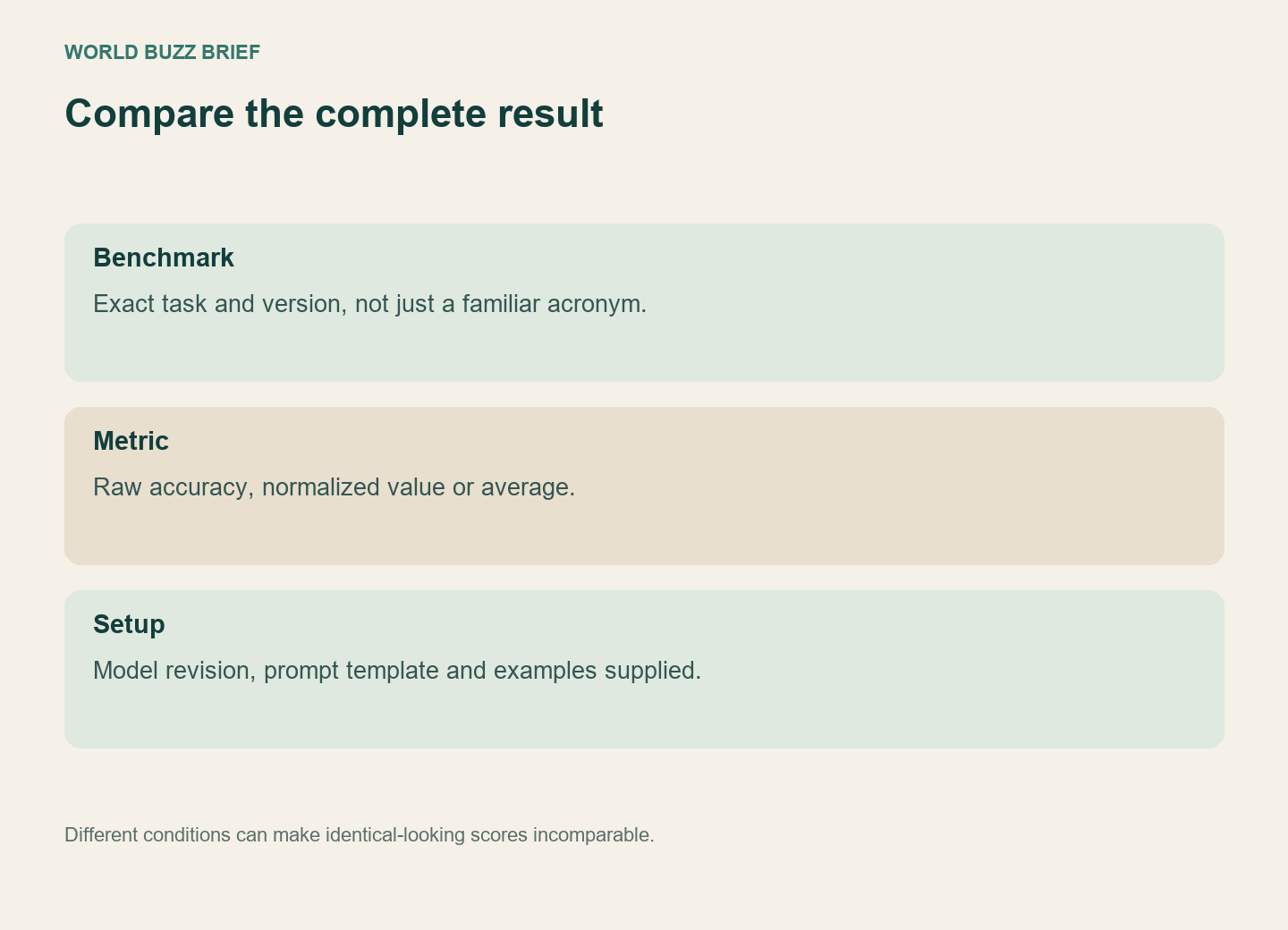
Hugging Face’s current overview separates published benchmark results, community-managed boards and its former curated Open LLM Leaderboard project. A result displayed on the same hosting platform does not automatically have the same evaluator or procedure behind it.
Look for the exact model revision and prompting setup. The Open LLM evaluation instructions specifically discuss chat templates and few-shot settings when reproducing results. A different template or model variant can make a comparison less controlled even if the family name matches.
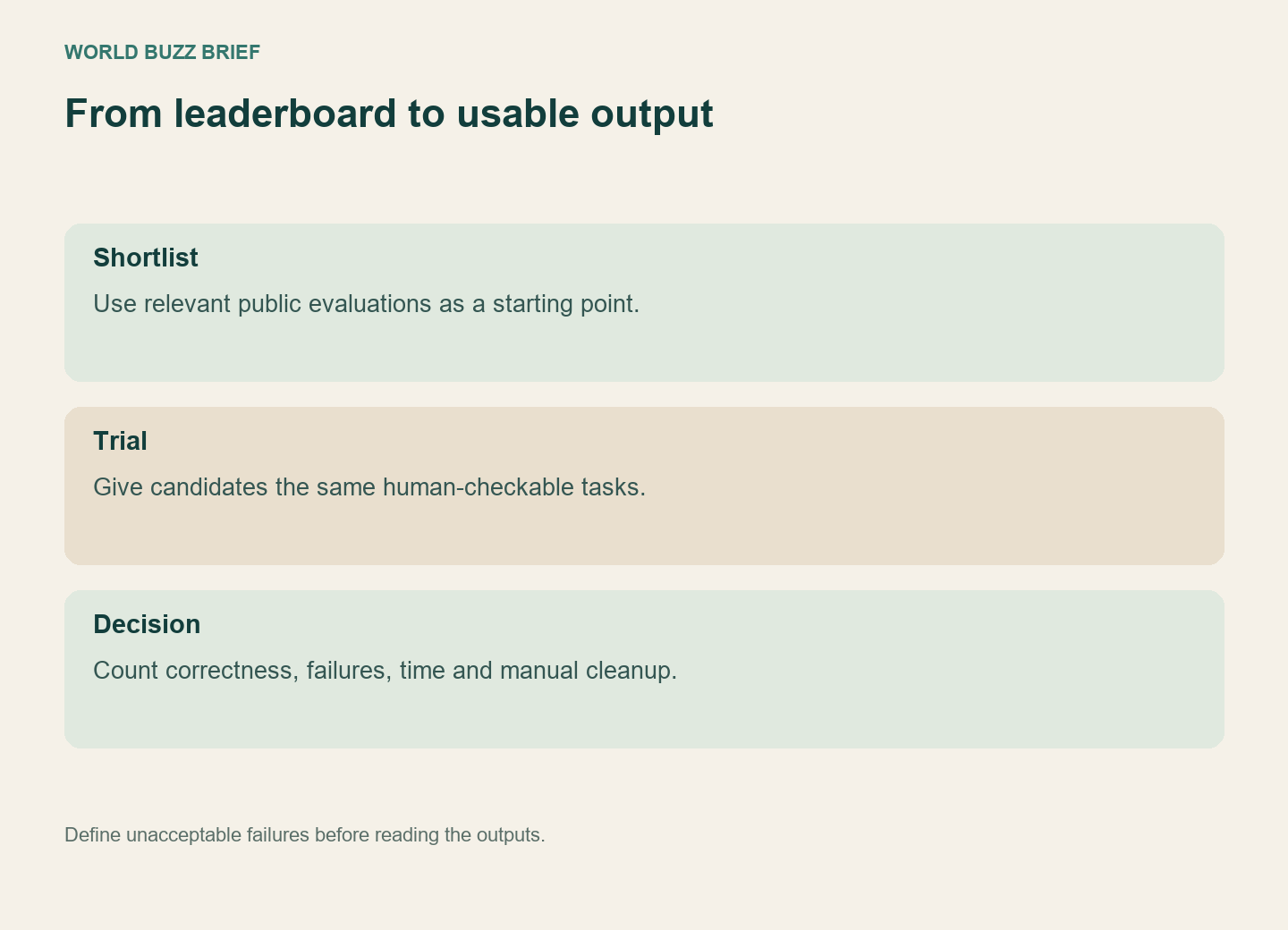
Turn the shortlist into a small trial
Choose a few representative tasks with answers you can check, then give each candidate the same inputs. Record correctness, format failures, time and any manual cleanup required. Keep ordinary tasks as well as difficult ones so that one impressive demonstration does not dominate the decision.
For a summarization workflow, include a document with an exception and another with missing information. For structured extraction, check every required field against the source. Decide what would make the output unusable before reading the answers. This small trial does not replace a full evaluation, but it connects a public ranking to the work you actually want done.