Downloading a map is useful preparation, but it does not turn every online Maps feature into an offline one. Before travelling, decide whether you need driving guidance, walking directions, transit information or simply a way to recognize streets. Then test that exact use without a connection.
Download the area your route actually needs
In Google Maps on Android, find the destination and use the offline-map download option where it is available. Include the route and surrounding area you may need, rather than selecting only a tight box around the hotel. Google notes that downloads are unavailable in some countries or regions.
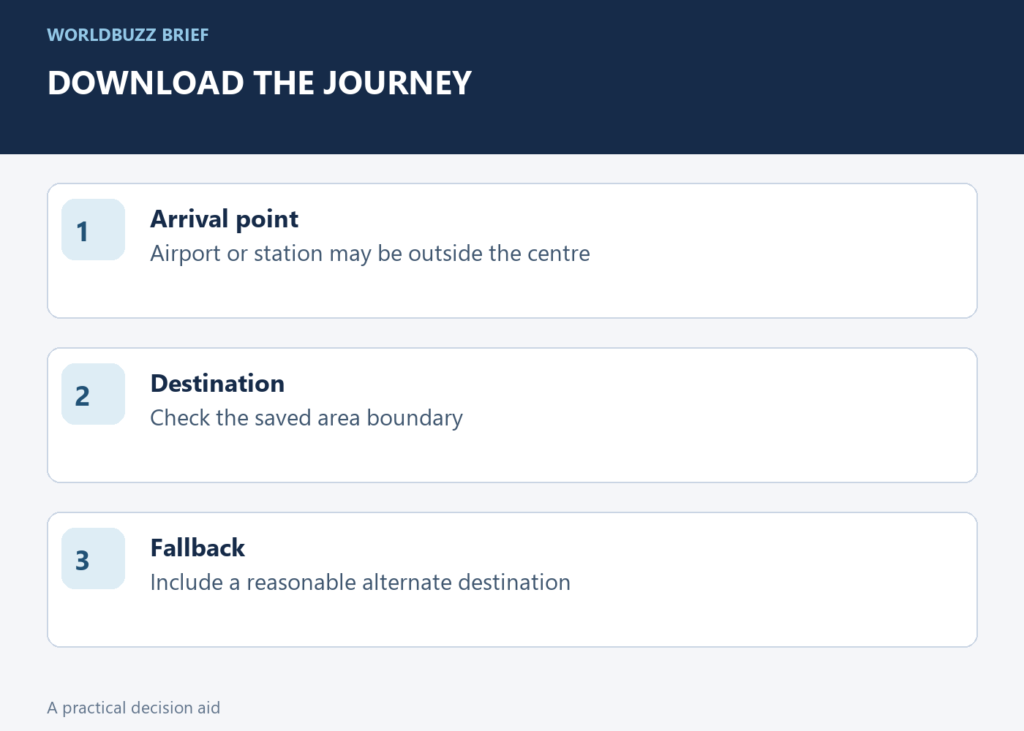
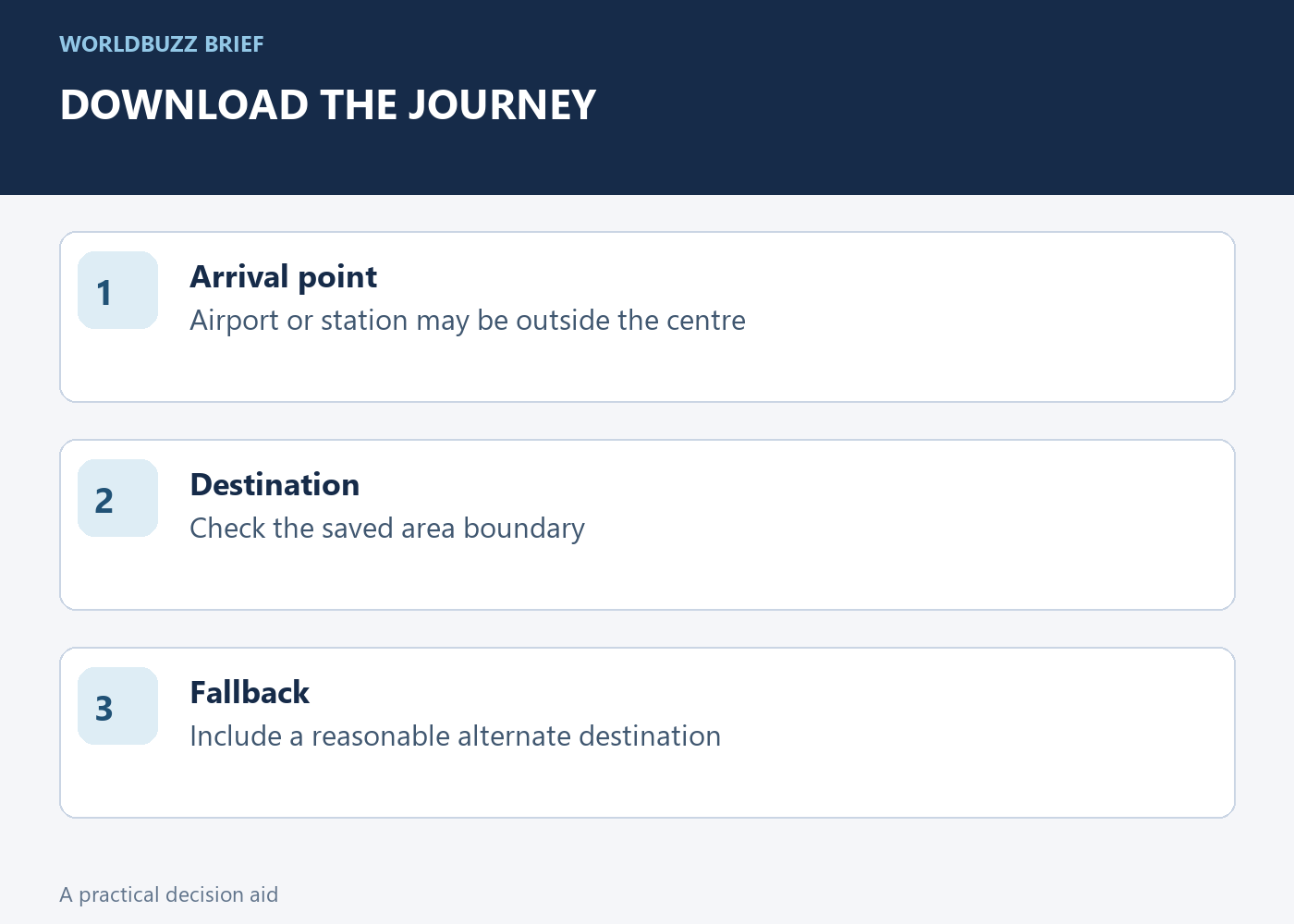
Think about arrival and recovery as well as the main attraction: the airport, station, accommodation and a reasonable alternate destination. A downloaded city centre does not necessarily cover the journey from an airport outside that area. Check the saved map's boundary and size before assuming the whole trip is covered. Complete the download while you still have a reliable connection.
Do not plan an offline transit journey as if it were online
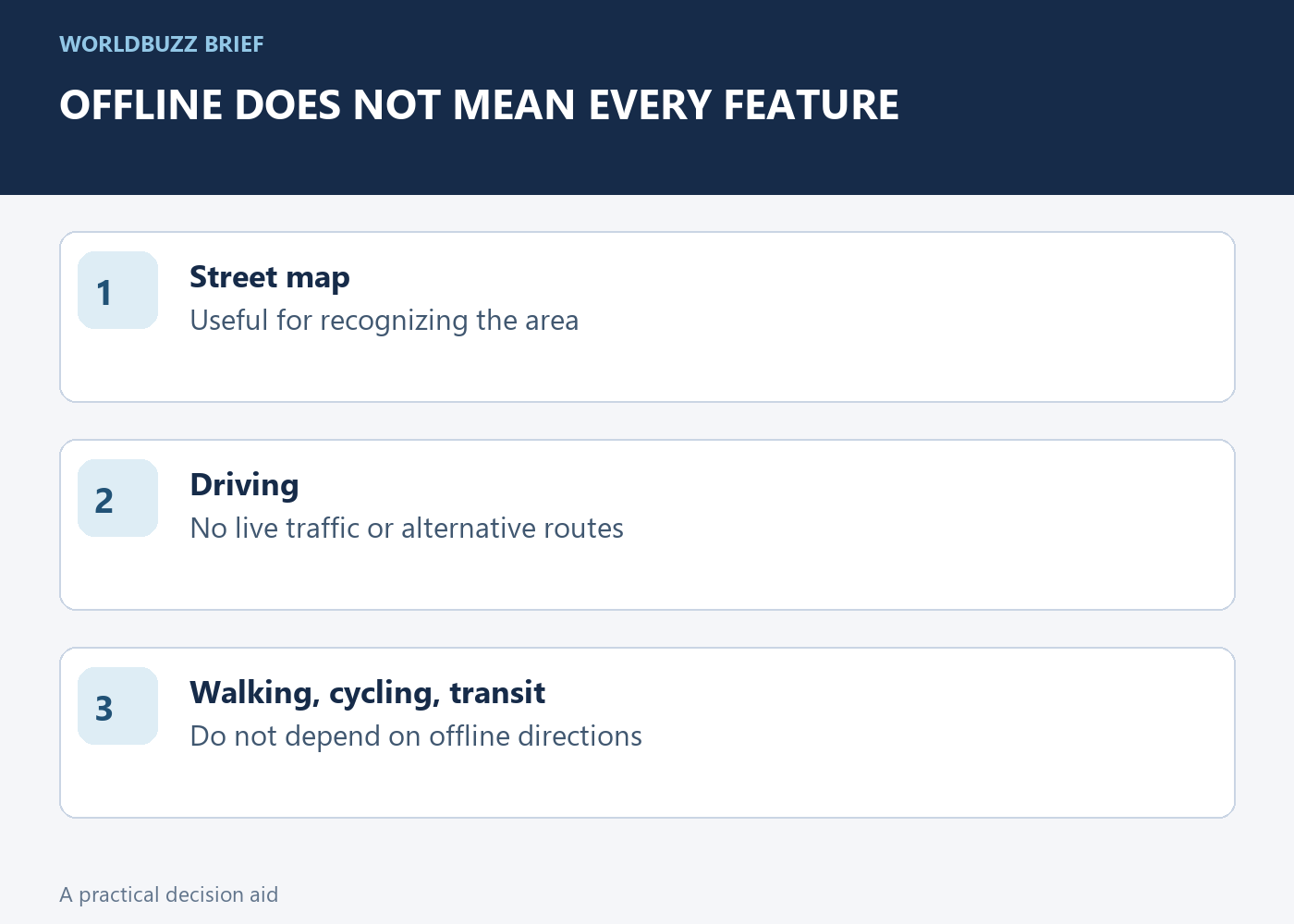
Google's offline guidance says transit, cycling and walking directions are unavailable offline. Offline driving also lacks live traffic information and alternative routes. This matters if your actual plan is to navigate on foot or choose a train connection after arrival. A visible street map is not the same as a functioning live route planner.
Prepare the missing information separately. Save the accommodation address in the local language, note the station or stop you need, and keep important service instructions from the transport operator. A screenshot can preserve a route you already reviewed, but it should not be mistaken for live departure information. Leave room to ask for help or reconnect when conditions change.
Run an offline rehearsal while help is still available
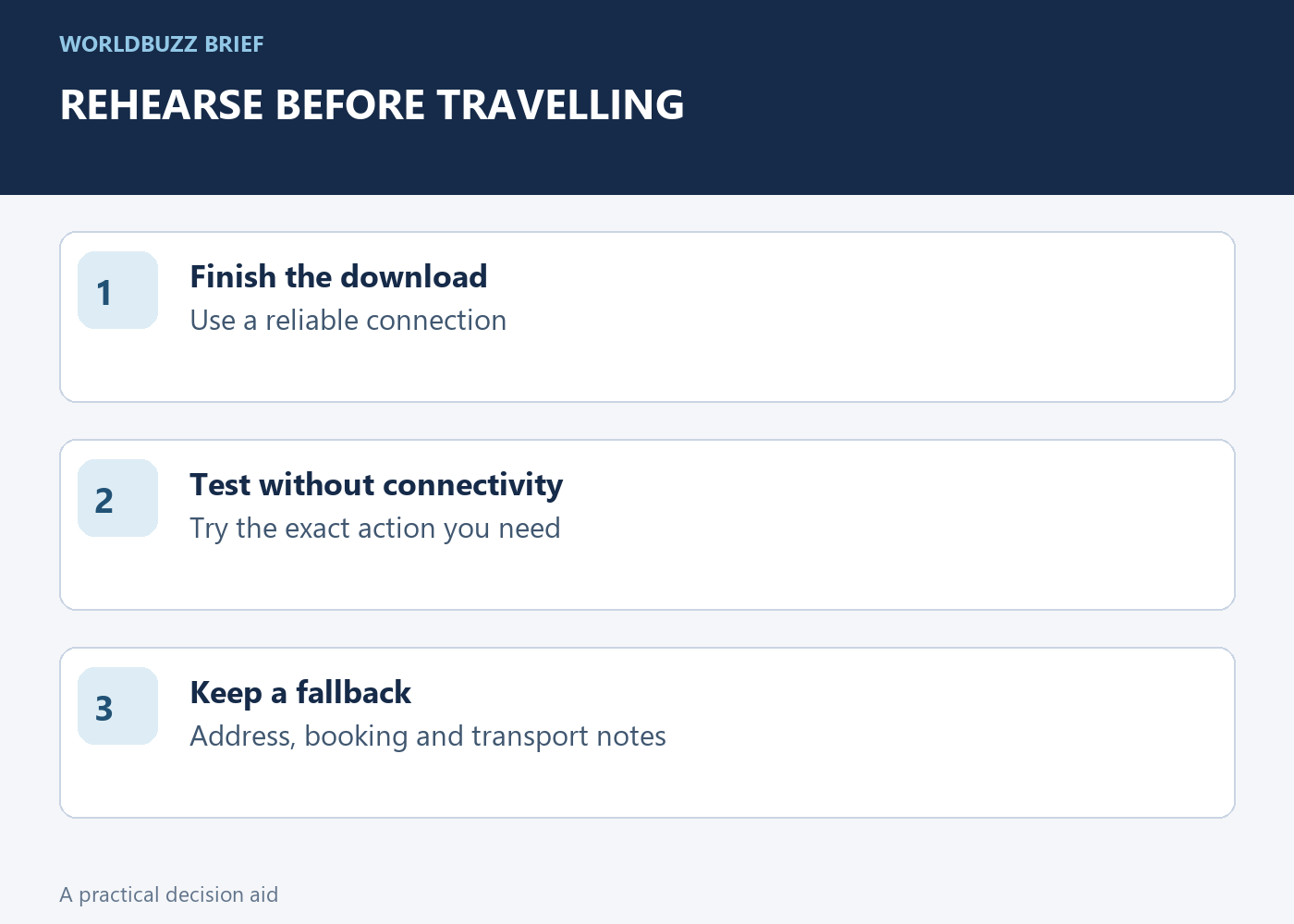
After downloading, temporarily disable network connectivity and try the action you expect to need. Open the relevant area, locate the destination and test the supported route type. Restore connectivity afterward. This is a preparation test, not an instruction to change network settings while driving or in a situation where you need immediate communication.
If the test fails, identify the specific gap: the area is outside the download, the download did not finish, or the desired feature requires a connection. Fix that gap before departure rather than repeatedly downloading larger maps without knowing why. Keep the test modest enough that you can clearly explain what worked and what still depends on the network.
Refresh the plan close to departure
Offline maps need updating. Check their status before a trip, especially if you downloaded them long ago or changed phones. Also review the practical destination information separately: a stored map does not guarantee that a venue is open, an entrance is accessible or a transport service is running today.
Your final travel note can be simple: saved area, destination address, planned transport and fallback contact. Keep essential booking details available through a method you have tested offline. The value of preparation is knowing the limits before they matter. A small, verified offline kit is more dependable than a large download you have never opened without Wi-Fi.