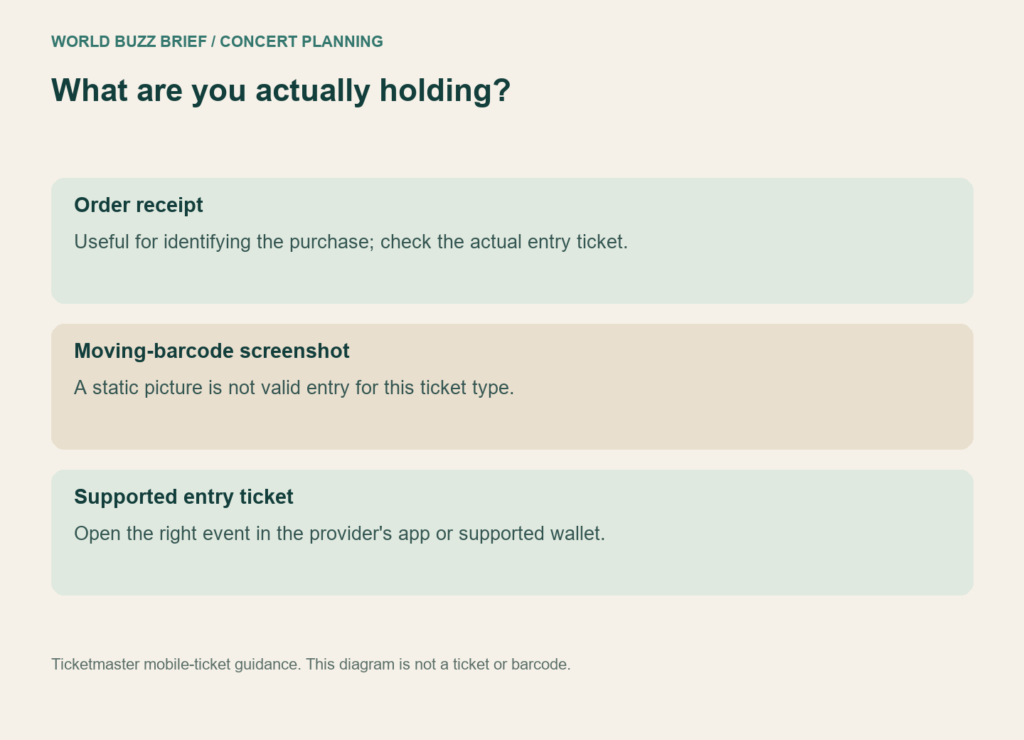
One friend has the order email, another has a screenshot, and everyone expects to enter through a different gate. That is a plan for confusion before the first song. For a Ticketmaster mobile ticket, prepare the actual entry method and who holds each ticket before you travel.
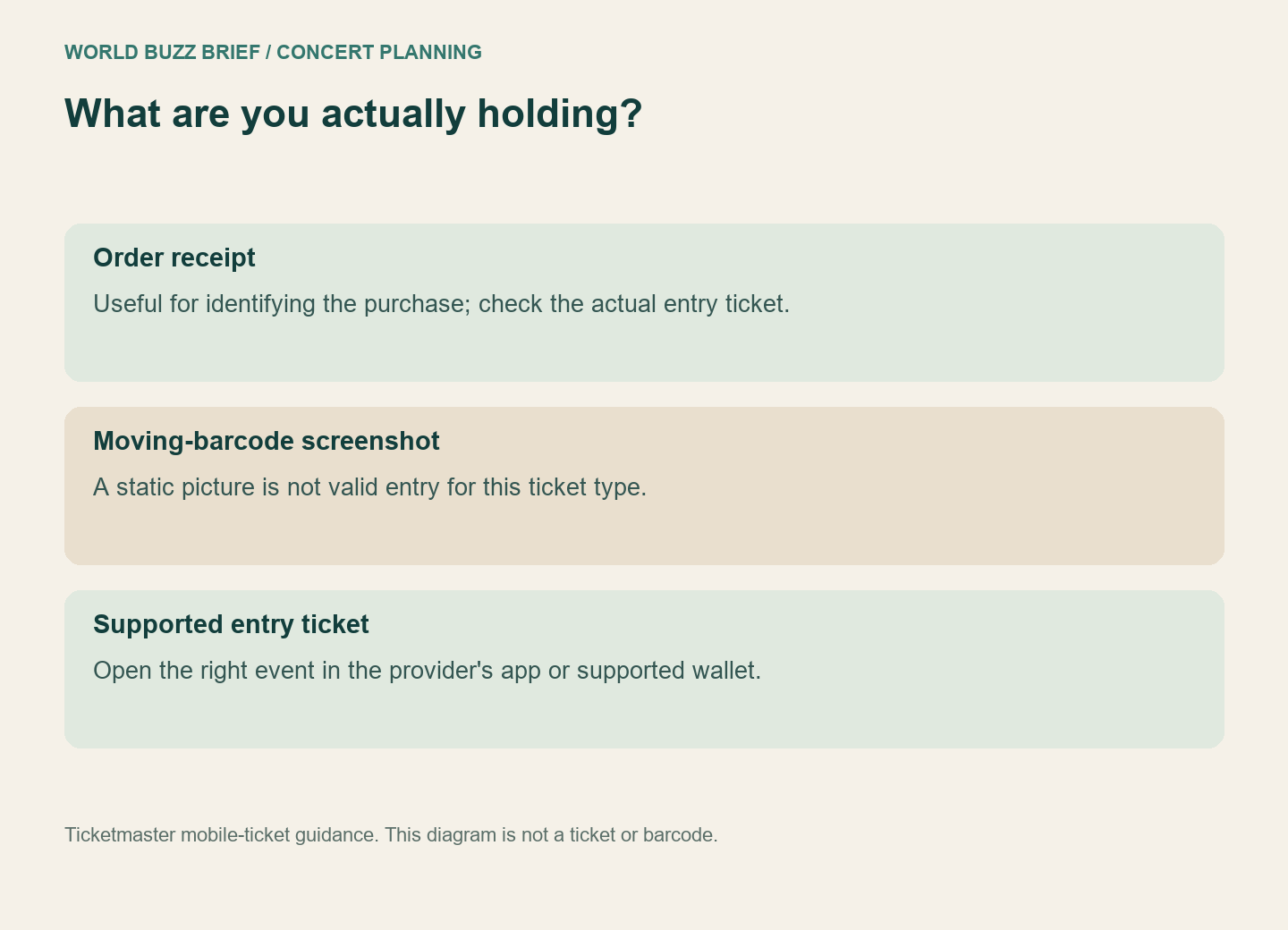
A picture of a moving barcode is not the ticket
Ticketmaster’s moving-barcode guidance says these codes refresh every 15 seconds and screenshots are not valid for entry. Open the ticket in the account or app rather than relying on an image in your photo library. View it before reaching the venue, where mobile reception may be crowded.
The practical test is simple: ask each person to show how they will open their entry ticket, without sending the barcode to the group. An order receipt can help you find a purchase, but it does not demonstrate that a friend’s separate phone is ready at the gate. Do the test while there is time to resolve the difference.
If arriving separately, finish the transfer
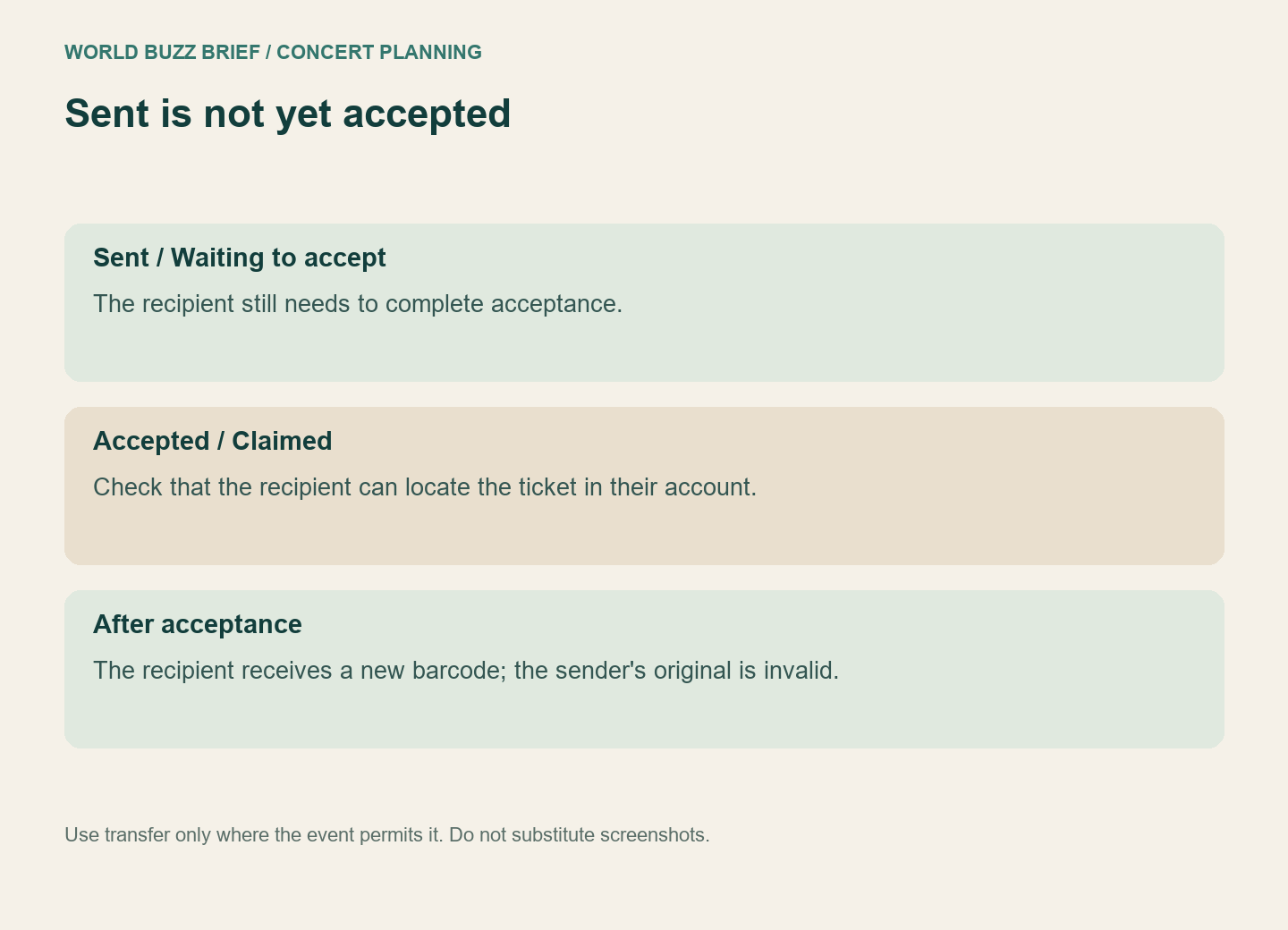
Where the event permits it, use the provider’s transfer process. In the current Ticket Transfer guide, “Sent” or “Waiting to accept” means the recipient has not finished accepting. “Accepted by” or “Claimed” indicates success. After acceptance, the recipient receives a new barcode and the sender’s original ticket is no longer valid for entry.
For example, if Alex sends a ticket to Sam but Sam only reads the invitation, the plan is not finished. Sam should complete acceptance and locate the ticket in the intended account. Alex should check the resulting status rather than assuming the message was enough. This is a fictional example of the status distinction, not a report of a reader’s transaction.
If a transfer is unavailable, do not improvise by circulating screenshots. Check the event’s restrictions and arrange an entry plan that those restrictions support. Account sharing is not a substitute for checking the permitted transfer method.
Prepare the wallet before the venue
For eligible tickets, the wallet instructions explain adding the ticket to Apple Wallet or Google Wallet to reduce dependence on venue connectivity. A contactless wallet ticket may not show the same barcode view as the app; follow the wallet’s entry instructions rather than concluding that the pass is empty.
A grayed-out or invalid pass needs attention before the trip. Ticketmaster says this can follow a transfer, sale or cancellation. Check the order status and use support if that change was unexpected. Adding a ticket to a wallet does not make a canceled or transferred ticket valid again.
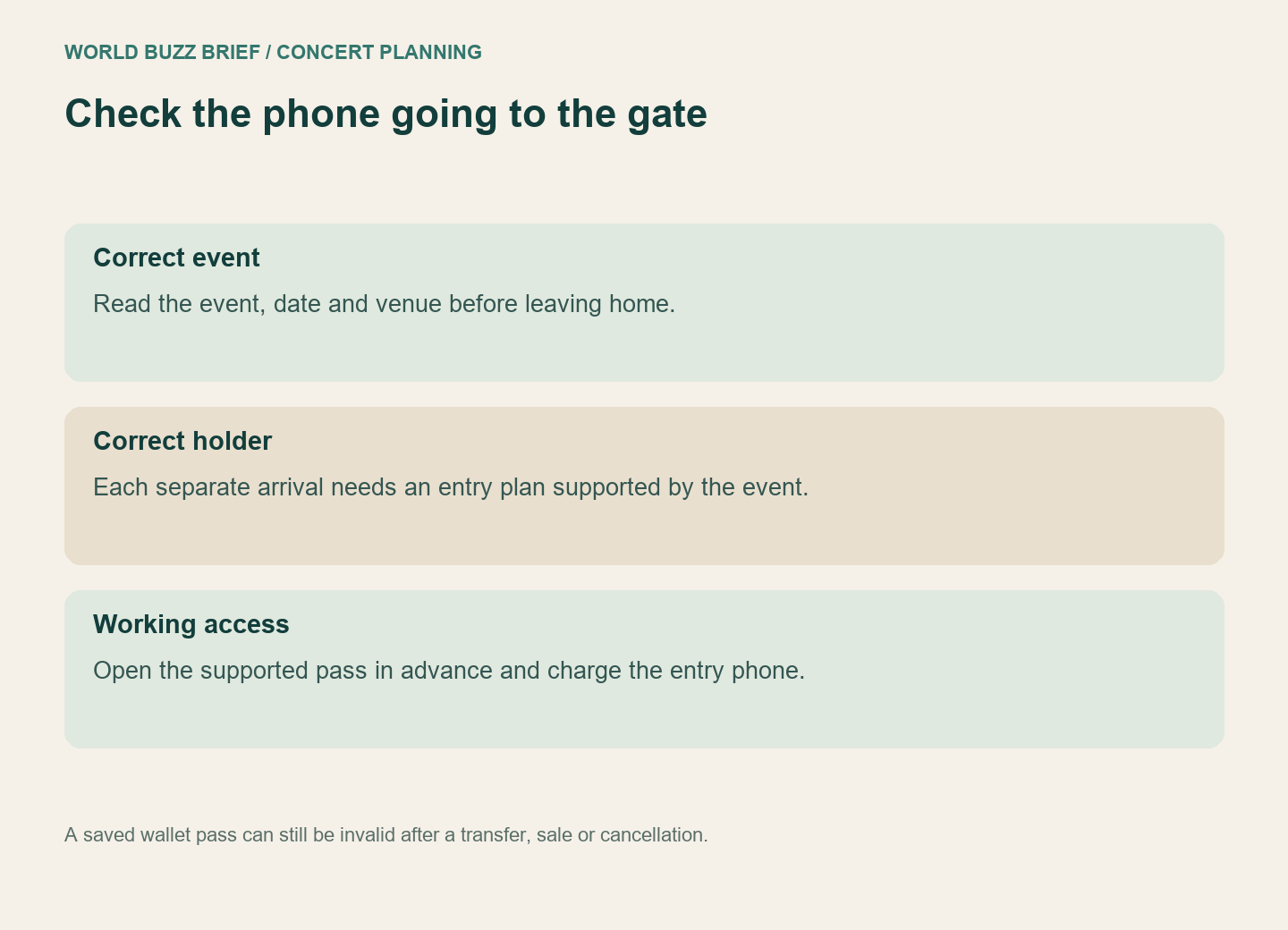
Finish with a human fallback: agree on a meeting point outside and keep the venue’s official support details accessible. Charge the phone you intend to use and check which date and venue the pass names. These are mundane checks, but they are easier at home than while someone else is holding your place in the entry line.
Checked October 3, 2026 using US Ticketmaster guidance. Delivery, transfer and wallet options can differ by event or country. This guide concerns supported mobile tickets and does not declare every PDF ticket invalid.