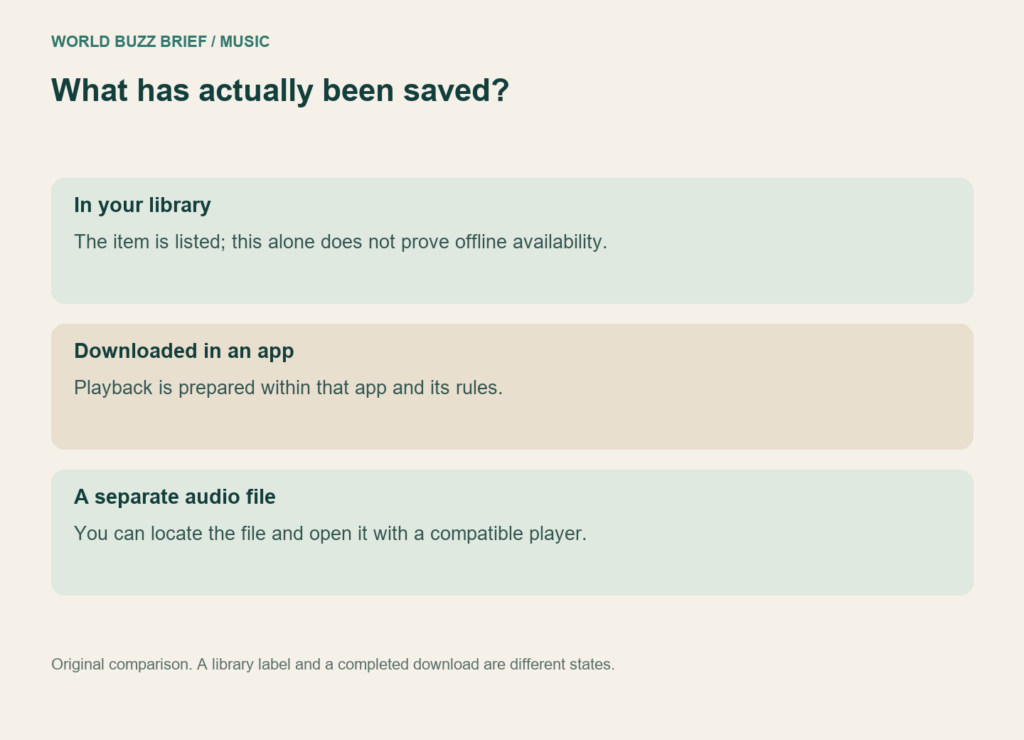
The download button can mean two different things: music available inside a particular app, or audio files you can organize and play elsewhere. Both can help on a journey without reliable internet. They solve different problems, so decide where you want to listen before downloading an entire library.
Bandcamp purchases and Spotify’s offline feature provide a useful comparison. This is a guide to preparing music you already have access to, not a recommendation to buy a new subscription or album.
For the train ride, check the app’s actual downloads
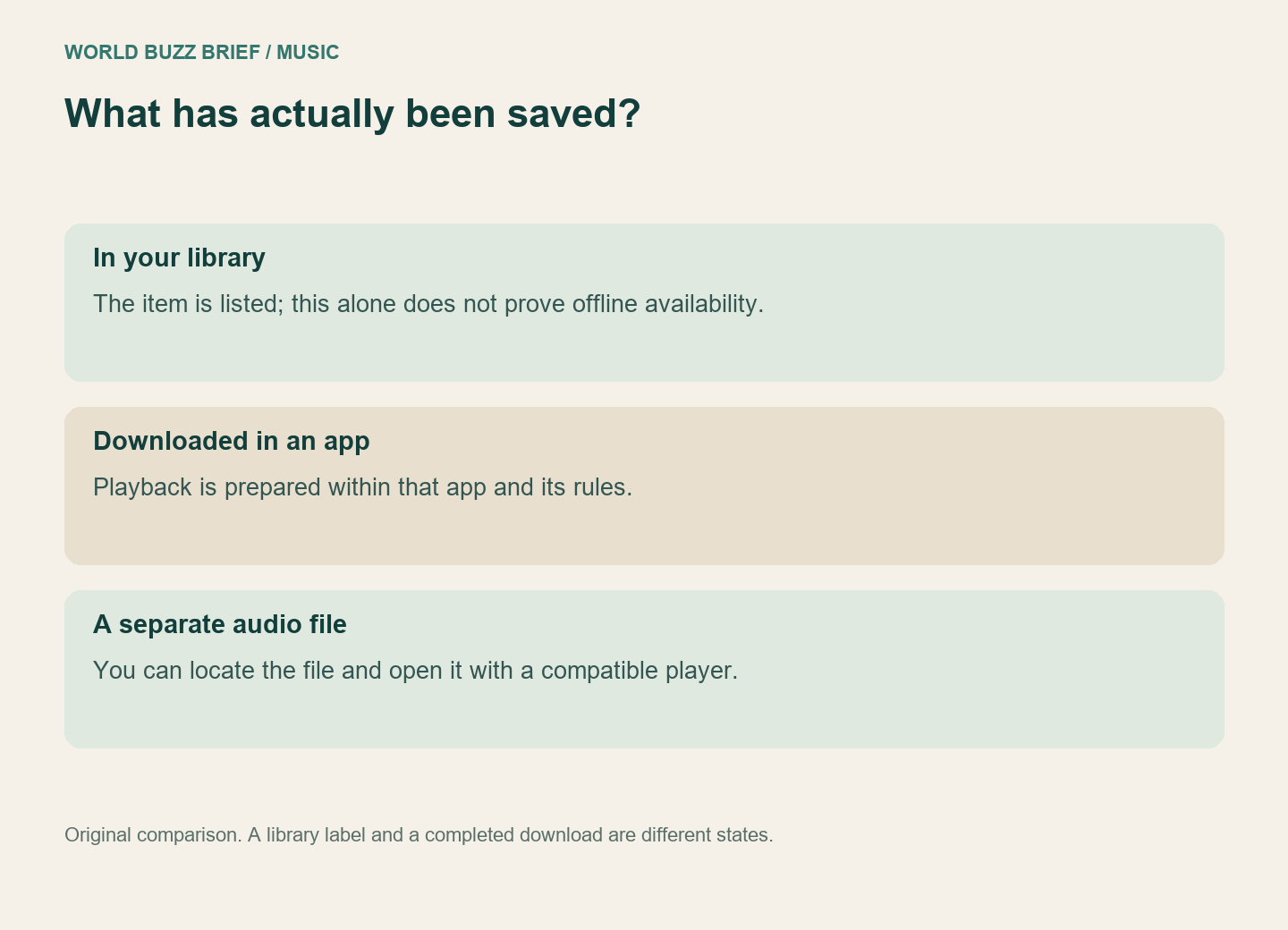
On Spotify, Premium includes music downloads; free users can download podcasts. Saving a track to your library is not the same as completing its download. Offline Mode restricts playback to downloaded material, which makes it a useful check before leaving a connection behind.
Spotify also requires going online at least once every 30 days to keep downloads, and reinstalling the app means downloading the material again. Do a reinstall, if necessary, while you still have time and a connection—not as a last-minute cleanup at the station.
Our practical check is small: open the exact playlist on the exact device you will carry, use its offline setting, and try tracks from different parts of the list. Checking one opening track cannot tell you whether a long queue finished downloading. Restore your normal settings afterward if you want online listening again.
For a personal file library, use the purchase download
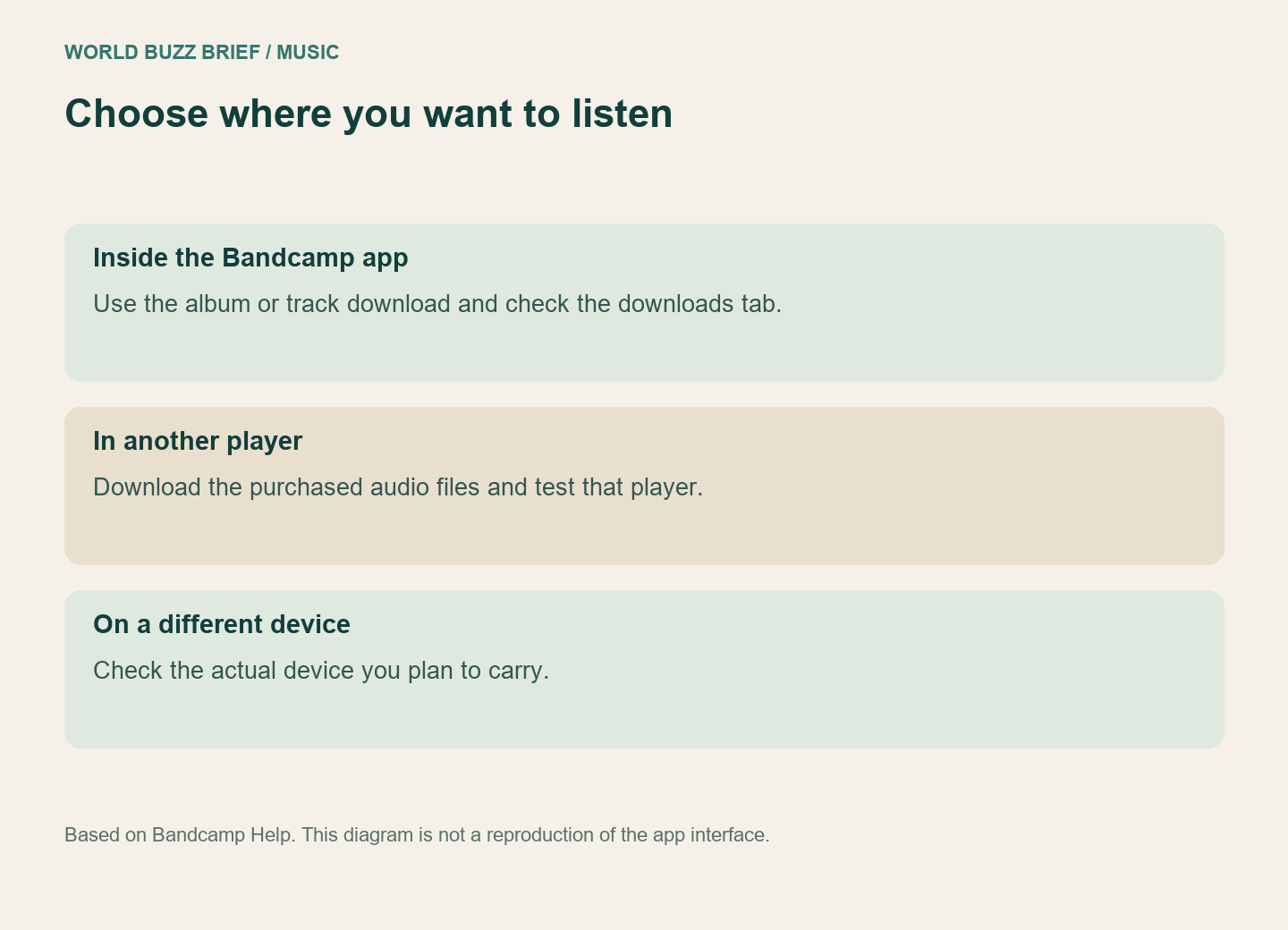
Bandcamp offers offline listening inside its app from an album or track view. The downloads tab shows the items stored on the phone. If your goal is listening in that app, this is the relevant route.
If you want audio files for another player, use the purchase download available through the checkout result, receipt link, web collection or desktop Purchases page. Bandcamp’s guidance separates that file download from the app’s own offline listening. Having the album visible in the app is therefore not proof that you have exported a folder for another player.
Start with one purchased album. Download it, extract the archive if needed, and open a track in the intended player. Confirm the artist and track order before processing the rest of your collection. This small trial catches a format or organization problem while it is still one album rather than a weekend of downloads.
Choose a format for the player you will use
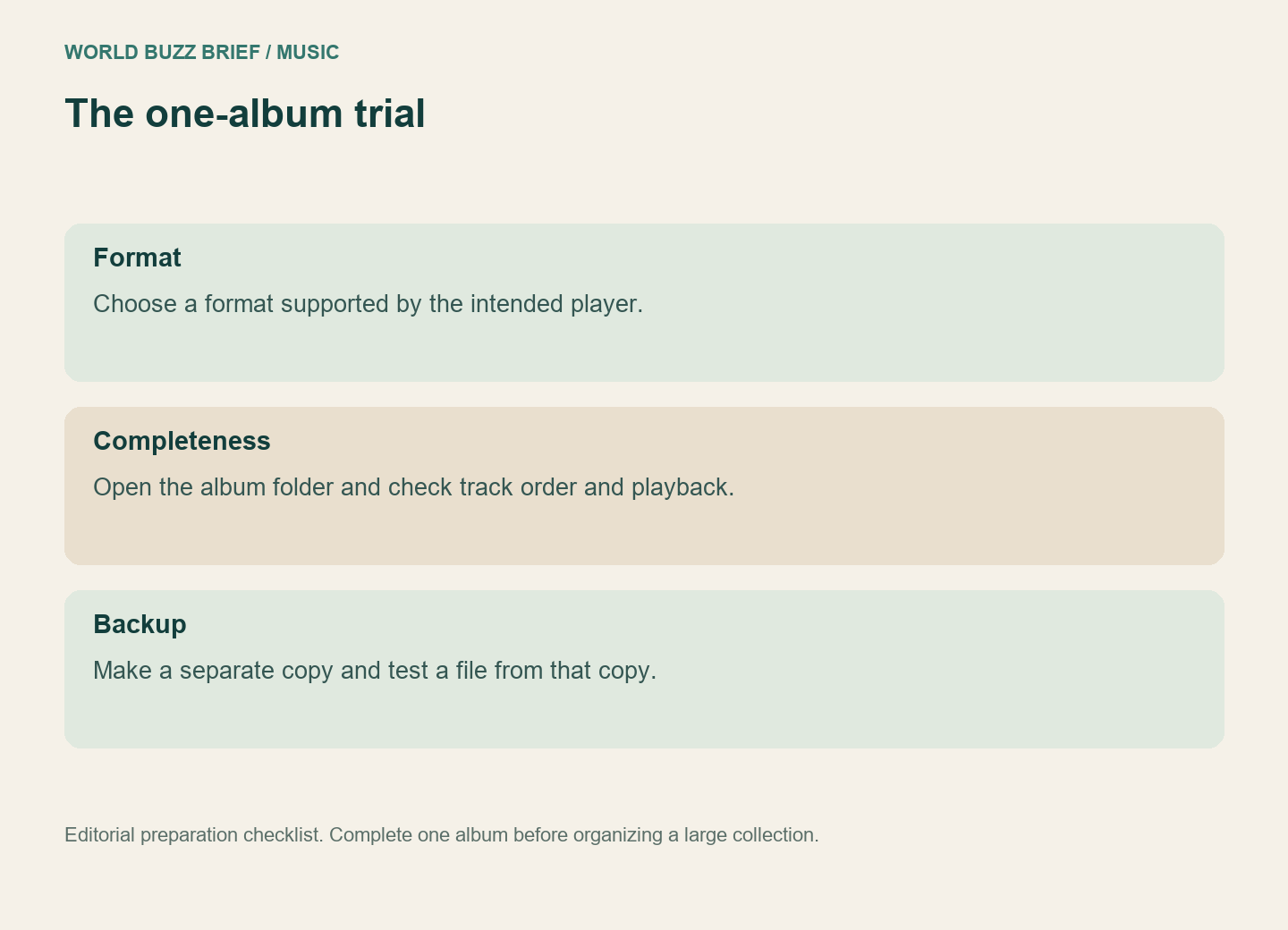
Bandcamp’s format options include MP3, FLAC, ALAC, AAC, Ogg Vorbis, WAV and AIFF. Check your chosen player’s supported formats before selecting one. A familiar extension is useful only if the device or app you intend to use can actually play it.
Keep one clearly named album folder rather than scattering files among browser downloads. If you want a backup, copy that finished folder somewhere separate and test a file from the copy. Do not delete the first copy merely because the second folder exists; verify that the copy contains the music.
Finish with the question you started with
For a journey, success means the intended music plays offline on the device in your bag. For a file collection, it means you can locate the files, play them in your chosen application and preserve a separate copy. “Downloaded” is a useful label only when you know which of those outcomes it describes.