Your BTS light stick turns on, but an old tutorial says you still need to enter a seat. Another fan says to leave it alone. Both instructions may come from real notices—and still apply to different concerts. The useful question is which procedure the organizer has assigned to your show.
The 2026 ARIRANG notices provide a concrete example. The Busan instructions and the later North America instructions did not describe the same preparation. This guide compares those published notices; it is not a claim that we tested a light stick at either event.
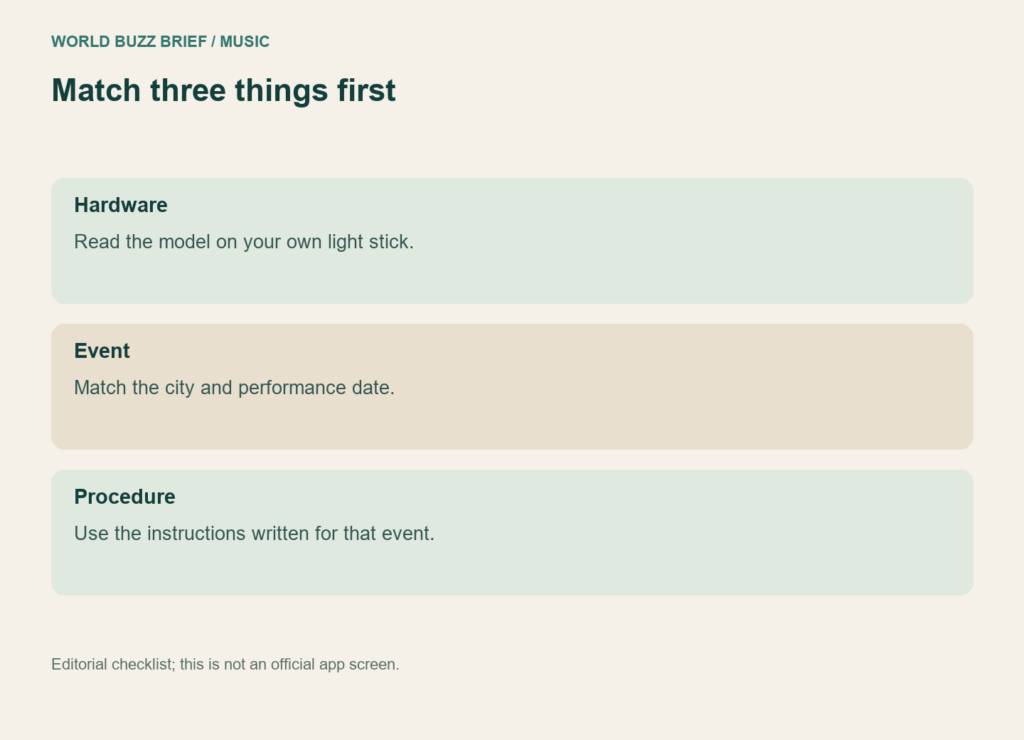
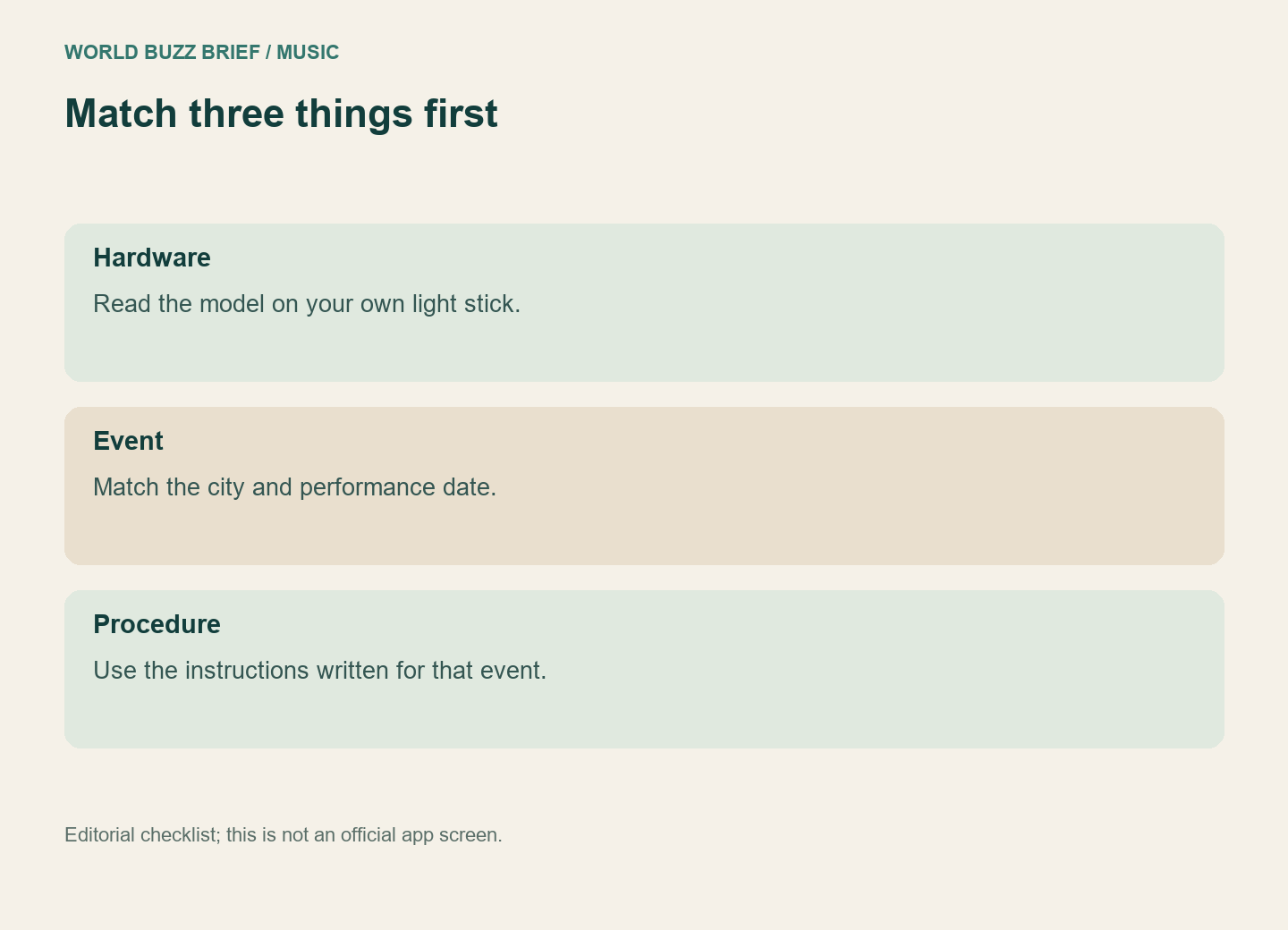
First, identify the hardware rather than the app icon
The official VER.4 release notice set a transition: VER.3, SE and VER.4 wireless control was supported through the Las Vegas show on May 28, 2026, with VER.4-only support starting in Busan on June 12. That matters when an older guide demonstrates successful syncing with an earlier model.
A working power button cannot tell you whether that model is supported by a particular concert’s control system. Read the model name on your own product and match it to the event notice. Do this before downloading another app or assuming the batteries explain every problem.
Busan’s seat pairing was not a universal tour rule
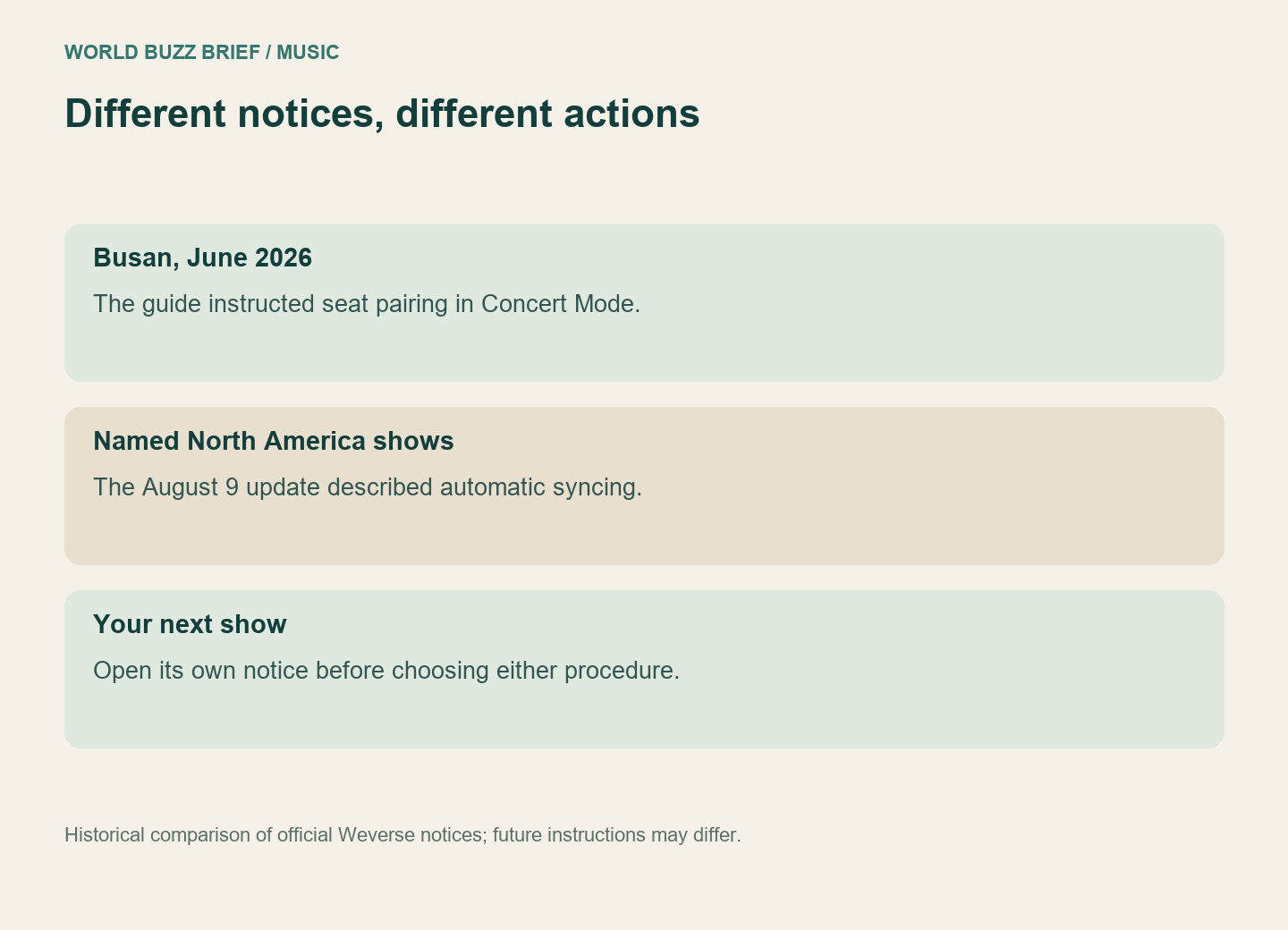
The Busan user guide told attendees to use Concert Mode in the VER.4 app to pair with their seats. It asked fans to prepare the firmware and pairing in advance because crowds could make that harder at the venue. It also warned that an unpaired light stick might miss some effects.
By contrast, the North America guide updated August 9, covering Baltimore, Arlington, Toronto, Chicago and LA, said the light stick would sync automatically when switched on. That notice instructed users to hold the left button for two seconds and update firmware; it also specified VER.4.
The difference is the procedure, not evidence that one group of fans misunderstood their devices. Treat a screenshot without its concert heading as incomplete instructions. The firmware version printed in a past notice is also a historical reference, not a promise that it remains the latest version when you attend.
Prepare a small event-specific checklist
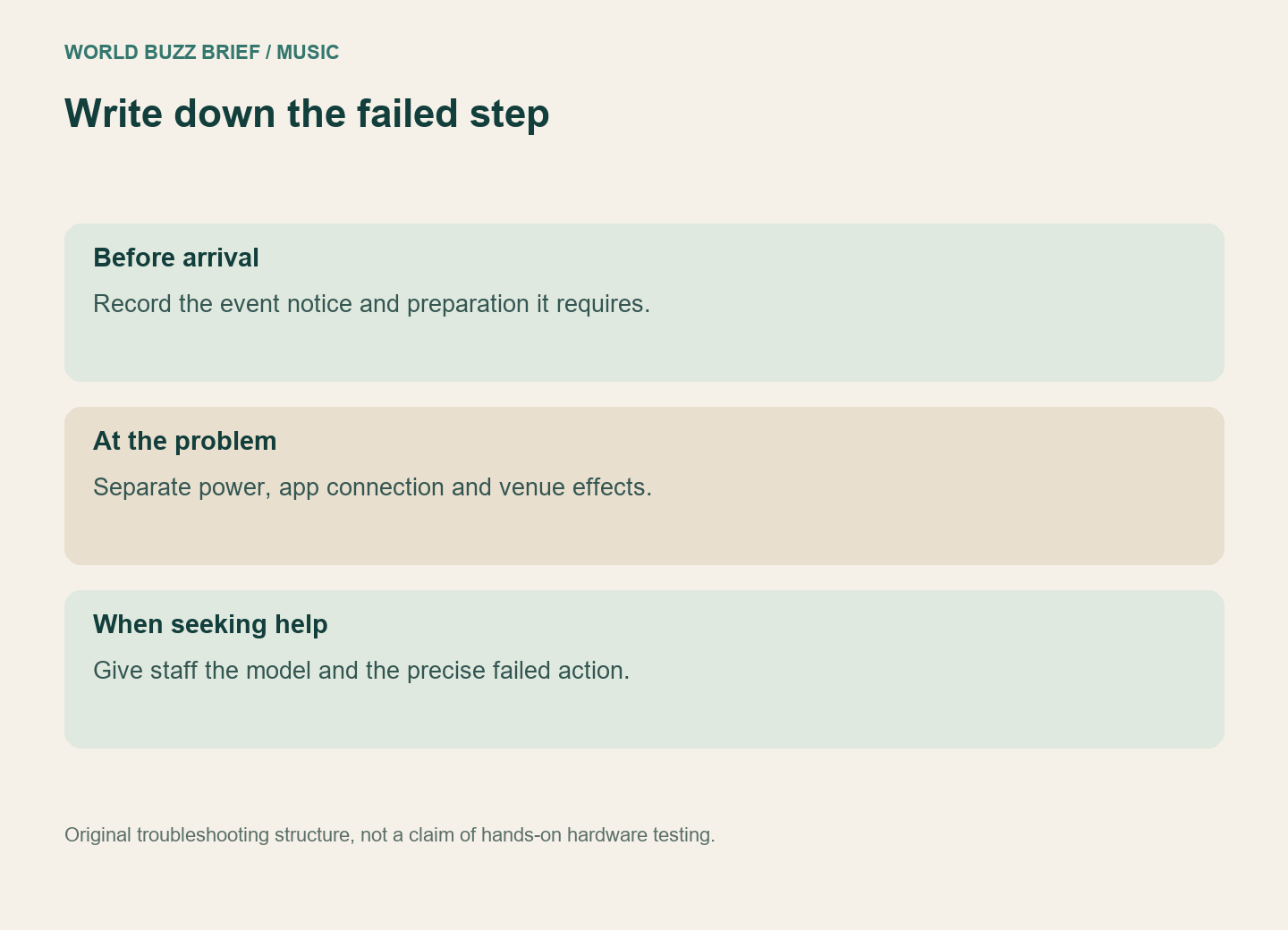
Save the current official notice for your city and date, then write down the supported model, whether a seat must be entered, and what preparation is possible before arrival. If seat entry is required, use the seat on your actual ticket. If your notice describes automatic syncing, do not import a seat-entry requirement from the Busan example.
For unresolved trouble, bring the exact model and a description of the failed step to the event’s listed support point. “The app will not connect” is a different problem from “the device powers on but misses venue effects.” Separating those observations gives staff something actionable without repeatedly resetting settings at random.
Before buying a replacement, establish which part is incompatible or failing. This is an event-control check, not an assumption that every older light stick has stopped functioning.