A concert package can be a physical gift while its video belongs to a particular online account. Before scanning the code to “make sure it works,” decide who should keep access. A test redemption on the buyer’s account may be the step that prevents the recipient from using it.
Weverse’s BTS PERMISSION TO DANCE ON STAGE — SEOUL VOD instructions state that a product code can be used by one account and cannot be canceled or redeemed on another account after use. The same notice says deleting the Weverse account makes its purchase history unrecoverable. Keep the code private while checking the package.
Separate the gift from the viewing entitlement
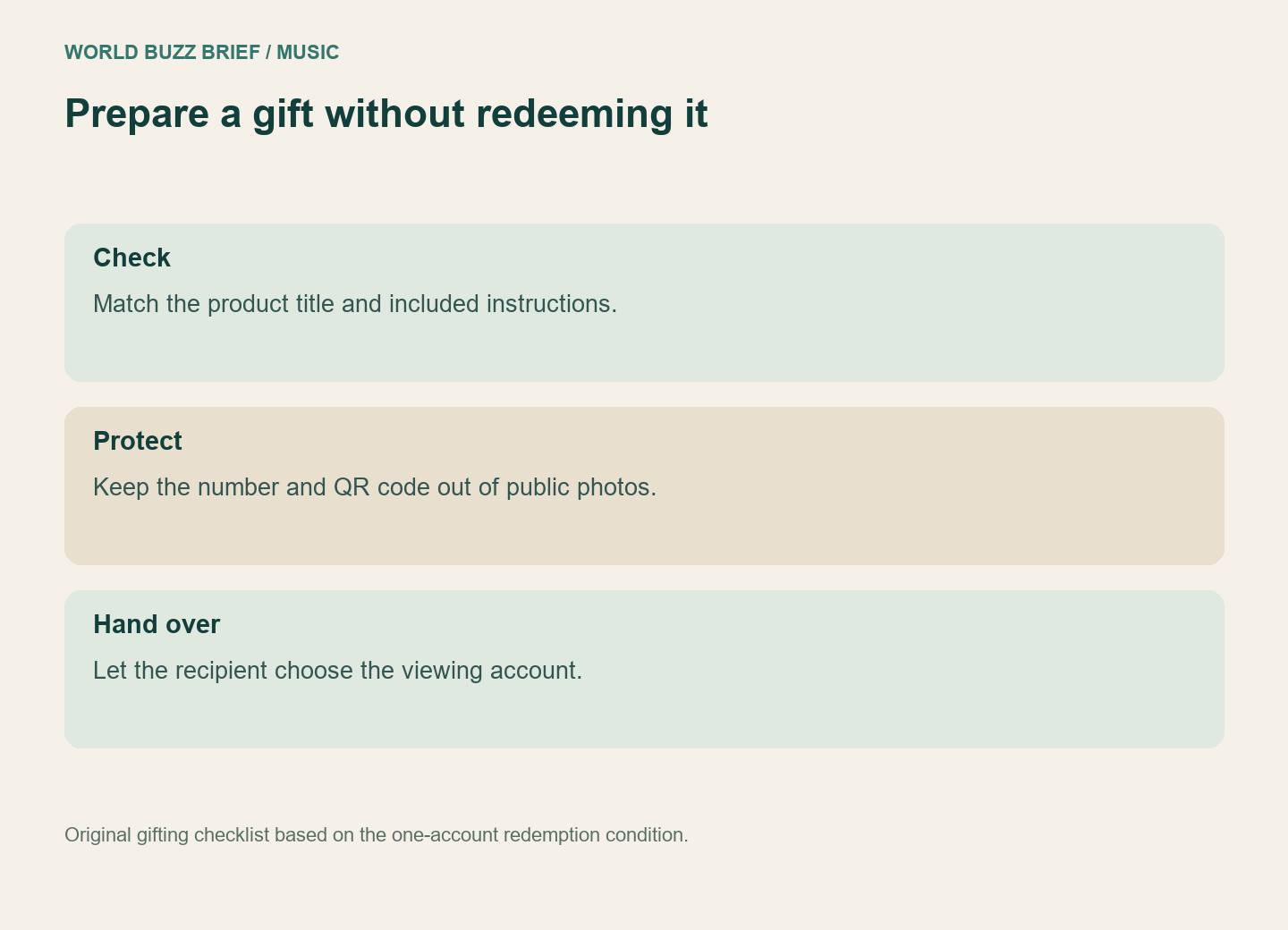
For a gift, leave redemption to the intended viewer. You can check the product title, packaging and included instructions without attaching the video to your own profile. Do not post an unboxing photo that exposes the number or QR code. For a secondhand purchase, ask specifically whether the video code has been redeemed; having the box does not answer that question.
Use a simple handover note: the exact product, where the official instructions are, and whether you have redeemed it. Avoid writing the secret code into a shared group chat. A recipient who already uses Weverse should identify the account they intend to keep before reaching the final registration button.
A pre-order date is not the first viewing date
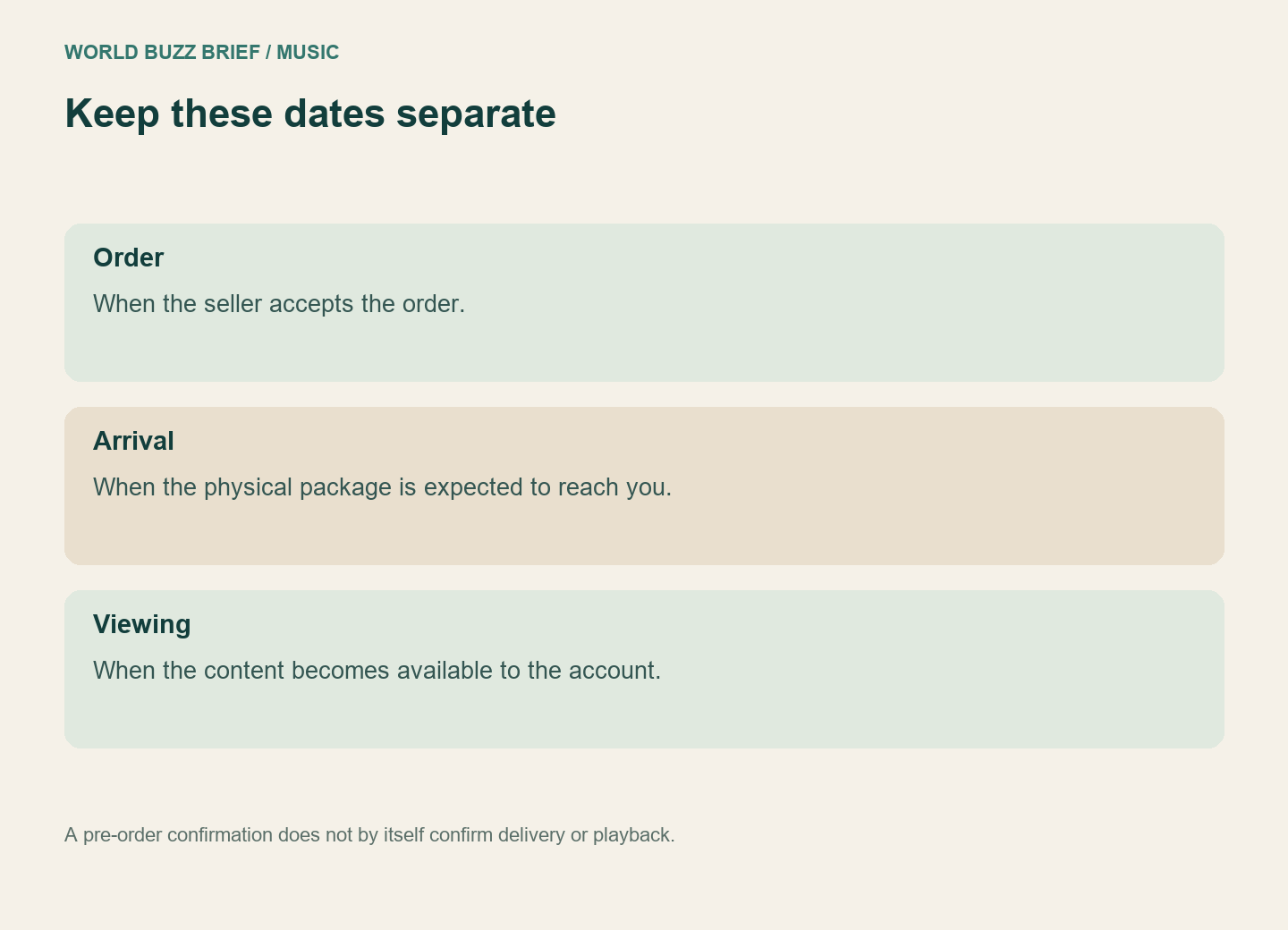
The October 2 Japanese announcement for BTS WORLD TOUR ‘ARIRANG’ IN JAPAN Digital Code illustrates why the dates need separate lines. It announced orders from October 2, a December 23, 2026 release, sequential delivery from December 22, and video access from December 22 at 09:00 in the Japanese notice. The cited Weverse Japan listing is for domestic delivery. Those terms should not be silently applied to an overseas seller.
If you want to watch together on a birthday, work backward from the required viewing day. Confirm the seller’s shipping destination and estimate, then the content’s unlock time and the recipient’s account readiness. An order confirmation alone does not establish any of those three. For a time-critical gift, a clear explanation of what will arrive later is kinder than promising a viewing session you cannot yet arrange.
Test the viewing route without consuming the gift
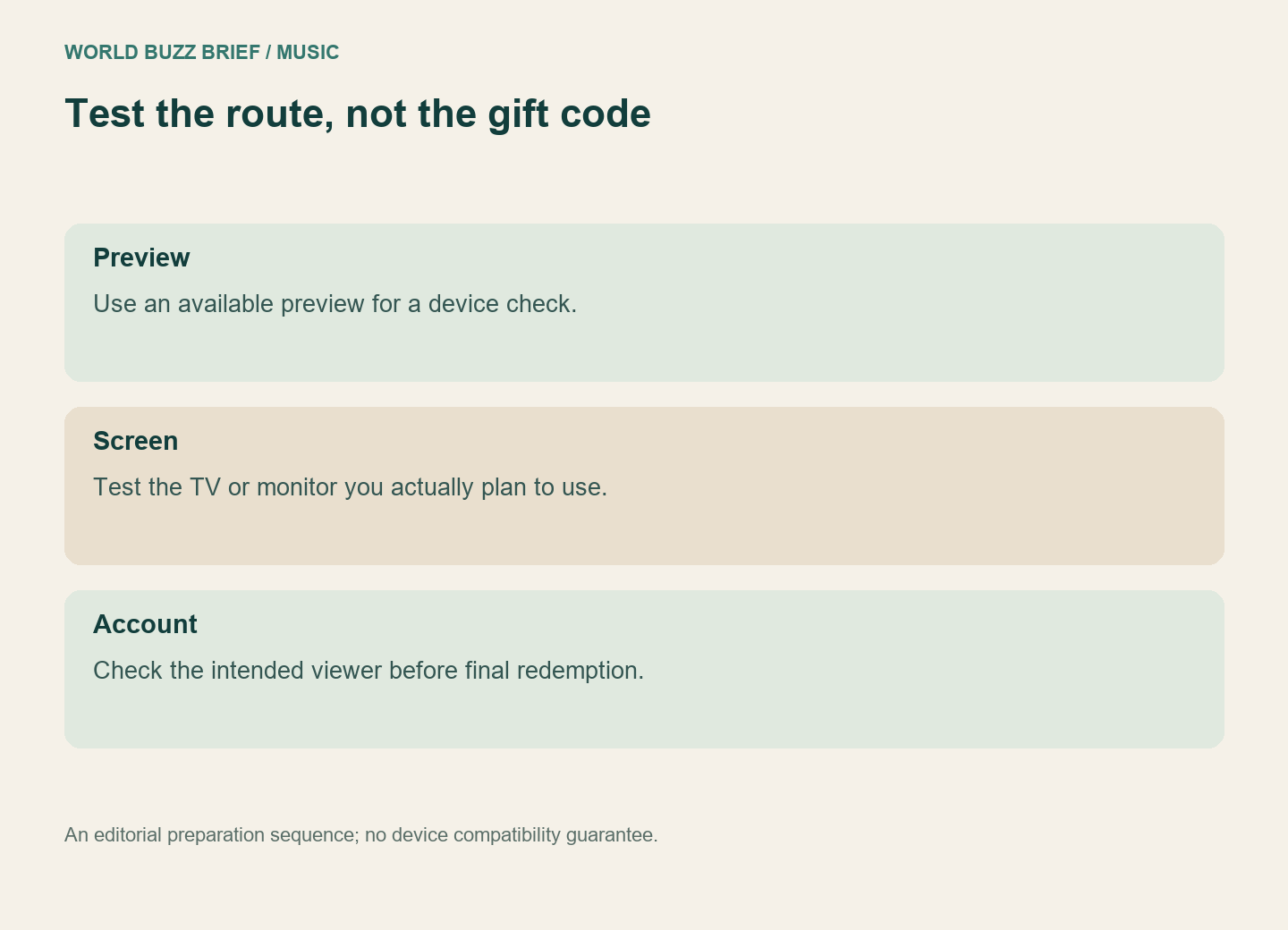
A public preview is a better compatibility test than redeeming someone else’s code. In its SEVENTEEN DIGITAL CODE re:CAP guide, Weverse recommends testing a preview before purchase and describes TV viewing through the mobile player using Apple AirPlay or Google Chromecast. It also explains that the NFC product opens a registration page: tapping the physical item and completing registration are separate steps.
Try the intended screen, sound output and home connection with an available preview. Record what actually worked; playing on a phone does not test the living-room setup. Then follow the purchased product’s own instructions when the recipient is ready. This keeps device preparation separate from assigning the video to an account.