You bought access to one concert date, see a replay announcement, and plan to watch after dinner. Before doing that, check whether the product is a scheduled stream or on-demand video. The word “replay” alone does not tell you whether you can start late, pause for an hour or return next weekend.
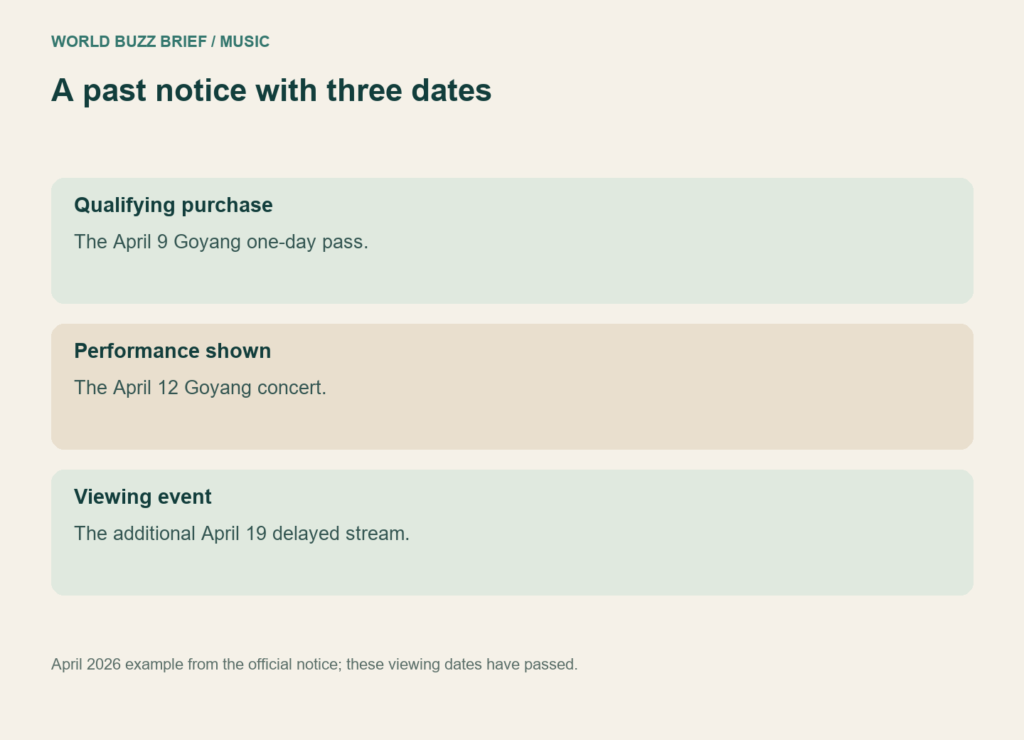
The most useful reading method is to separate three items: who qualifies, which performance is shown, and when access takes place. A BTS notice from April 2026 makes the distinction unusually clear because those dates were not all the same.
The ticket date and replayed performance can differ
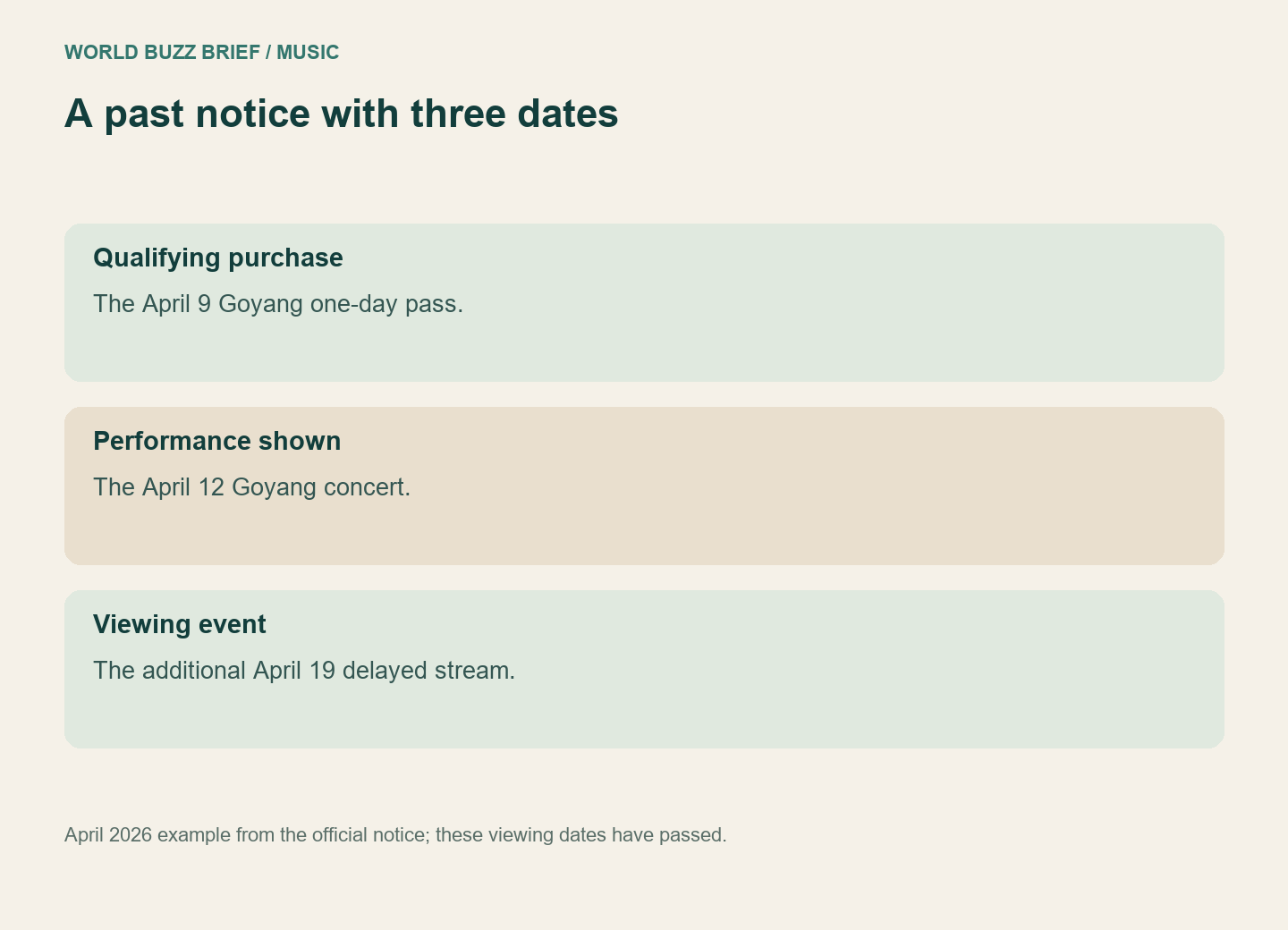
In the additional Goyang delayed-streaming notice, eligibility was tied to an April 9 concert one-day pass, while the additional stream showed the April 12 performance on April 19. It was specified as single-view streaming. These are past dates used here to explain the notice, not an offer that remains available.
If you simply saved “April 9 replay” in your calendar, you could misremember what footage was promised. Make the calendar title describe the performance being shown, and put the qualifying purchase in a separate note. This is especially useful when you have several one-day and multi-day orders in the same account.
Do not carry live-stream features into the replay
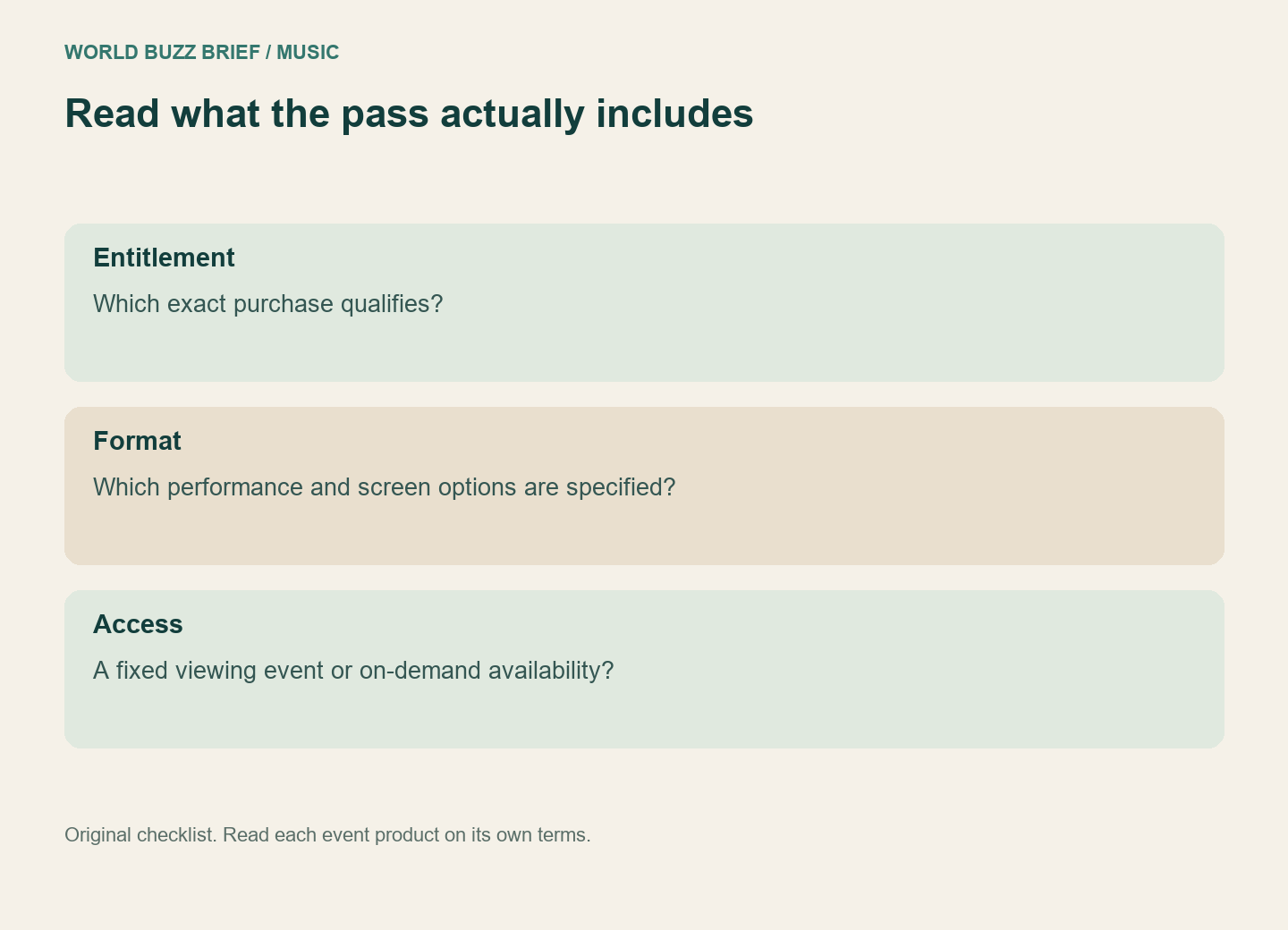
An older MAP OF THE SOUL ON:E delayed-stream notice described an HD main-screen replay rather than all six live multi-view screens. It also excluded exhibition-only pass buyers. Again, the relevance is the distinction: buying something with the event’s name was not sufficient to determine the screen options or replay entitlement.
For your own purchase, write down the exact pass name, performance and date, view options, and whether the notice promises scheduled streaming or VOD. Leave missing fields unresolved rather than filling them from a fan screenshot of a different concert. If pausing or choosing your own start time is essential, ask support about that feature before treating a scheduled stream as suitable.
Check the account before the viewing window
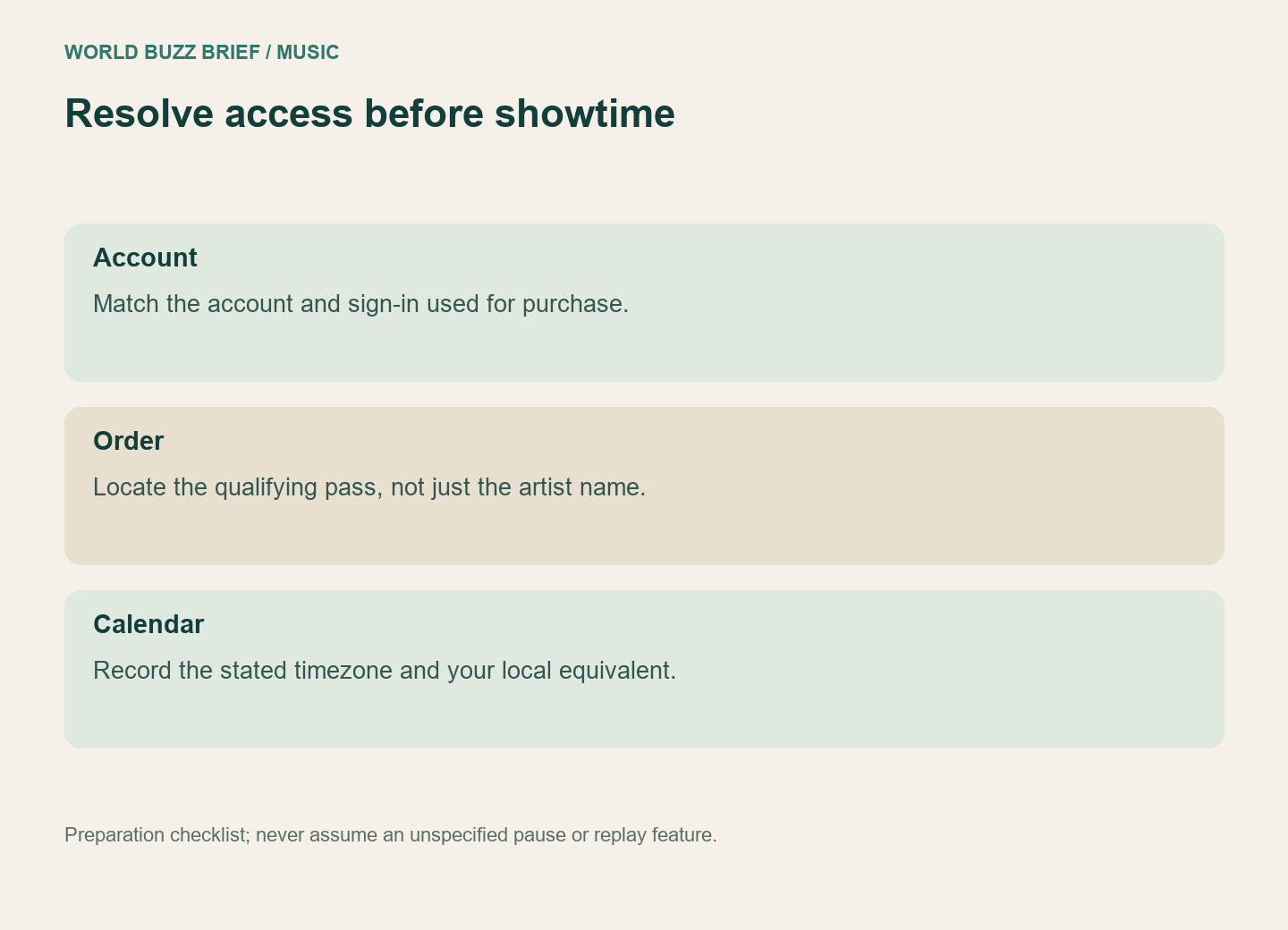
The Goyang notice instructed viewers to log in with the purchasing account, including the same social sign-in route if that was used to buy the pass, and verify access on the viewing page. A familiar display name is a poor substitute for checking the actual purchase history.
Open the event link from the official notice ahead of time and confirm which account is signed in. If the order is missing, compare the purchase confirmation with the login method before paying again. When asking for help, provide the order through the official private support route, not a public comment containing your receipt or account details.
Your final note should be specific enough that someone else could understand it: “This pass qualifies for this performance, in this format, at this time.” That is a much safer plan than “the replay will be there later.”