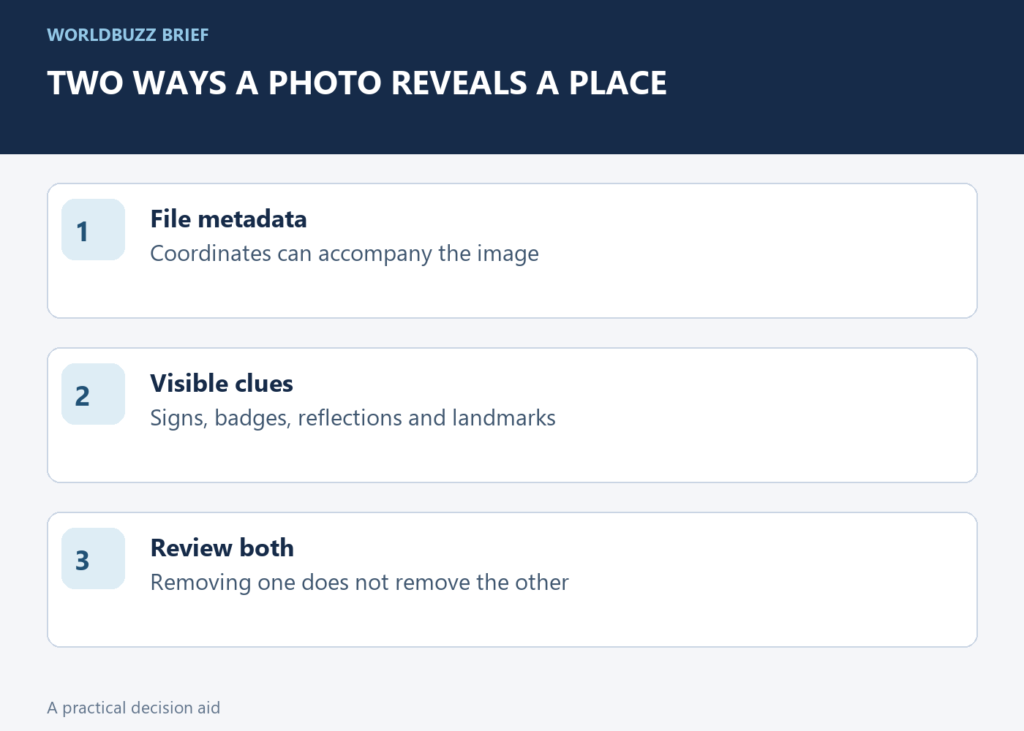
A photograph can reveal a place in two ways: coordinates stored with the file and clues visible in the image. Turning off location sharing addresses the first. Before posting a picture of your home, workplace or a private gathering, review both.
Inspect whether the photo contains location metadata
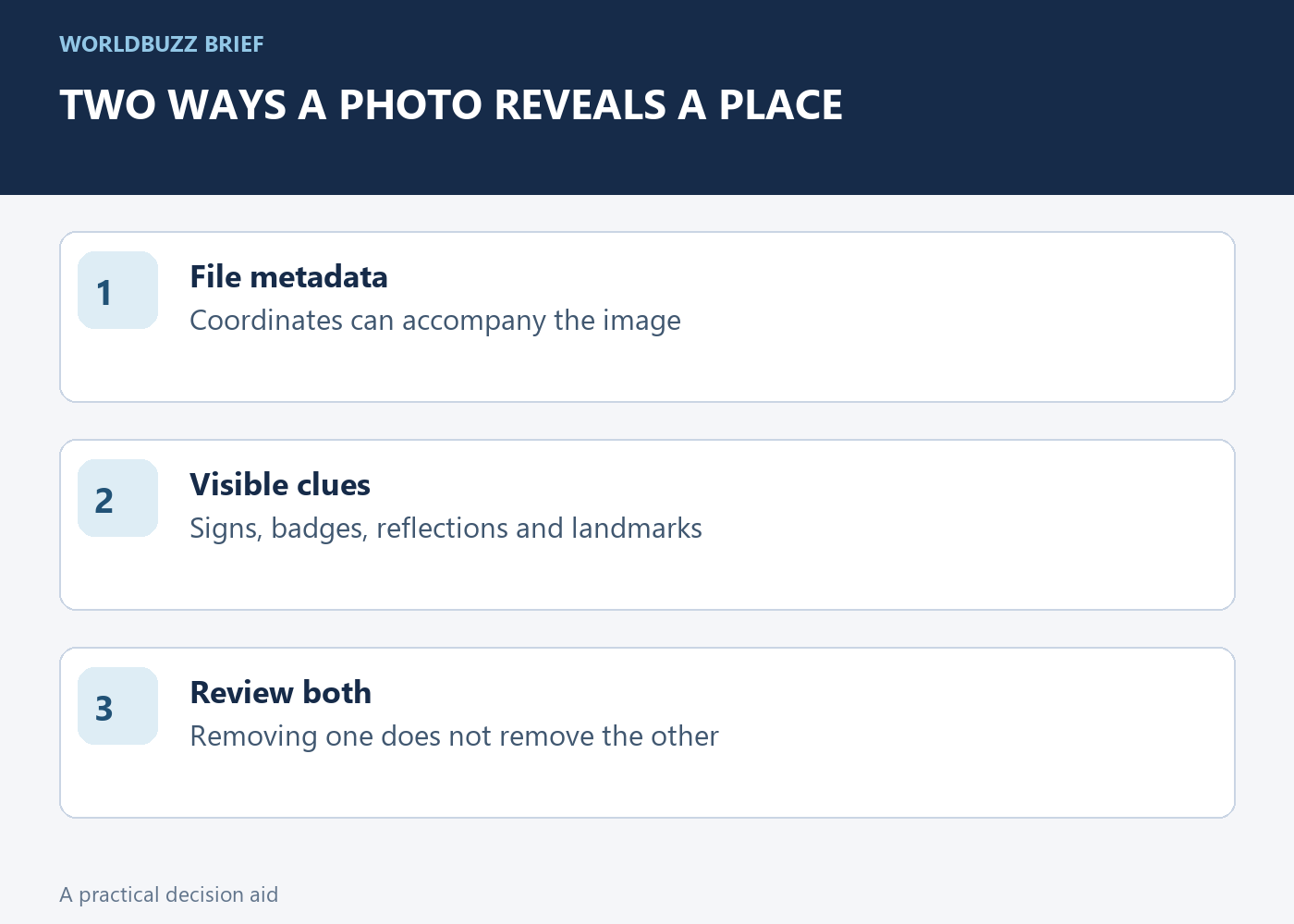
In Photos on iPhone or iPad, open the image and swipe up or use the information button to inspect its details. Apple explains that camera location access can embed coordinates in photographs and videos. A recipient may be able to read that information when it travels with the shared file.
Start with the specific photo you plan to send. Do not infer its metadata from the current camera setting: the image may have been taken earlier, imported from another device or saved through a different app. The practical question is what this file contains now, not what you hope every future photo will contain.
Choose between changing the photo and excluding location from a share
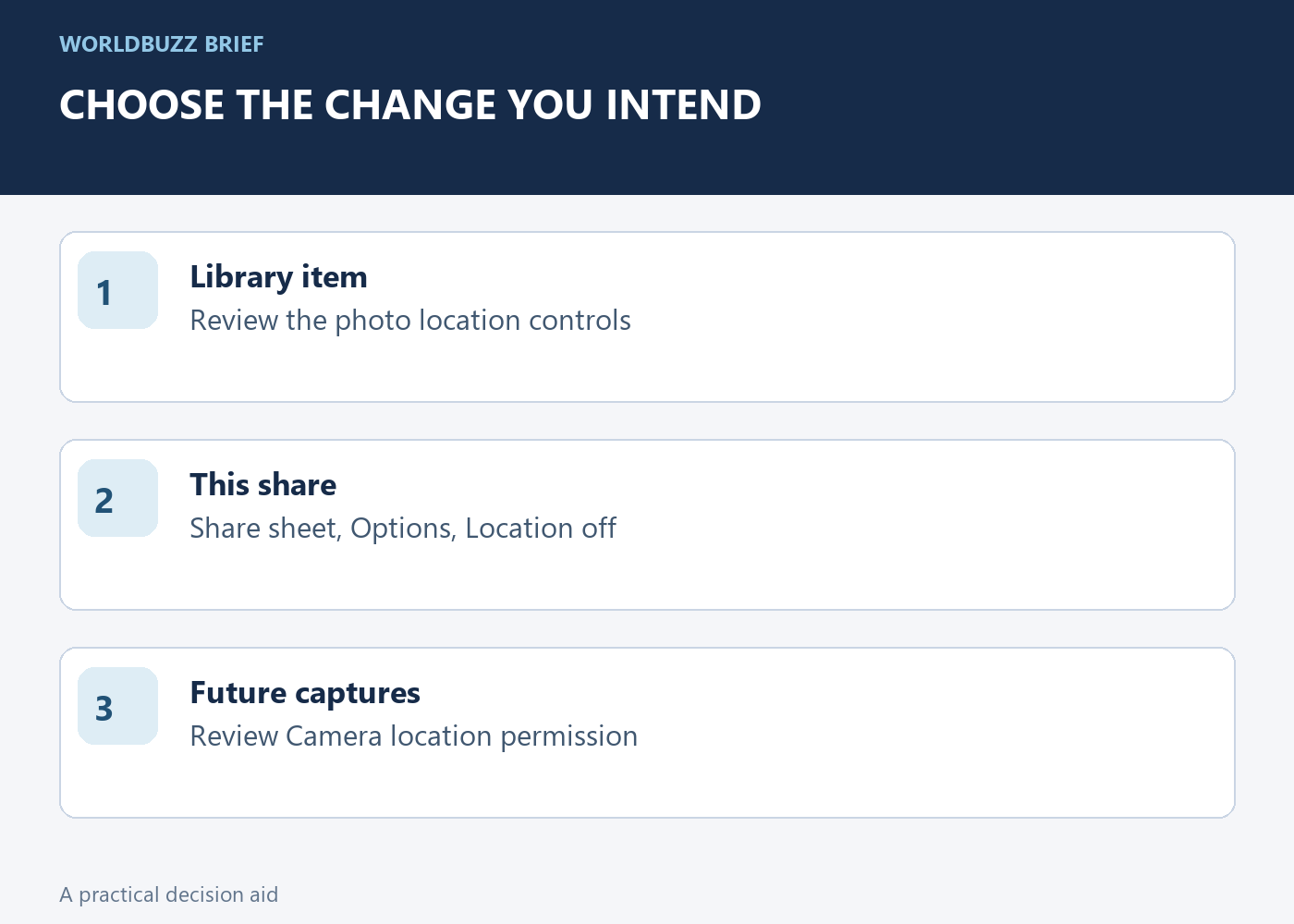
Apple documents a Photos option to adjust a photo's location to No Location. It also documents a sharing route: select the photos, open the share sheet, choose Options and turn off Location before completing the share. These address different intentions, so choose the one matching what you want to change.
If you only intend to send a version without coordinates, inspect the sharing options for that transfer. If you want to change the location associated with the library item, review the photo's own location controls. Menu placement can vary with software version. Do not assume that a setting used in one app applies to an unrelated export or upload route.
Look for clues that a metadata switch cannot remove
A house number, school badge, street sign or distinctive view can disclose a location without any GPS data. Review the full frame, including reflections and background screens. This visual check is a separate task from inspecting file details; one cannot stand in for the other.
Decide what the recipient actually needs to see. You may choose another photograph, crop an unnecessary background or postpone sharing. This is especially useful when a picture's main subject is harmless but the surroundings reveal more than intended. Avoid treating the absence of coordinates as a guarantee of anonymity. Context from captions and other posts can also make a place recognizable.
Test the exact route you will use
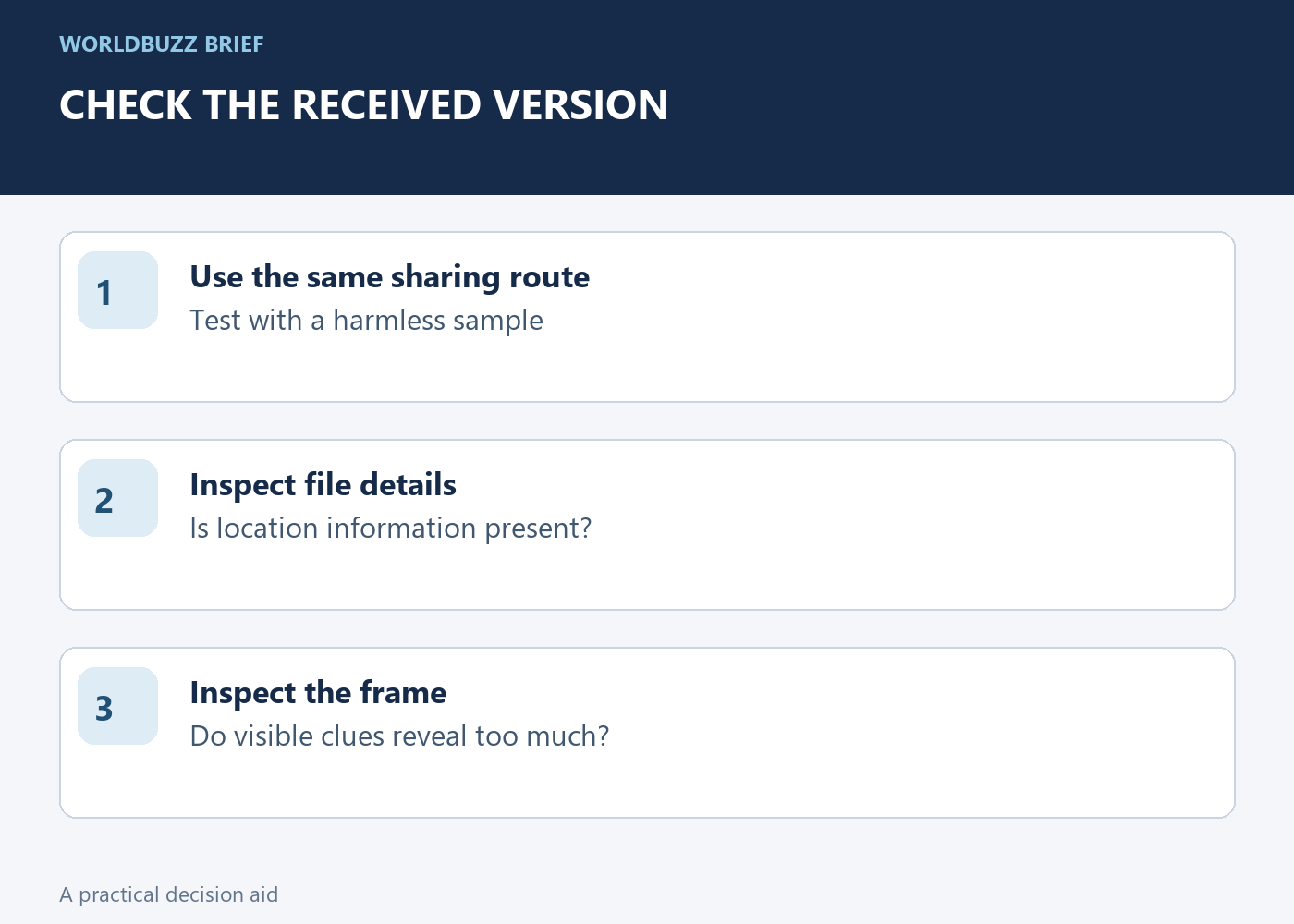
For a sensitive share, send a harmless sample through the same method to an account or device you control and inspect the received file. Check both the visible picture and available location details. This tests that route rather than relying on assumptions about what a messaging service usually removes.
Keep in mind that changing a file now does not recall copies already received or saved by someone else. For future pictures, review the Camera app's location permission if you prefer not to collect coordinates at capture. The useful habit is a two-part check before sending: what information travels with the file, and what information is already visible inside the frame.