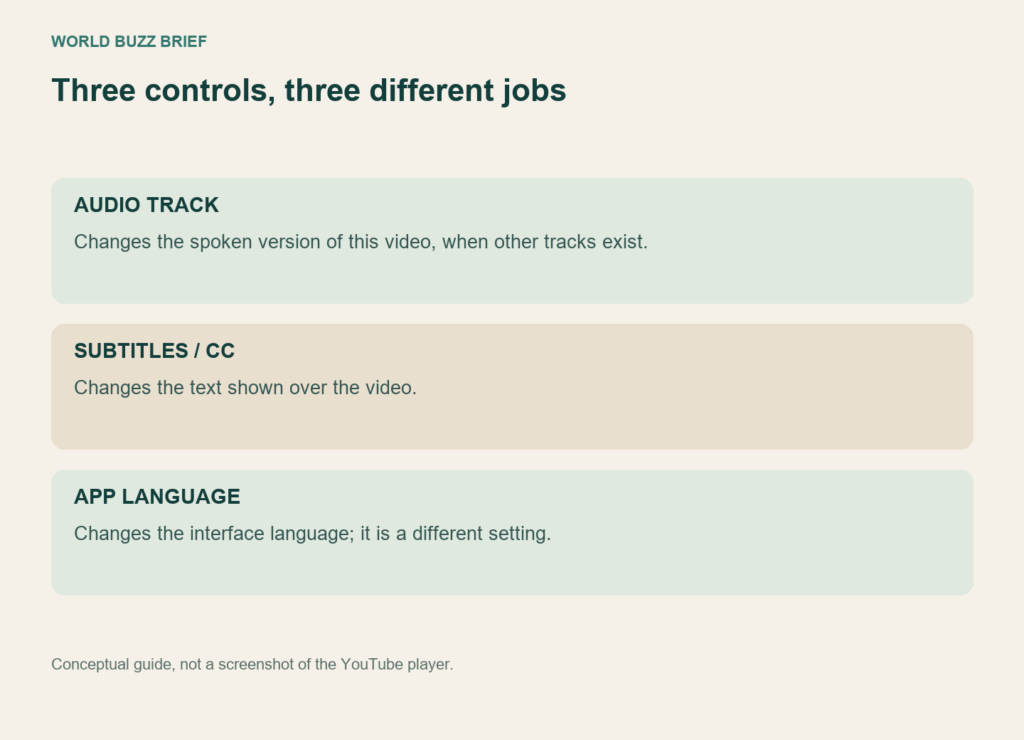
A creator you know suddenly sounds different. Before assuming that the video was replaced or the channel changed its presenter, check the audio track. YouTube can play a translated version of the same upload while keeping its original audio available.
The quickest fix is usually inside that video’s player. A separate account preference can help with future videos in languages you understand. Neither control is the same as changing the language of YouTube’s menus.
For the current video, change the audio track
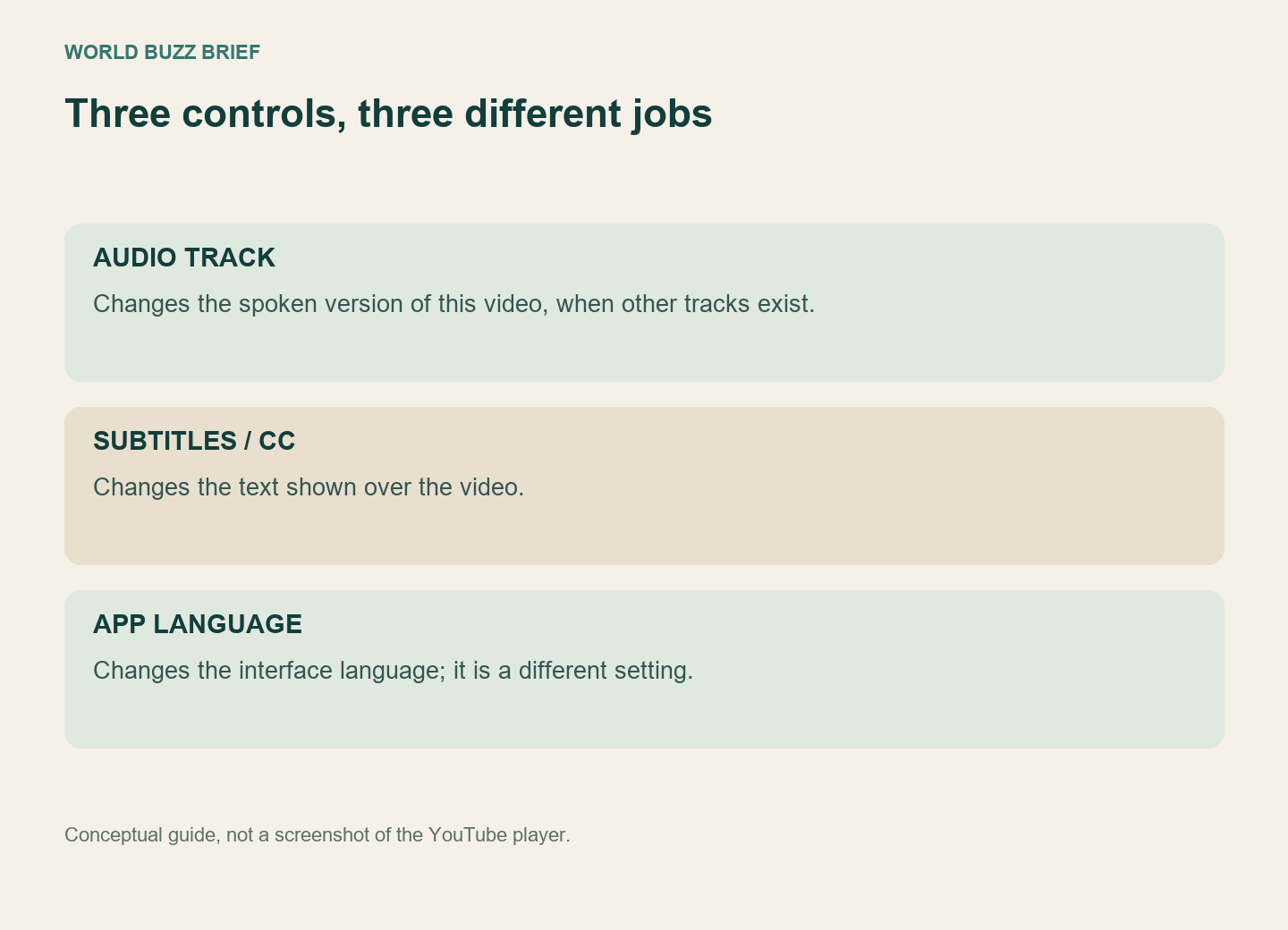
Open the player’s Settings, choose Audio track if it is offered, and select the original language. The viewer instructions apply when the video has additional audio available. A missing track is not something a language preference can create.
Replay the passage that sounded wrong after switching. This simple comparison is more informative than repeatedly changing the app language, clearing browser data or reinstalling the app. It checks whether the selected track was the cause while leaving unrelated settings alone.
Captions have their own control. If you want the original voice with translated text, keep the original audio and choose the available subtitles separately. YouTube’s caption settings control text on the screen, including its appearance; turning captions off will not restore the original voice.
Tell YouTube which languages you already understand
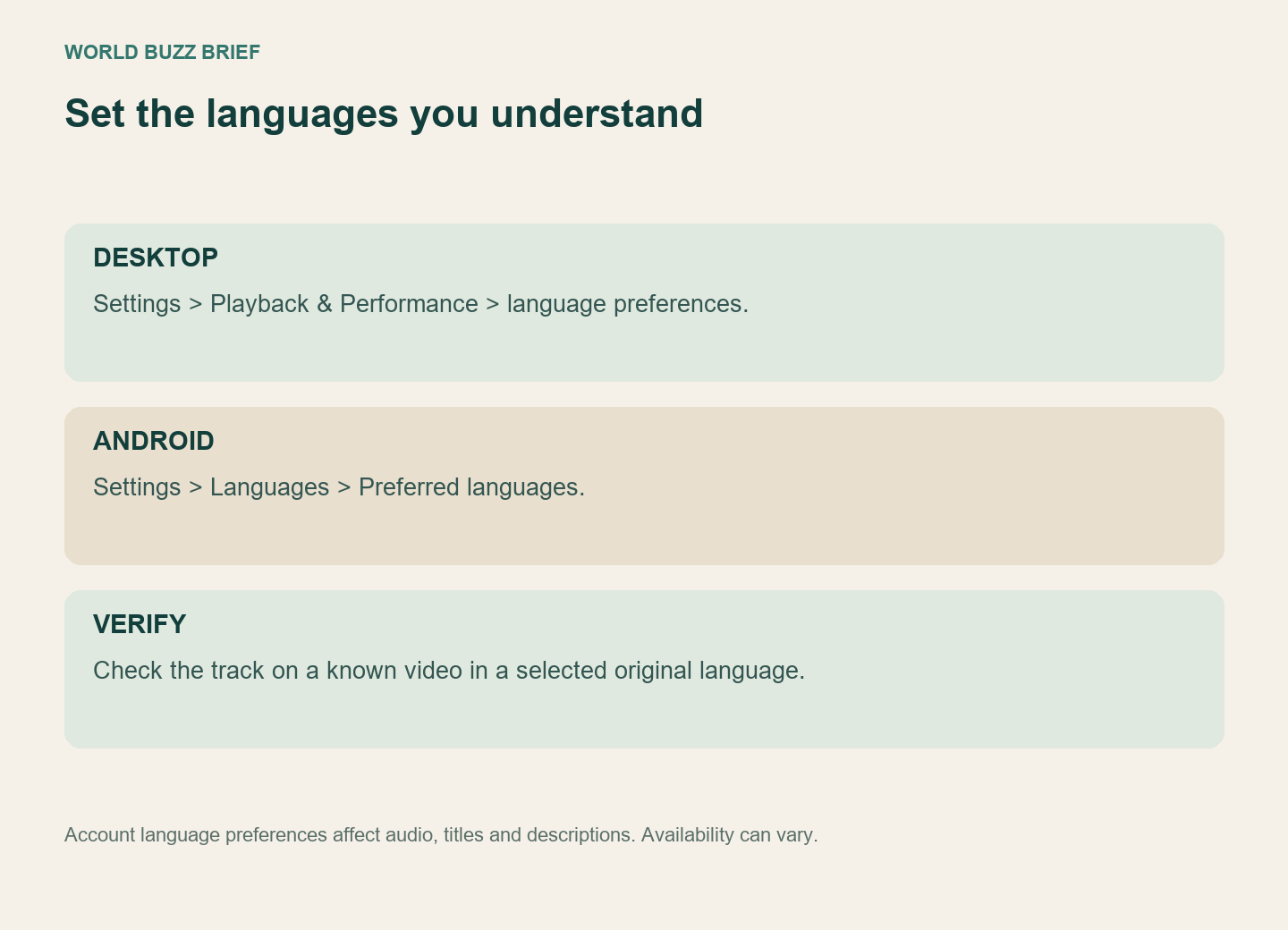
On desktop, open your profile settings, then Playback & Performance, and use the language section to add or edit preferred languages. In the Android app, the documented route is Settings, Languages, Preferred languages. Select the languages you want and confirm.
YouTube says that a video’s original audio defaults to the original when its language is among those preferences. The setting is separate from app language and location and does not change search results or recommendations. Add the languages relevant to your viewing rather than treating this as a promise to disable every translated track everywhere.
For a bilingual viewer, the useful test is concrete: reopen a known video originally recorded in one of the selected languages and check the track. If the result is unexpected, retain the video link, selected language and device details before reporting the problem. A broad complaint that “everything is translated” is harder to troubleshoot than a reproducible example.
A fluent dub is still a translation
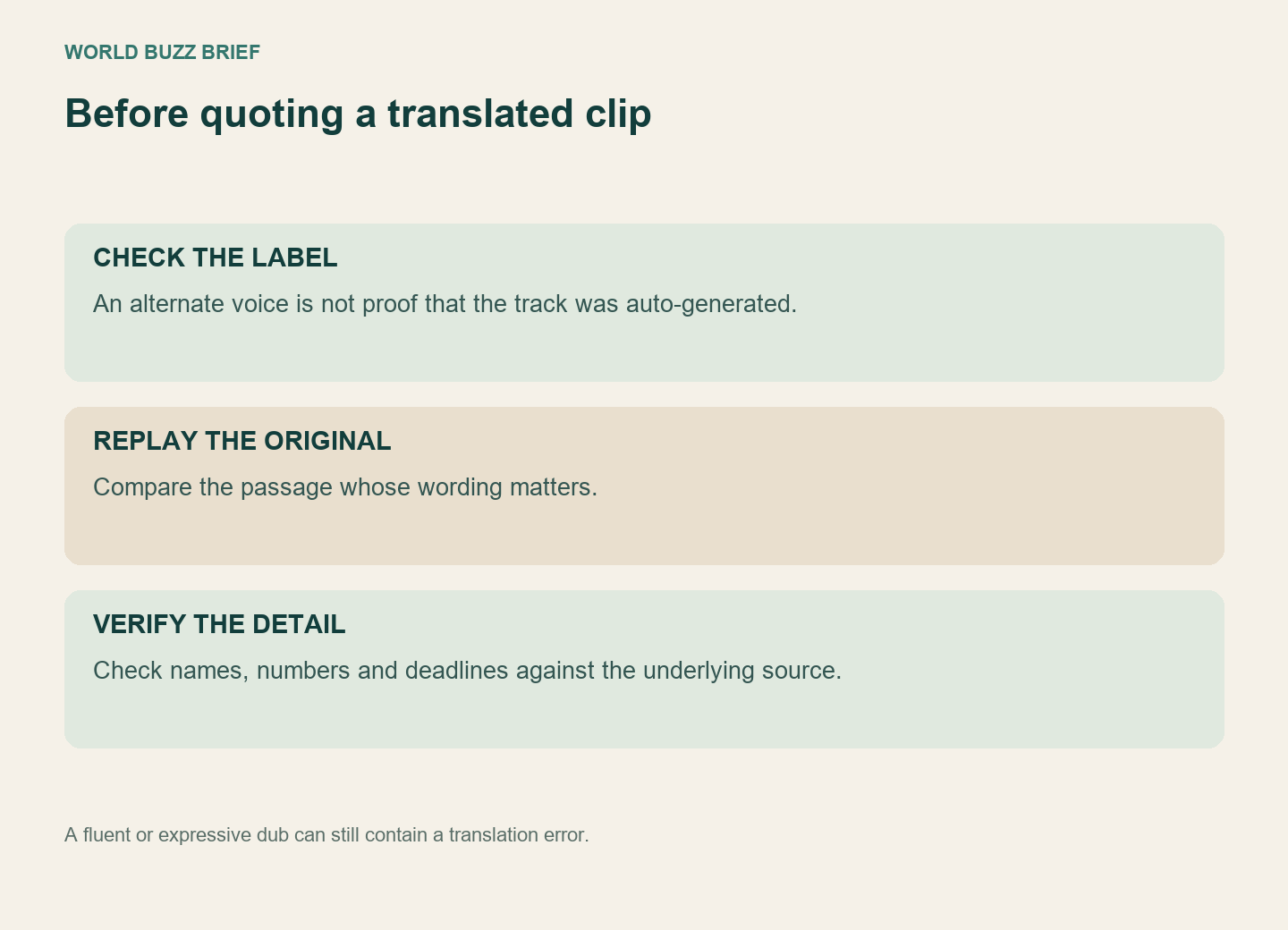
Automatically generated dubs are identified in the video description. YouTube’s dubbing documentation acknowledges errors involving names, idioms, jargon, pronunciation and noisy speech. Some languages support more expressive delivery, so a natural voice is not evidence that the translation was personally recorded or checked by the speaker.
This matters when a clip contains a product name, a deadline or a statement you intend to quote. Pause at that point, compare the original audio or an available original-language transcript, and follow the underlying announcement when one exists. If you cannot verify the wording, describe it as a translated rendering rather than placing it in quotation marks as the person’s exact words.
Not every alternate audio track is an automatic dub, and an unfamiliar voice alone does not establish how it was produced. Check the video’s labels and creator context. The useful distinction is between the track you chose, the method used to make it, and the accuracy of the particular claim you want to carry forward.