You select Lossless in Spotify, start a favourite album and hear little difference. That does not, by itself, tell you whether the setting failed or whether you need new headphones. First establish what is playing, where it is playing and how the sound reaches you.
This is a setup check using Spotify’s documentation, not a listening test or a recommendation to buy equipment. Keep your existing volume comfortable and change one part of the setup at a time.
Check the app and the content first
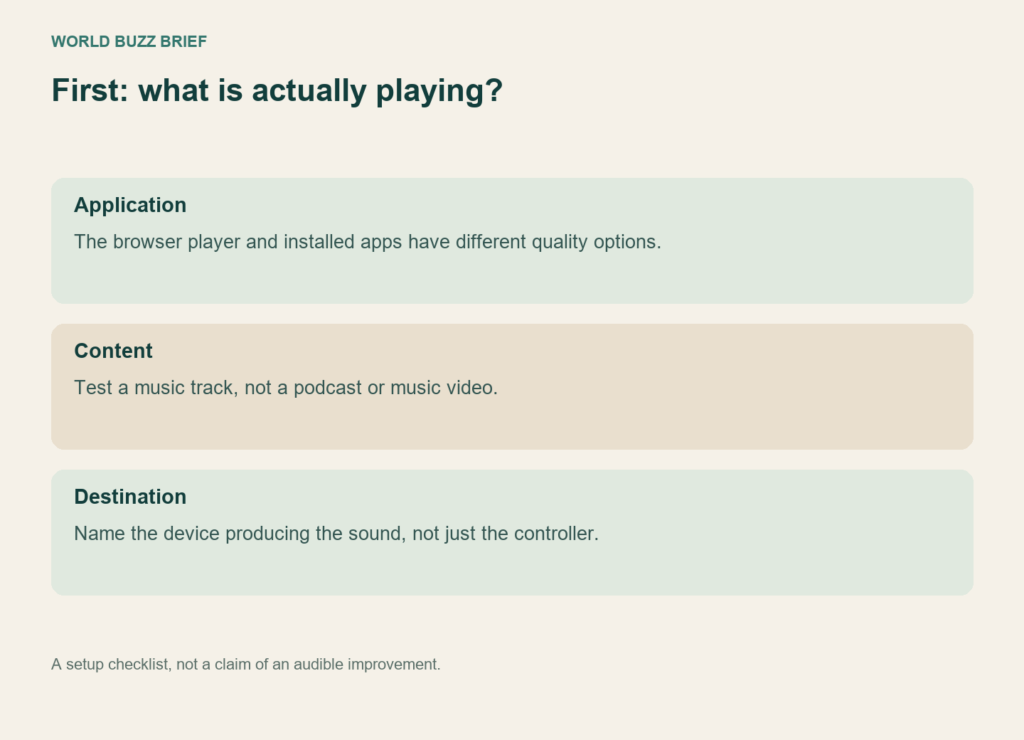
Spotify’s quality table distinguishes its apps from the web player. The Premium web player is listed at AAC 256 kbit/s, while supported mobile and desktop apps offer Lossless. Looking for the same setting in a browser tab can therefore send you down the wrong troubleshooting path.
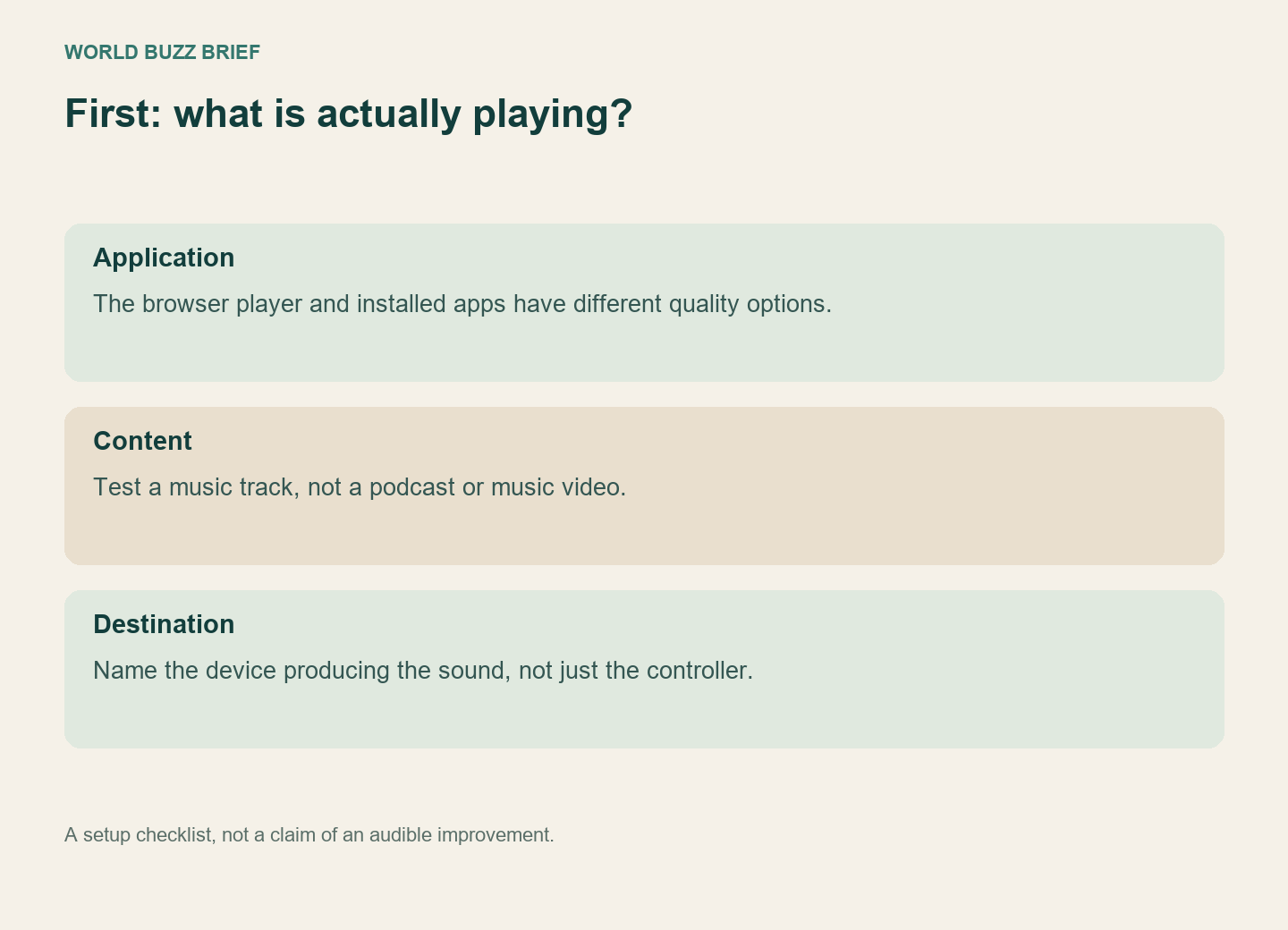
The lossless help page also excludes music videos, podcasts and audiobooks. Use a music track for this check. Record the app and playback device you are actually using; a setting on your phone is not useful evidence if the sound is coming from a different destination.
Follow the connection all the way to the speaker
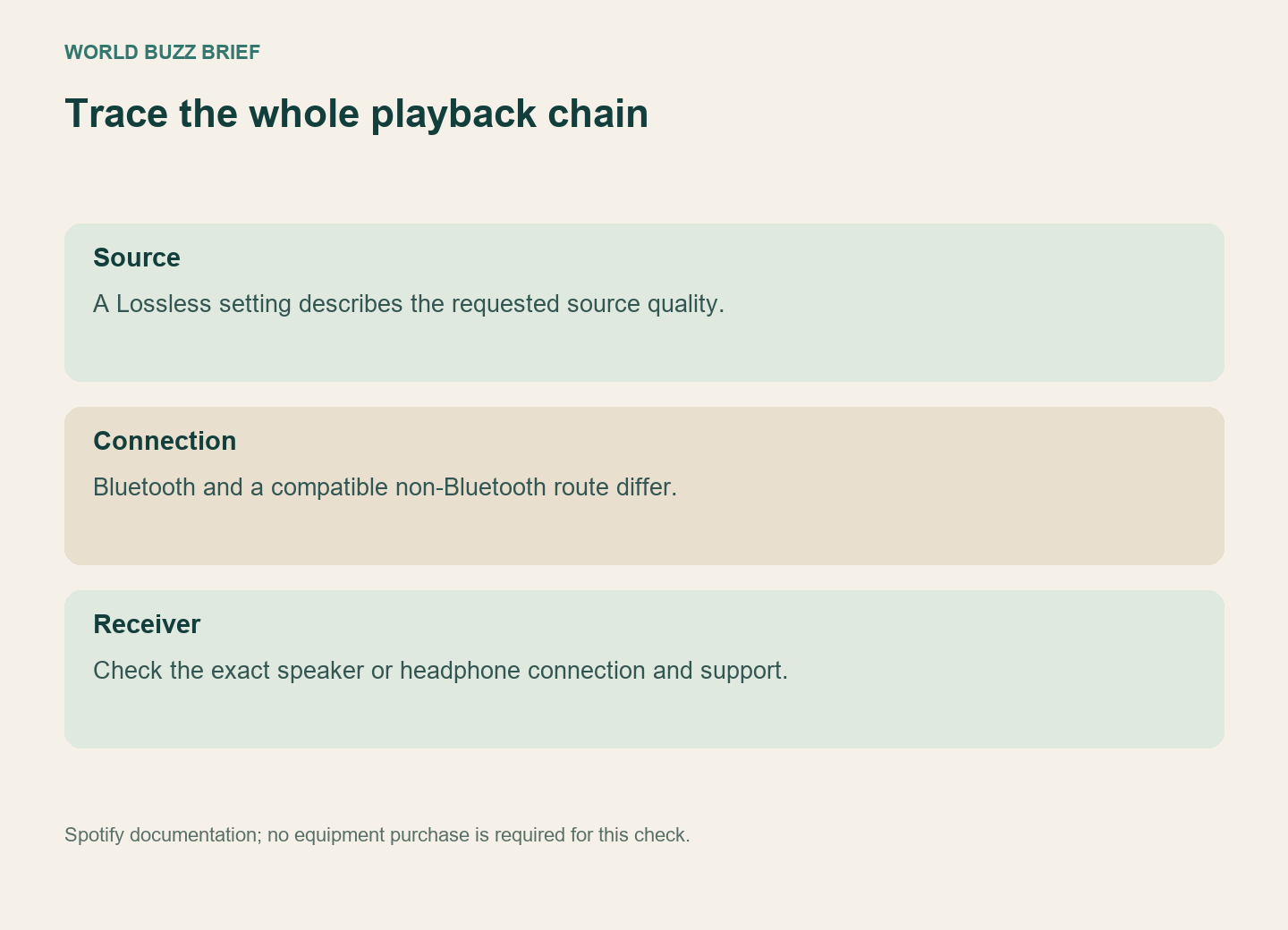
In its 2025 launch explanation, Spotify recommended wired headphones or a supported non-Bluetooth connection such as Spotify Connect. It explained that Bluetooth transmission compresses the signal. A lossless stream arriving at an app should not be treated as proof of an unchanged signal all the way to Bluetooth headphones.
For a compatible Connect speaker, the current help page says to select the playing device and change its quality while connected. Check the exact model’s support and firmware rather than assuming that every speaker with a Connect logo has identical capabilities. The phone can be the controller while another device does the playback.
Separate quality from loudness
Spotify’s normalization setting balances louder and quieter songs. That is a different control from the music format. Its Loud option also changes the dynamic experience; turning several audio settings at once makes it harder to identify what you are hearing.
For a useful comparison, use the same recording, headphones and surroundings, keep the level comfortable, and note which single setting changed. Do not turn the volume up to force a difference. Spotify itself says that lossless does not necessarily sound dramatically different to every listener.
Choose a setting you can sustain
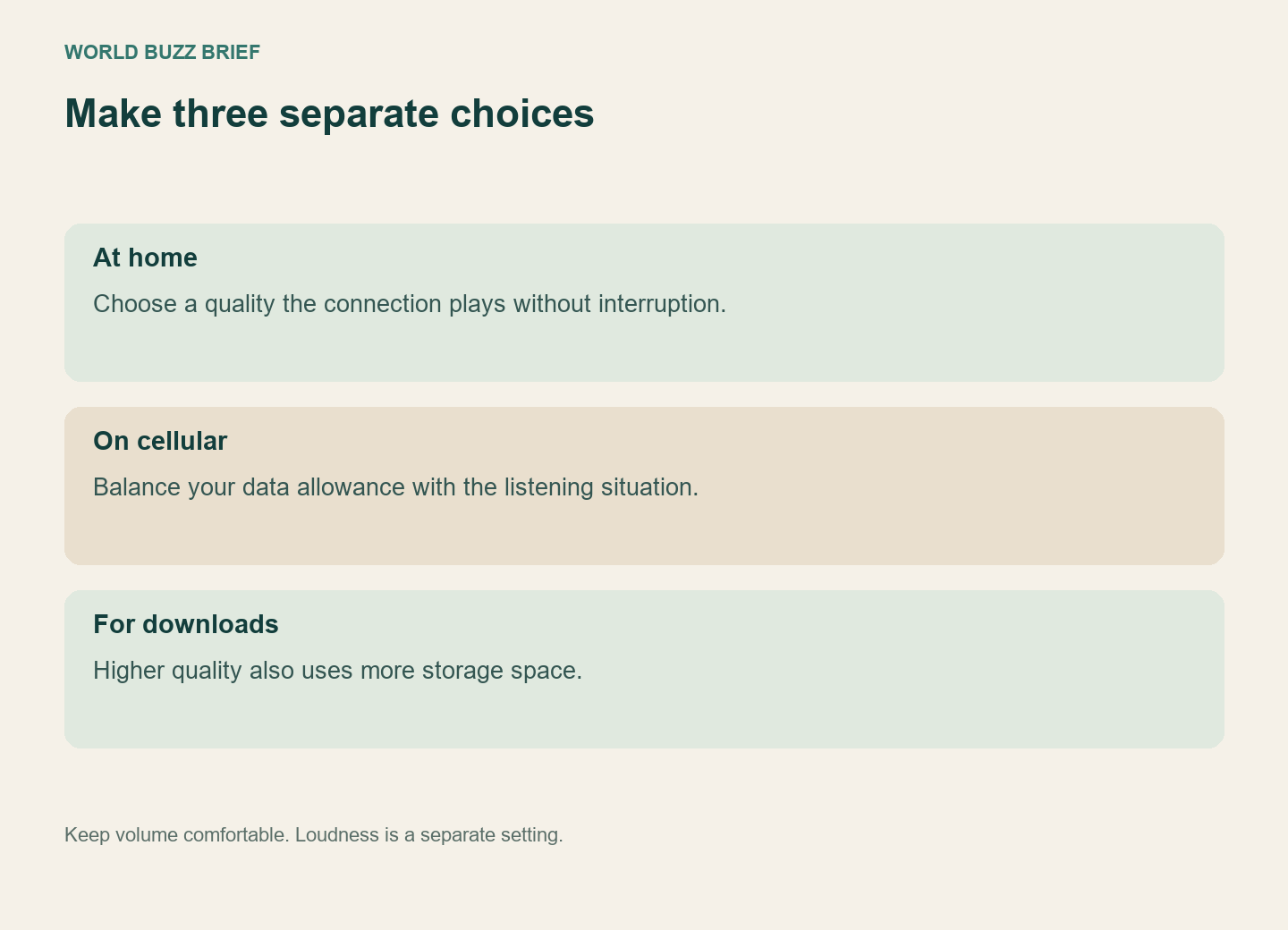
Higher streaming quality uses more data, and higher-quality downloads take more storage. Wi-Fi, cellular and download preferences are separate choices. You can prefer lossless at home without making the same choice on a metered connection.
If playback buffers, try a stable connection or a lower quality setting before blaming the recording. Write down the track, receiving device, connection and symptom if you need support. A clear report of “this speaker buffers over this connection” is more useful than “Premium sounds wrong.” Once the chain is understood, keeping your present setup is a valid outcome.