A presale announcement, a waiting-room screen and an order confirmation describe three different stages. Mixing them up can lead to the wrong preparation: hunting for a code that your sale does not use, opening duplicate queues, or agreeing to seats your group cannot afford. Prepare the decisions that belong to you before the countdown ends.
First identify which presale you actually have
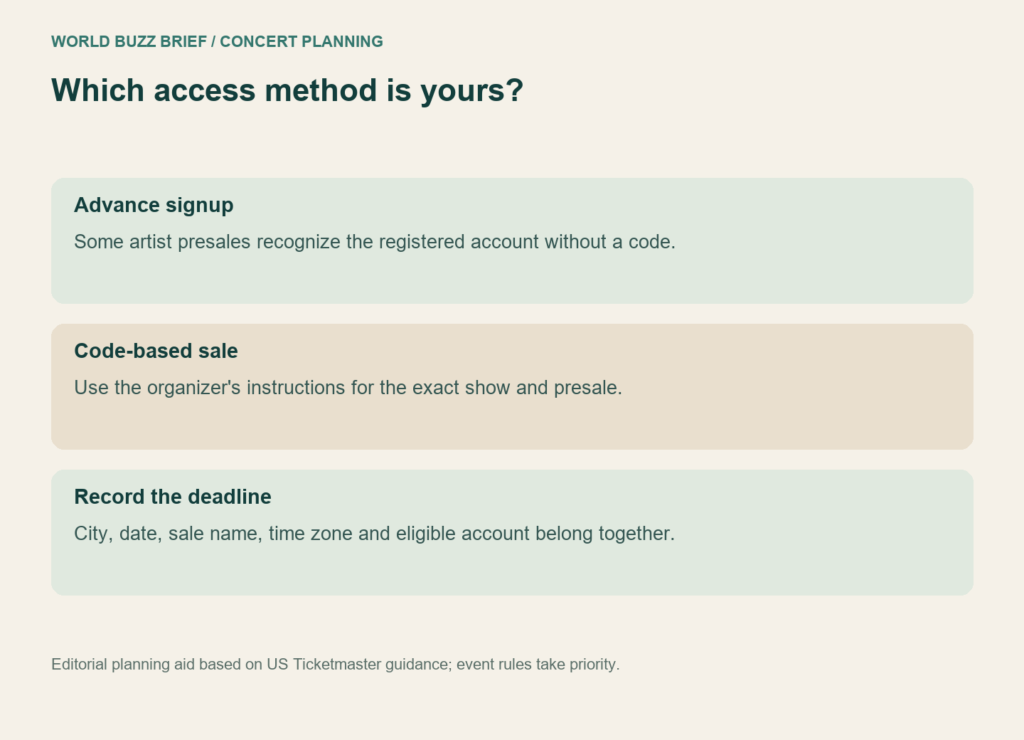
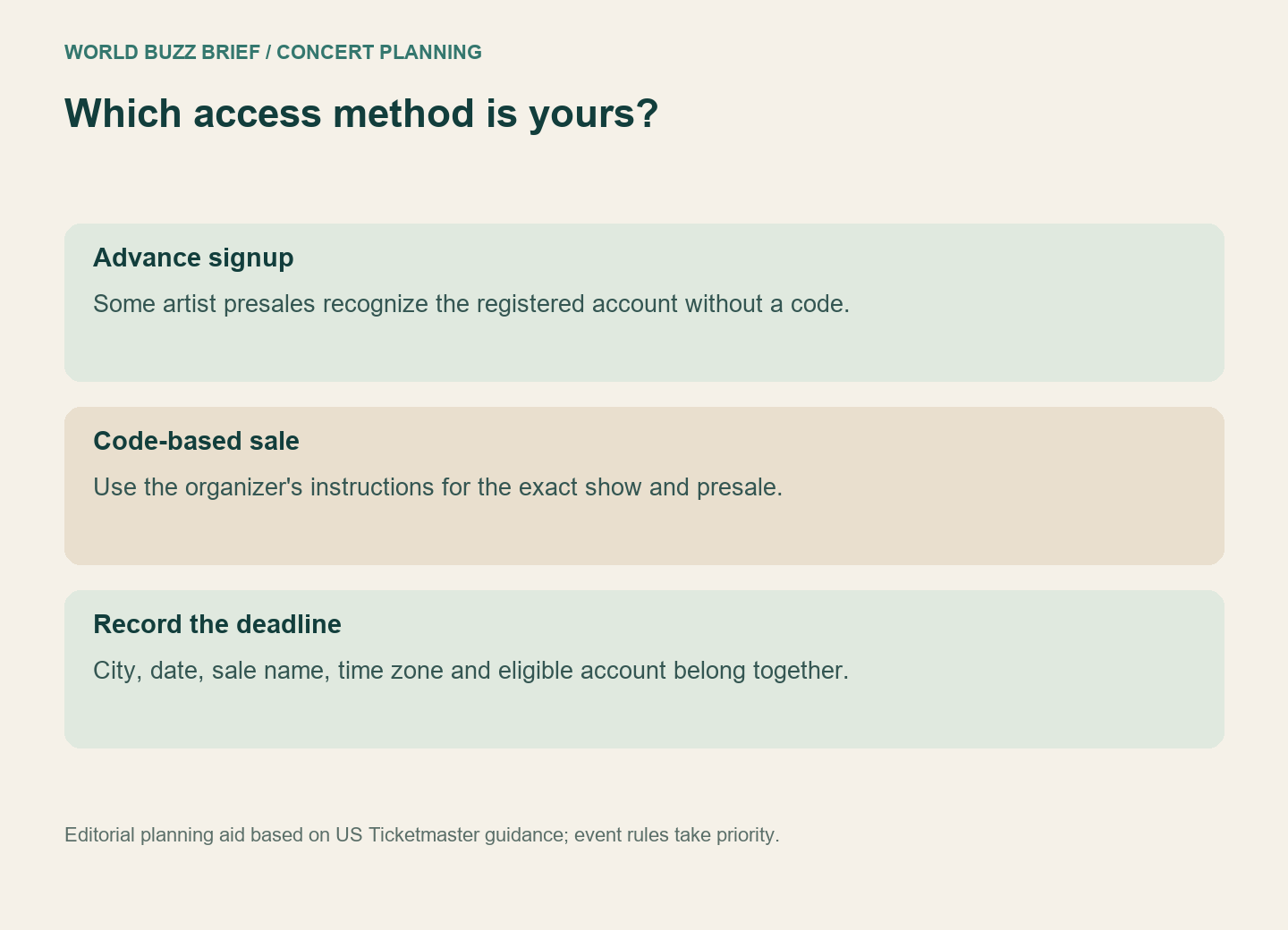
Ticketmaster’s June 2026 presale explanation distinguishes advance-signup artist presales from sales using codes. For the former, an eligible registered account can be recognized without a code. Fan-club and sponsor arrangements can have their own requirements and organizers. The word “presale” alone does not tell you which process applies.
Make a small note with the event date, city, sale name, opening time and time zone, signup deadline if there is one, and the account you used. Copy those details from the official event instructions. A friend’s screenshot for another city can be accurate and still be the wrong instruction sheet for your sale.
Separate joining the queue from duplicating it
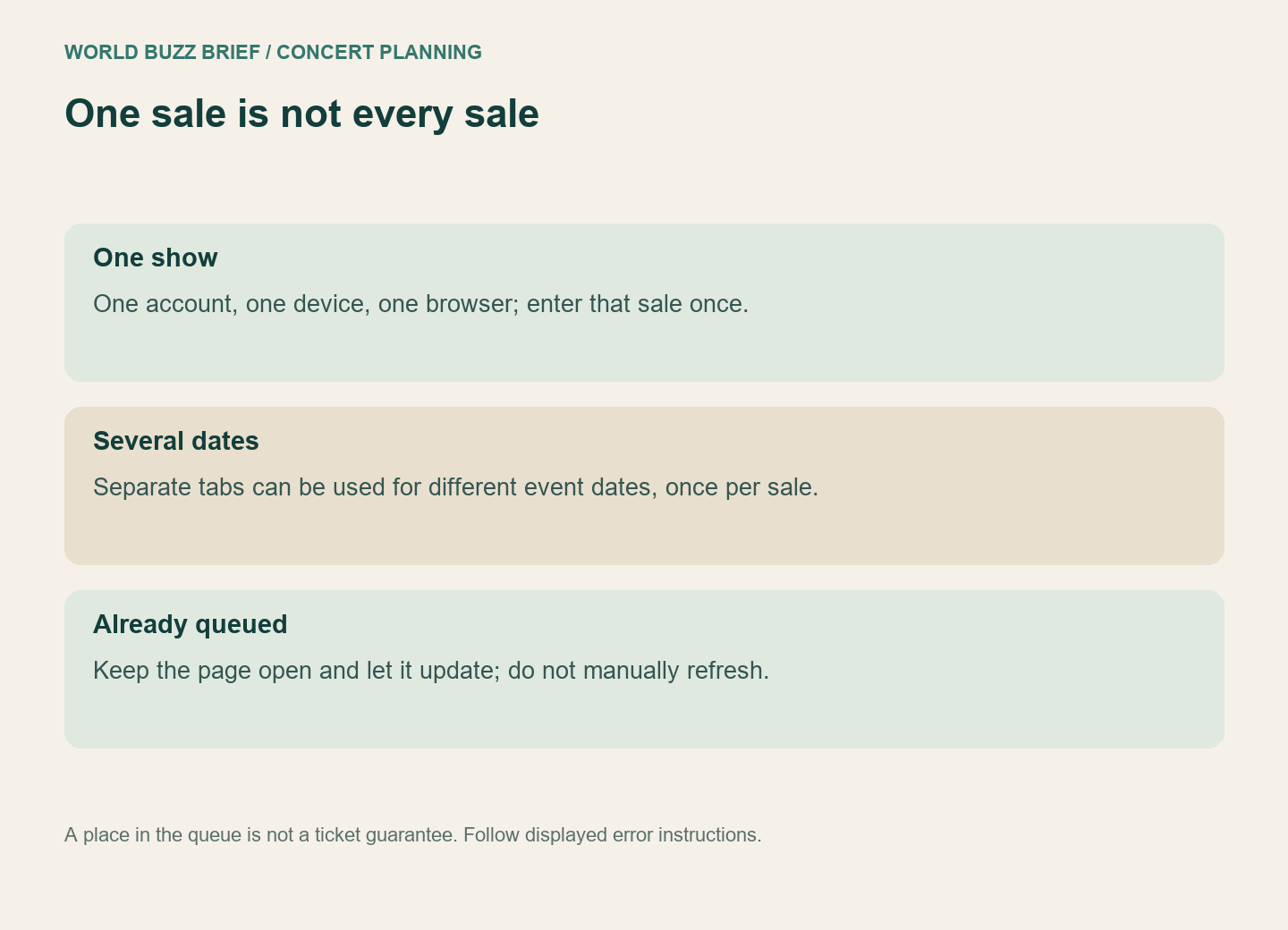
The US queue guidance recommends one account, one device and one browser. For several event dates, it permits separate tabs to join each individual sale once. That is different from opening the same show’s queue repeatedly on a phone and laptop.
Once in the queue, leave it open and let it update itself. Manually refreshing is not a shortcut. Ticketmaster’s queue explainer also warns that duplicate tabs for one show can cause errors. Follow the displayed instructions if an actual error appears; a slow-moving line by itself is not proof that your browser has failed.
Waiting-room opening times can vary: the general help page recommends joining up to 15 minutes before the sale, while the explainer describes a typical 15–30-minute window. Use the specific event page for your alarm rather than turning either general figure into a universal rule.
Write down a fallback before you see the seat map
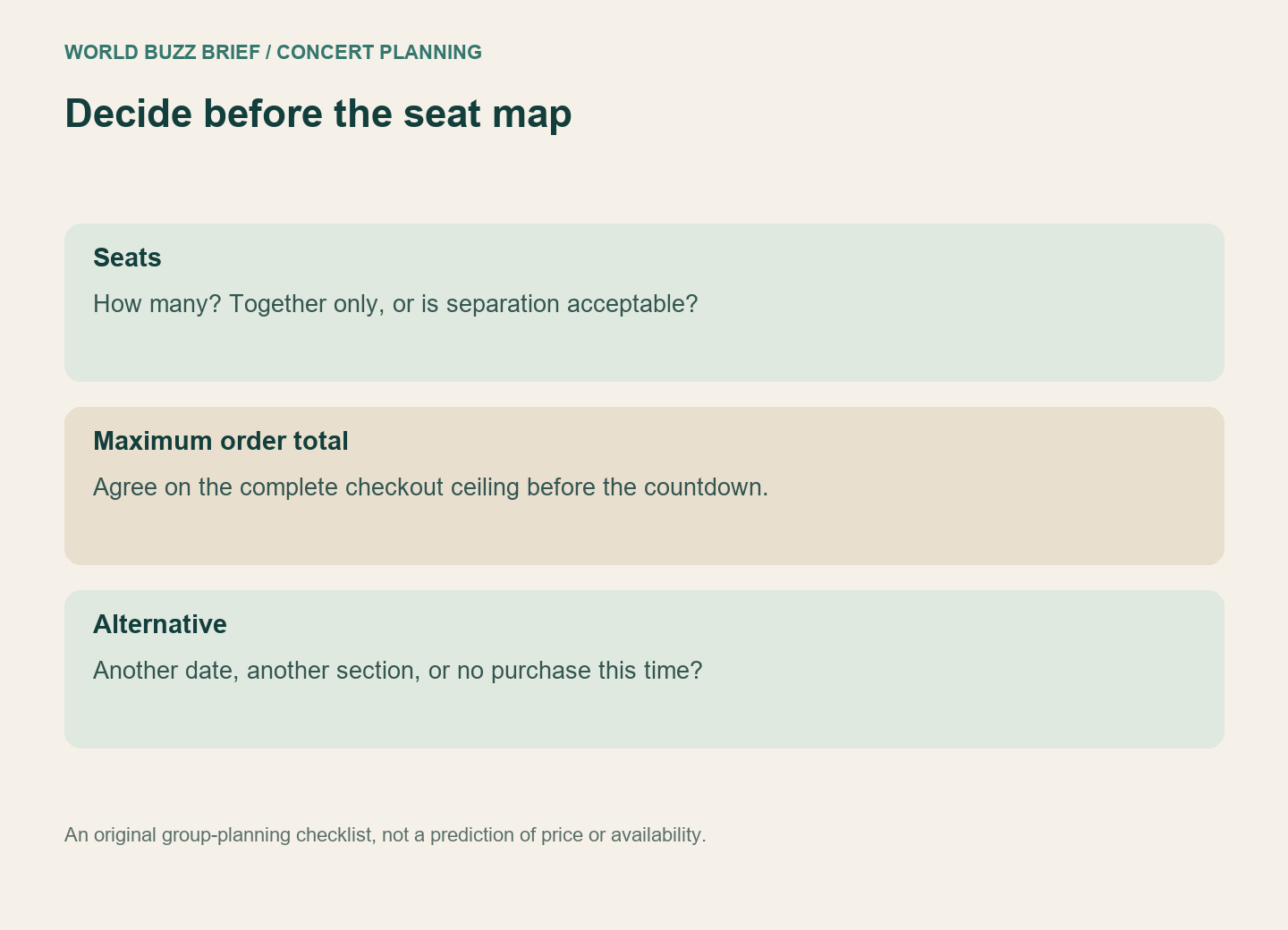
Here is a fictional group plan: three friends agree that sitting together matters more than being close to the stage. They set a maximum total checkout amount and decide that a different date is acceptable, but three scattered seats are not. When seats appear, they can compare them against an agreed decision instead of negotiating in a hurried group chat.
Your plan might be different. Write down ticket quantity, whether separation is acceptable, the maximum complete order cost and acceptable dates. Leave room for “none of these.” Access to a map does not require you to buy whatever is available, and a place in the queue does not guarantee tickets.
Before leaving the purchase flow, check the order in your account and save the confirmation. Keep the difference clear in your group chat: “I joined the line” is an update; “the order is confirmed” is a result. This preparation reduces avoidable confusion, not competition for limited seats.
Checked October 3, 2026 against Ticketmaster’s US guidance. This is not a live-sale alert or a guarantee for another ticketing provider. Artist, country and event rules still take priority.